Search Results for 'Wave'

By May 15, 2015 Read More →

Turn Any Wall, Ceiling or Floor into an Interactive Touchscreen
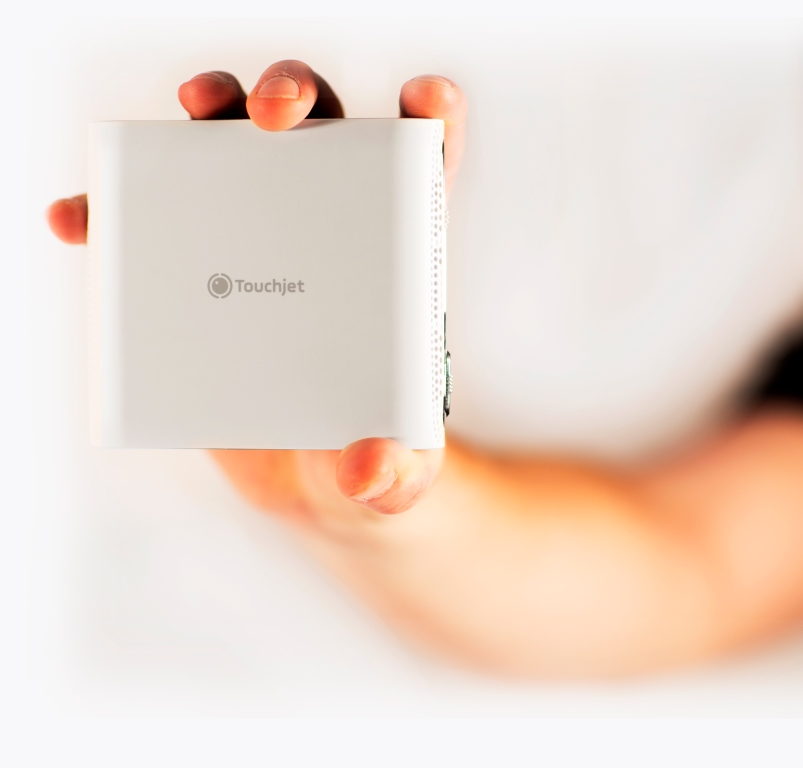
Touchjet Pond smart projectorToday, on the heels of one of the most successful Indiegogo crowd-funding campaigns of all time, Touchjet launched the Touchjet Pond Projector™. It’s the first consumer device that turns any flat surface into a super-sized touchscreen. A device that fits in the palm of your hand, the Touchjet Pond Projector is ultra-portable and can easily fit in a briefcase, backpack or purse. With the projector, users can interact directly with their photos, videos, games, apps and presentations on a large touch display (up to 80”) anywhere they go.

Built on the Android 4.4 operating system, the projector gives users access to hundreds of thousands of apps that can be downloaded directly to the device via Google Play. Users can also directly project from almost any smartphone or tablet using a third party app. The unique design and infrared (IR) technology brings any Android app to life with an interactive screen that users control with a stylus. Check out these Great Floors that can look amazing at your house.

In addition, Touchjet previewed the Touchjet WAVE™, the second product to leverage Touchjet’s proprietary touch technology. The Touchjet WAVE turns almost any flat screen TV or monitor into a touchscreen Smart TV (up to 60”) and features a compact, unobtrusive design with easy setup.

It will launch on Indiegogo next month and will be widely available later in the year. For more information on discount rates and early access, visit the website here:www.touchjet.eu.

“Mobile devices do a great job of keeping people connected, except when they are in the same room,” said Helen Thomas, CEO of Touchjet and former SVP of Worldwide Sales at Livescribe and GM of APAC International Business at LeapFrog. “We’re creating devices that take the interactivity of mobile apps and project it so everyone can share the experience, be it in the living room, classroom or a board room. Need someone to install you timber flooring at home? visit this site for more.

College classmates Tom Li Jiang, president, and Liu Zhen, CTO, recognized that mobile devices were isolating people, as families, friends and colleagues spent more and more time “together” staring at separate screens. It’s a concern shared by families as well. A recent survey showed that 71 percent of moms feel they are losing their kids to digital screens[1]. Tom and Liu founded Touchjet and developed the Touchjet Pond Projector and The TouchjetWAVE to change how consumers interact with their devices and each other, opening the door for shared experiences.

The unique technology that powers the Touchjet Pond Projector starts with the light processing unit (LPU). Positioned near the lens of the projector, the LPU picks up an infrared signal which then runs through an image-processing algorithm. That process translates the location of the user’s gesture into a standard touch point signal. The Touchjet algorithm must process thousands of points and dozens of projected frames per second in order to deliver the seamless interactive experience. The same infrared technology is applied in a similar fashion to the Touchjet WAVE.

The Touchjet Pond Projector can be set up in moments and is easy to use. Just turn on the projector, download the apps and start to interact with the content on the surface. Users can instantly play games, edit documents in real time or watch videos, all in one place. The options are endless:

●      At home: Bring family and friends together to play games, watch movies, share pictures and more. With the ability to use two styli at once, friends and family can join in on the fun, too. The projector can also replace other home media options — the 80” screen and functionality of Android apps make it a complete entertainment package that costs less than buying a similar-size TV and gaming console for the home.

●      In schools: Create an interactive classroom with Touchjet’s built-in Android system. With access to hundreds of educational apps covering an array of topics from learning how to read to recognizing colors and shapes, Touchjet brings an interactive lesson plan to groups of students that counter balances individual tablets and Chromebooks that are taking over the classroom.

●      On the go: Whether traveling for work or for pleasure, the projector’s portability is a real asset. Weighing in at 273 grams and equipped with a built-in speaker, the Touchjet Pond Projector is ideal for giving presentations, watching movies in a hotel room (or anywhere), chatting with loved ones or playing games.

The Touchjet Pond Projector’s price starts at £599.99 and includes:

  • Touchjet Pond Projector with a built-in computer pre-loaded with Android apps, the Android operating system and 18 GB of user-addressable memory

●      1 Power Supply (5vdc, 3A)

●      1 Battery

●      2 Styli

●      1 Airmouse

●      1 USB (OTG) cable for PC hookup or accessories

●      1 User Guide

●      6 AAA Batteries (for the two styli and Airmouse)

●      1 Carrying Case
Posted in: News, Press Releases
By March 19, 2015 Read More →

Unboxing the Piper NV from iControl

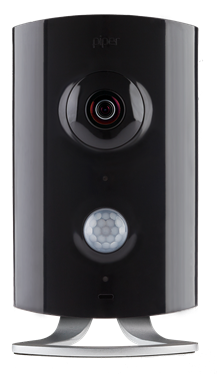
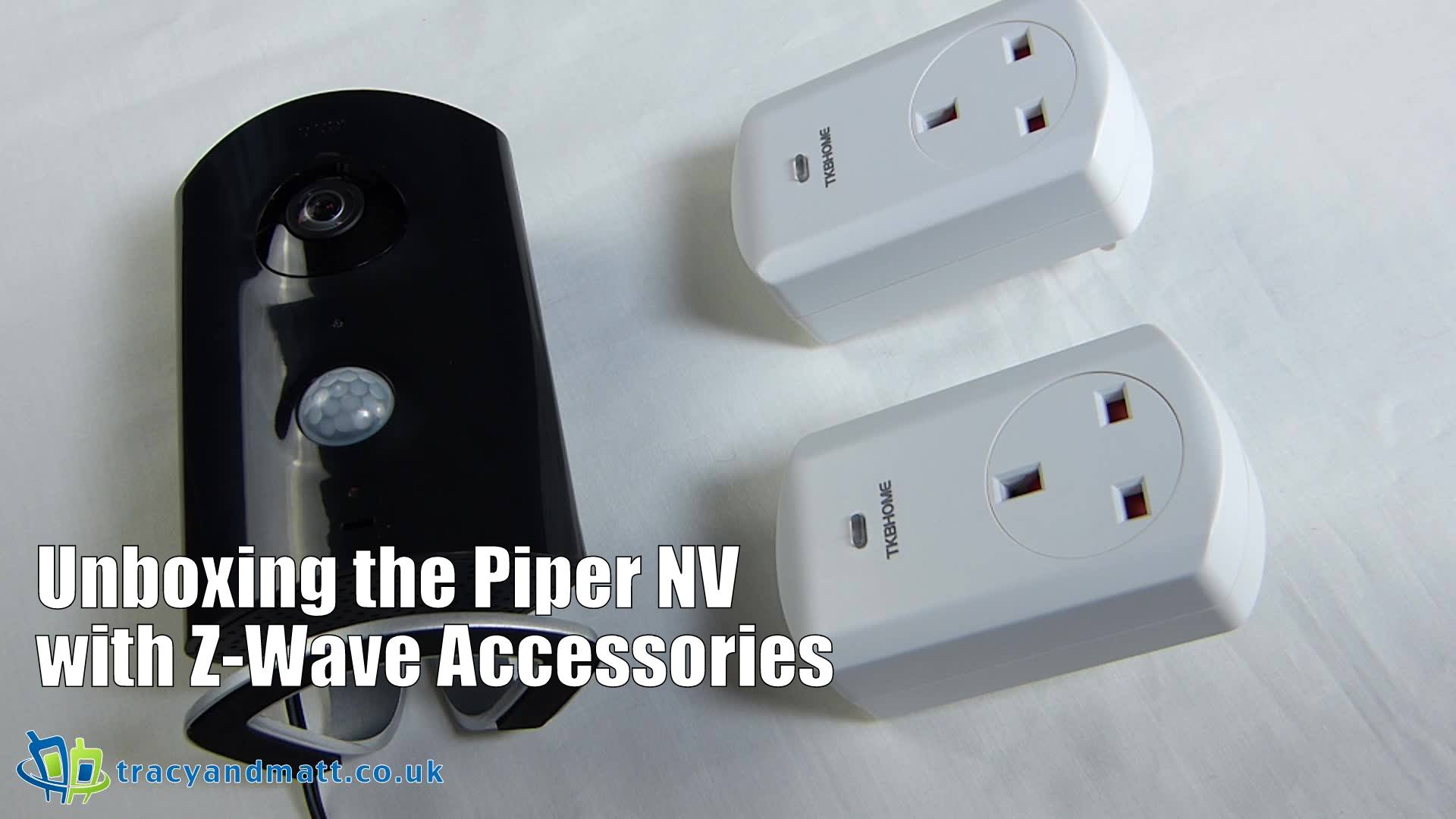
vlcsnap-2015-03-18-18h12m11s186Piper are a high end home security system innovator. The Piper nv is their latest hardware combining an attractive design with simple accessibility to make you and your home more secure. Priced at roughly £217 this camera features night vision, easy to installation and a clean and intuitive control software. The app is only compatible with iOS or Android and there is no Mac or PC interface, not to mention Windows Phone. Check the video below as I set this up and have a play with some of the features including the bundled Z-wave plug adapters.


For more information about Icontrol Networks and Piper visit icontrol.com and getpiper.com.

Posted in: Cameras, News, Wearables
Tags:
By March 12, 2015 Read More →

Meet the of Piper nv the all-in-one home security system

image001Icontrol Networks, a leader in connected home technology and innovation, today announces general availability in Europe for Piper nv, the only security system that can be easily tailored to what matters most. Building on the launch of the original Piper last year, the all-in-one home security, video monitoring and automation device has been engineered for reliability and built frustration free, making it easier than ever to connect via mobile device for peace of mind.

Over the last year, Piper has ushered in a new approach to home monitoring, security and automation and continues to deliver users a new and smart way to interact with their homes. With the DIY smart home market projected to reach $7.8 billion in the US alone by 2019, according to NextMarket Insights, the connected home is becoming more easily accessible to consumers than ever before and Piper continues to be at the forefront of the movement with Piper nv. In addition to the already comprehensive Piper feature set, Piper nv boasts:

●        Night Vision: Featuring the widest field of view available in the market, Piper nv’s 180-degree day/night vision offers a clear and complete view of your home no matter the time of day. Night vision kicks in automatically once the room starts getting dark.

●        Advanced camera resolution: The 3.4 megapixel camera sensor ensures you don’t miss any details!


“Being aware of events in your home has never been easier with Piper,” said Russell Ure, creator of Piper and an executive vice president and GM at Icontrol Networks. “Piper nv provides homeowners with unsurpassed visibility into their homes and ensures places and loved ones are always protected and safe. It sets a new standard for the optimal video experience in the smart home marketplace.”

image001

Piper has been recognised for its innovative technology and broad consumer appeal, and is powered by Icontrol Networks, a leader in the connected home marketplace.


In addition to night vision and advanced camera resolution, Piper nv has been designed for maximum customisation and includes the core Piper features:

●        Security: Customise three security modes (home, away and vacation), motion detector and piercing, 105-decibel siren.

●        Automation: Integrate Z-Wave accessories into Piper’s security modes, control them remotely, on a schedule, or using environmental data.

●        HD Panoramic camera: 180° fisheye lens, electronic pan, tilt, and zoom, 1080p camera sensor.

●        Customised alerts: Phone call, text message, email, and push notifications to users and their trusted circle when security rules are triggered.

●        Environmental sensors: Monitor and control home temperature, humidity, ambient light and sound.

●        Elegant Design: Simple, intuitive app. Stunning, compact, two-toned form with brushed metal legs.

●        Smart Hardware: ARM processor, battery backup, internal memory for video storage, 802.11b/g/n Wi-Fi.

●        Android & iOS support: Available on Android and iOS smartphones and tablets.

●        Two-way audio: Talk directly to occupants through Piper through its app on your mobile device.

●        Multi-Piper functionality: Support up to five different Pipers within a home so you always have visibility and control over your different spaces.

●        Bedside mode: Featuring an active panic button, Bedside mode lets users manually turn on a siren in case of an emergency. Easy to reach and quick to access for fast action, users can now set Piper to Bedside mode before going to sleep for a more secure environment at night.

Piper nv can now be purchased at getpiper.com starting at €299.00 (£217.00) and Piper will continue to be sold for €199.00 (£145.00)*. The free Piper application is also available for download in the iTunes App Store and in the Google Play Store. 

By October 22, 2014 Read More →

Be Bond: try these gadgets

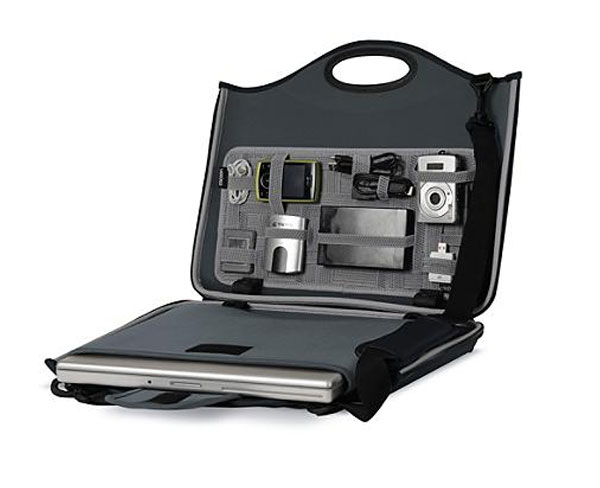
james-bond-gadget-caseThe bomb will explode in 40 seconds, so you better hurry up, Bond. You run through the metal corridors of the underground lair, eliminate four henchmen with your Walther PPK and chuck a defusing device at the bomb, seeing its timer stop at 00:07 seconds.

With that, the queen suddenly materialises in front of you, clutching a medal of honour and giving you a wry smile and a subtle wink. “Your majesty!” you exclaim, as you kneel on the ground.

It’s at about this time that you wake up, clutching your bedside lamp and saluting at your still-sleeping girlfriend.

If this is an experience you recognise, then it might be time to get those master spy fantasies out of your system.

With a few of these gadgets, you’ll be able to live your life like the suburban Bond you long to be. And stop saluting at your girlfriend in your sleep – it’s weirding her out.

Maintain an eagle eye

Just a decade or so ago, trying to hide a security camera was like concealing a woolly mammoth under your jumper. With their mass of wires, hefty lenses and loudly whirring rotation mechanism, they were about as subtle as a Brian Blessed cosplay convention. I always wanted to learn more about cosplay and this site has all the information.

How things change. Now, surveillance cameras can be concealed in replica Coke cans, BIC lighters, Blu-ray players and pretty much anything else you like.

Whether you’re meeting an ex-KGB informer, rendezvousing with a double agent or want to prove to your girlfriend that you did say to meet at eight, not quarter-past nine, these hidden surveillance cameras can be invaluable for the home.

Glass yourself

Google Glass, that pair of hi-tech spectacles, has been making waves in the press, and rightly so. This versatile piece of kit could put Q out of a job, if he’s not careful.

You can essentially have the entirety of the internet in your eyes with Google Glass. Whether that means you want to Google someone’s name to think of new conversation topics or record the world around you, the possibilities are endless.

Some have criticised the device, claiming it’s leading our already dwindling attention spans to their death knell. But don’t let such negativity bother you – the Glass is the next step in technology.

See through the night

Do you ever stare into darkness and imagine what it’s like to be on adult dating sites for casual sex, you might also wonder what’s going in the inky black of the night? Then, ignoring the fact that you’ve got too much time on your hands, night vision goggles are perfect for you.

Even the cheaper end of the scale now allows you to see in complete darkness. Perfect for camping trips, reconnaissance missions or sneaking around your house with the lights off (everybody needs a hobby), pick up a reasonably priced pair and enjoy the pleasures of the night.

Posted in: Editorial, Gadgets
By March 30, 2014 Read More →

The Armiga – part Android, part Commodore, all awesome

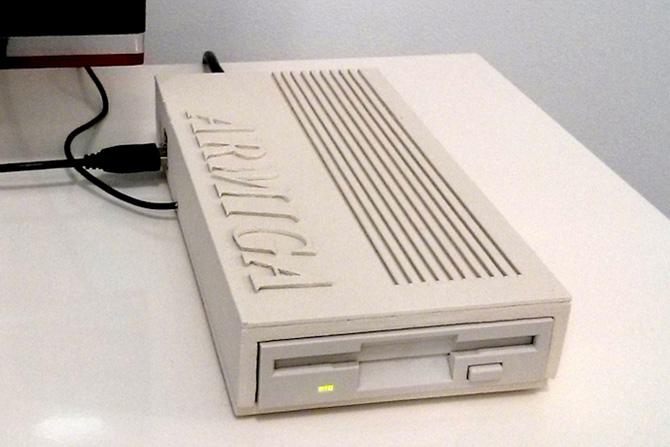
1820-armiga-project-prototypeThere is a new IndieGoGo campaign is hoping to provide Commodore enthusiasts with an authentic as possible experience to the original Amiga with an all-in-one enclosed package. Running on a Raspberry Pi is an Amiga emulator configured as an Amiga 500 with 1MB of RAM, equipped with an on-board 3.5″ floppy disk drive .

There have been a wave of machines that emulate various pieces of old hardware recently. From Bluetooth Spectrum 48k for an iPad to the Retron 5 taking all manner of cartridge based games. Whilst the argument that you are better off using the original hardware these newer alternatives appealingly offer HDMI outputs, a more reliable method of enjoying pixel perfect gameplay on modern displays.

The system features a dual booting setup. Equipped with the latest build of Android users will have tools at the ready to create disk images of original floppies. Emulation fans can look forward to screenshot functionality and the addition of save states too, while the techies amongst us can revel in the possibilities the ethernet port may bring.

The Armiga Project is hoping $140,000 in the next two months, with pledges of $139 securing one of the first systems.

Armiga Specification:

  • Powerful Dual Core ARM CPU.
  • 2 USB host: Joystick, mouse and keyboard support, as well as pendrives/hdds.
  • SD card slot: Save your ADFs or bring new ones!
  • Ethernet connection: Connect to your network for easy ADF management.
  • HDMI: Digital AV quality on the big screen!.

Features:

  • Full Amiga 500 emulation: The target machine is the iconic Amiga 500 and right now 90% of the disks are running!
  • Boot to Android: Armiga supports Dual Boot and comes loaded with Android 4.2.2, so when you’re not playing you can have all the power of Android!.
  • Automatic disk load: Like in the original Amiga; insert the disk and off you go!.
  • Disk dump: Create ADF images of your favorite games and keep them safe on the SD.
  • ADF support: Bring your own ADF images on a pendrive or SD card and enjoy!
  • Disk swap: Just insert the disk and it will be dumped. When time comes to change disks, just select the right ADF. Ain’t it easy?.
  • FTP server: No need to take the SD off to manage the ADFs; just do it from your computer!.
  • Graphical menu: Simple and elegant, with usability as main focus.
  • Game save: Save your game and resume later.
  • Autosave: Forgot to save?. We do it for you!
  • Screenshot: Wanna share your joy?. Give our screenshot feature a try.

By March 5, 2014 Read More →

Voice Activation

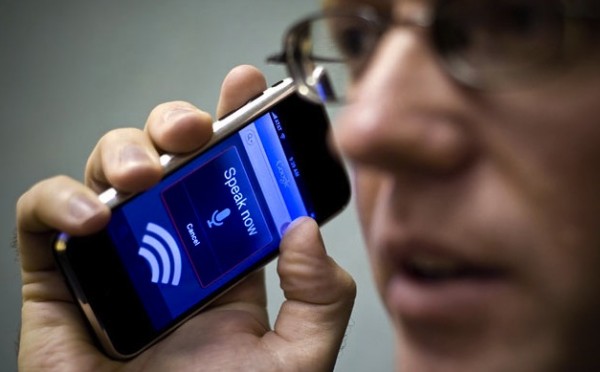
voice-600x372The hands free control (voice activation) allows you to wave your hand over the screen to change pages and you can even scroll up and down web pages with your eyes.

The Moto X has a crystal clear 4.7-inch AMOLED display, a 10 megapixel camera with Quick Capture so that you never miss a moment and an impressive Intuitive Android KitKat operating system to name a few. The camera on this phone is excellent and able to take fantastic shots quickly without blurring the images. The interface is slick and it shoots quickly, making taking photographs with the Moto X simple and easy, it’s a great phone if you’re a fan of photography for blogging, social networking or just for the fun of it.

The Moto X’s touchless control is perhaps the most outstanding feature and is sure to be a favourite choice amongst consumers. The Moto X is always ready so that you don’t have to wait around for it to catch up with your busy lifestyle. The touchless control responds to your voice instantly and opens up your device without the need for hands. The Moto X can search for anything you want on Google, set an alarm or get you directions or the weather in an instant and all with simple voice commands. The phone responds clearly so it is easy for you to hear and comprehend the responding voice. The phone is capable of understanding you, no matter what your accent is so you can enjoy this feature without speaking like a robot in order to be understood.

Following the release of the Moto X the overall industry reaction has been very positive with the industry largely handing out 4 star reviews:

By February 4, 2014 Read More →

Presenting the Chromecast SDK

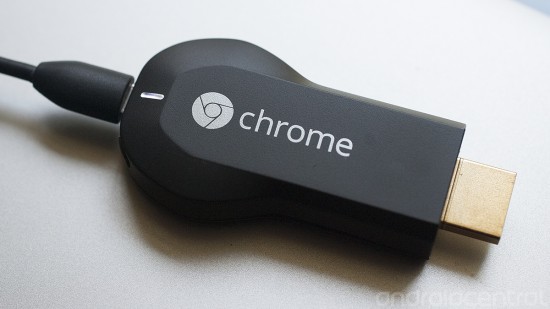
Chromecast SDKAfter a long and gruelling 6 months the SDK for Google’s Chromecast officially became available for purchase, so we can now expect to see a wave of apps pouring through the floodgates for Google popular TV plugin. At this point in time there are only a handful of services available for the Chromecast out of the box and with several similar devices coming to market it makes total sense for Google to launch the SDK to increase the Chromecast’s standing in the home entertainment market.

Check it out here!

Posted in: News, TV & Home Cinema
Tags:
By January 23, 2014 Read More →

The Nexus 8 this summer?

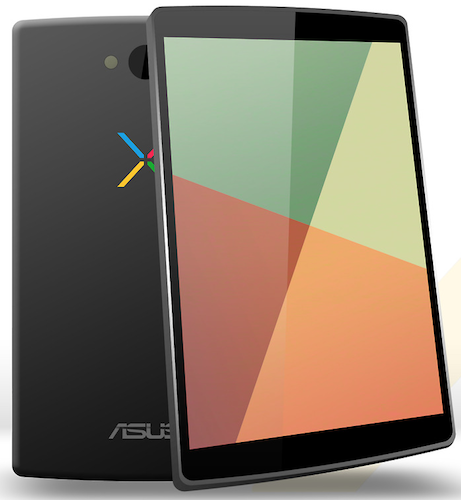
Nexus 8The latest Android tablet rumour is that Google is planning to release a Nexus 8 tablet in the middle of this year. Supposedly, the success of the Apple iPad Mini has forced Google to take notice and offer a compelling alternative in that size range. Some also say that the Nexus 7 (2013) is loosing ground to the wave of cheaper 7″ tablets hitting the market over Christmas.

An interesting side note about this rumoured Nexus 8 tablet is that Google is mulling over using Intel’s Bay Trail architecture instead of NVIDIA or Qualcomm this time. Whilst Samsung seem to be top pick for a refresh of the Nexus 10 later this year, LG covering things phone-side, Asustek is the likely favourite to produce this. The LG G Pad 8.3 was a killer upon release, even having a Play Store variant. Lenovo will also be a strong contender as their contribution to the Android hardware world has be fairly impressive. Google will have a tough decision of who to go with.

Posted in: News, Tablets
Tags:
By January 8, 2014 Read More →

Will Windows 8.2 see the return of the Windows start menu?

win8_2When Windows 8 was revealed to the public back in October 2012, there was a burning question floating around – where’s the notorious Windows Start menu? The update had not only shocked everyone with its multi-functioning operating system, touch-screen compatibilities and bright Live Tiles but it had also omitted some of the most well known functionalities synonymous with many computers whether they’ve been bought from the high street or online from retailers like ebay.co.uk.

The sudden disappearance of the Windows Start menu, previously seen in Windows 7, was met with mixed reviews, prompting Microsoft to rethink. Like all successful companies, they listened to customer feedback before releasing the first major system update aptly named Windows 8.1 in October 2013. This saw the reintroduction of the Start button allowing users easy access to other parts of the computer system including the Control Panel and Task Manager – but the full features of the Start menu are still missing.

With Microsoft 8.2 (apparently codenamed Threshold), expected some time in the near future, many people have been speculating the changes that might occur. Of course, the Windows Start menu has been top of the list with bloggers and computer fanatics suggesting the full menu will indeed make a comeback. After all, it’s the next logical step isn’t it? According to Winsupersite, the next version of Windows will let users run Metro apps in floating windows on the desktop and reintroduce the Start menu on products that support the desktop.

So, with this in mind, maybe one day we’ll have an upgrade with a good old Start menu that can do all its regular tricks such as start programs, open commonly used folders, search for files, folders and programs, adjust computer settings, get help with the Windows operating system, turn off the computer, log off from Windows/switch to a different user account. Or perhaps we’ll get a Start menu that’s completely different and spark another wave of computer related fury.

For now, however, Microsoft are keeping their lips tightly sealed so we’ll have to just be satisfied with the state-of-the-art, high-tech Start screen that stands in place of the Start menu – and is it really that shabby? Sure, it might take a bit of getting used to (all new things do), but with the ability to pin, group, rename, order and resize an array of apps at your leisure, Windows 8.1 displays an array of clever technology and is designed to make your life a bit easier. The interface can be used with a keyboard and mouse or as a touch screen (depending on the computer you buy) and allows you to do everything from retouching photos to creating slide shows and playlists.


– This article was written by freelance writer and mother of three, Kathryn Thompson.  Follow her on Twitter: @katht35

By December 30, 2013 Read More →

Another Notion Ink Adam?

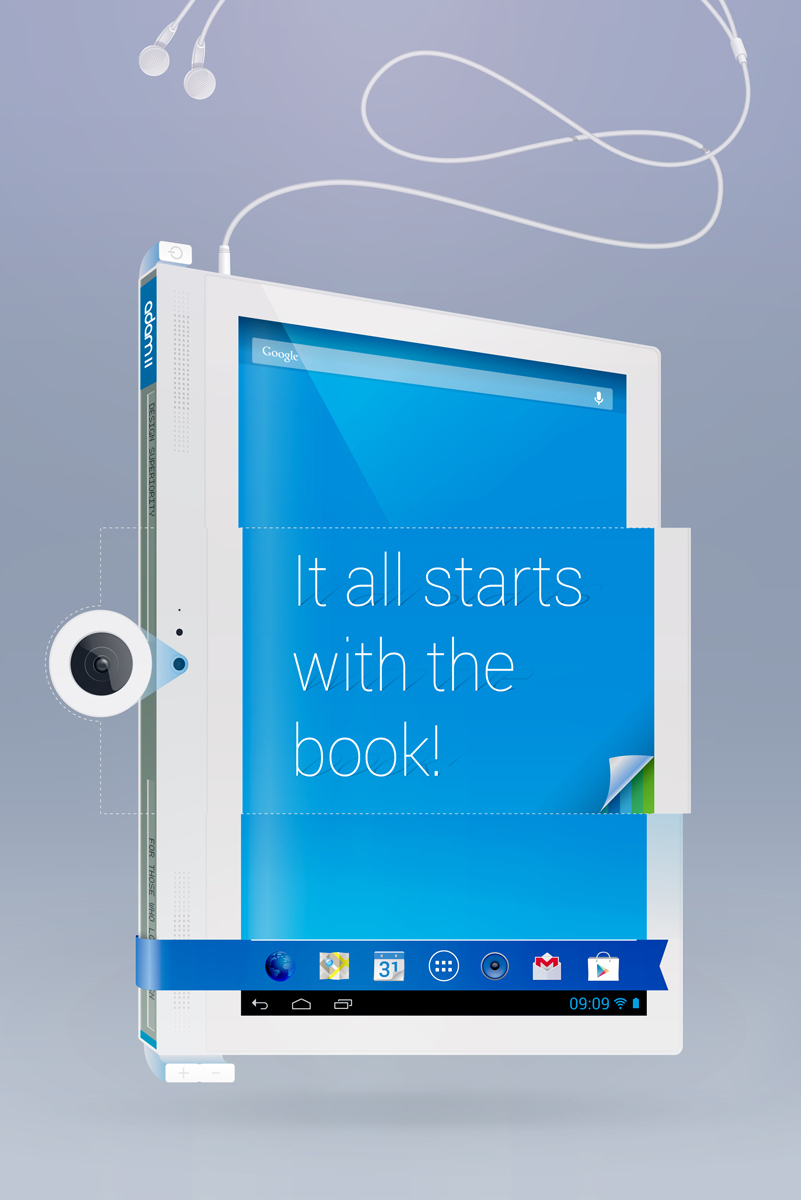
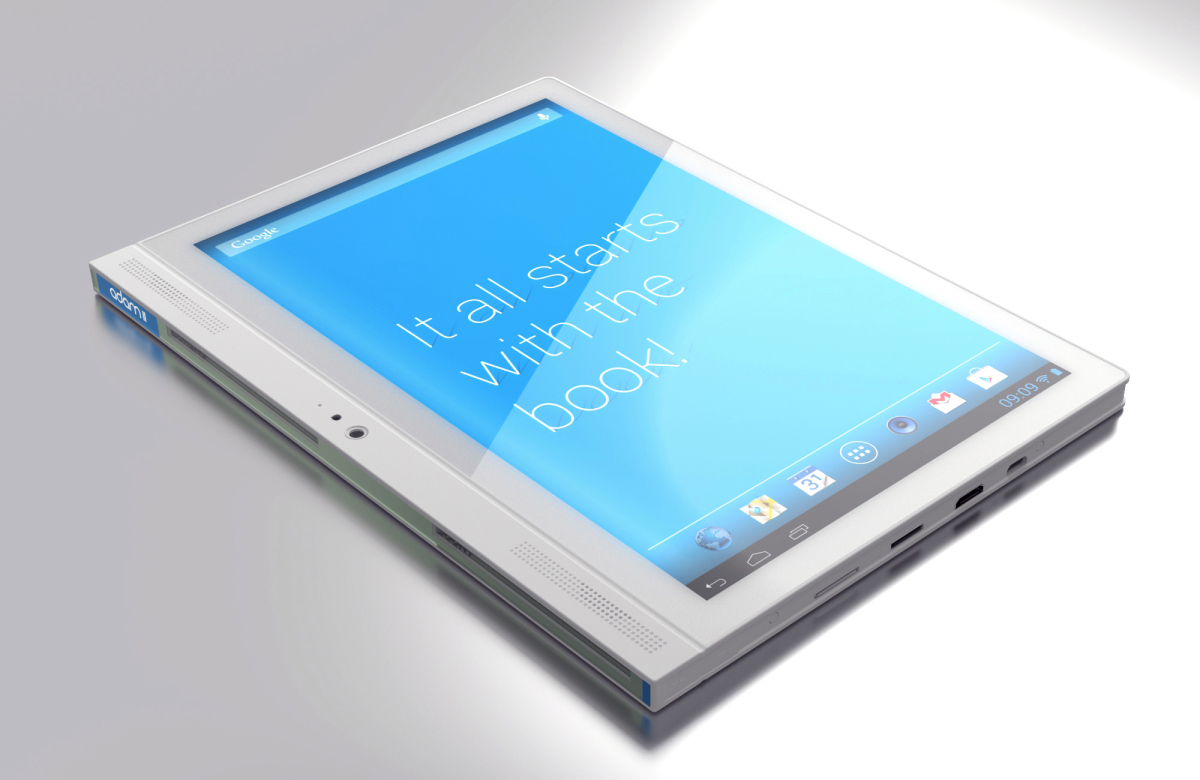
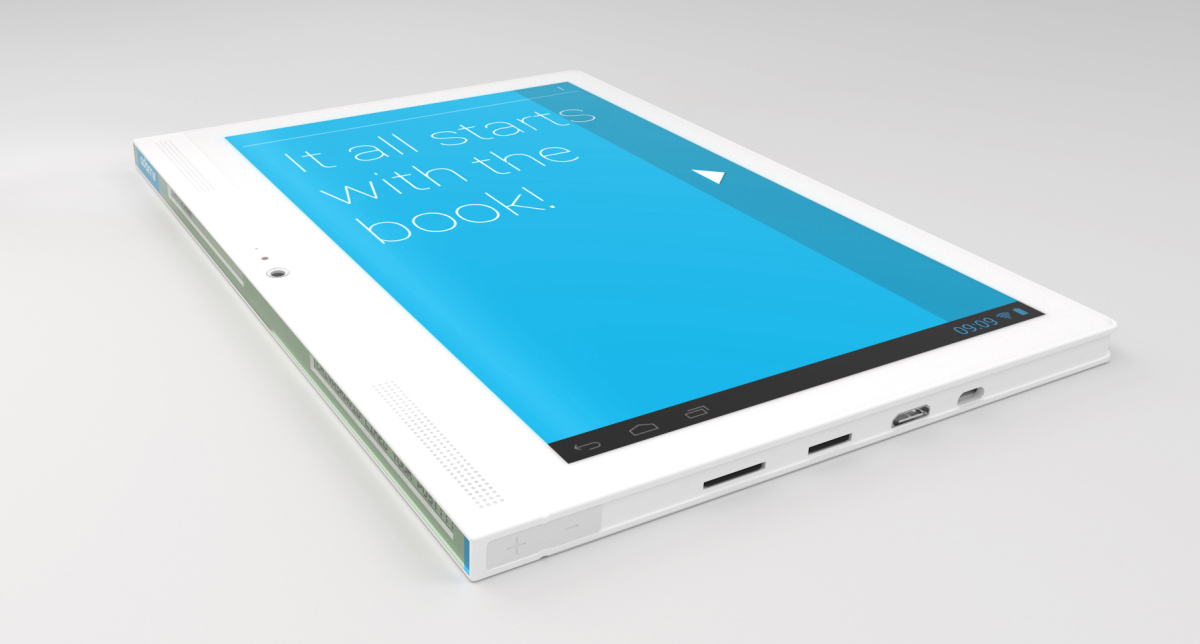
Notion Ink AdamBack in 2010 when Android tablets were seen as a gamble and often compared to oversized smartphones, many companies chanced their arm to shape the tablet scene. Advent, Toshiba and Samsung were making waves however there were an number of smaller companies pushing their way into the spotlight. One of these was Notion Ink, an Indian company who spent most of 2010 putting together a mindful and exciting tablet experience.

The Notion Ink Adam was a tablet I really wanted to get my hands on, however I never managed to. Running a Nvidia Tegra 250 processor with a 1 GHz Dual Core Cortex A9 the Adam delivered Android 2.2 Froyo with a heavy overlay that dared to be an all in one companion. 

2-angled


3-angled-2

Recently Notion Ink have launched the Adam II. A surprise as few expected the Adam to have been popular enough to have warranted a follow up.

  •  1.5GHz Dual Core Cortex A9
  • Quad-Core Mali 400 (clocked at 400MHz)
  • DDR3 1GB (clocked at 400MHz)
  • 10.1″(diagonal), 1280×800 resolution with Wide Viewing Angle & IPS technology
  • Multi-touch Capacitive & Asahi Scratch Resistant Glass
  • Super Twister Nematic (STN), 100×5 pixels, 2 Displays
  • WiFi 802.11 b/g/n, Bluetooth 4.0, 3G (Data only, no calls)
  • 8GB internal Memory, Mirco-SD card support (up to 32GB)
  • 3.15MP front and back with BSI Technology, 720p HD Video Recording
  • Mini-HDMI, High speed micro USB 2.0 (OTG) & 3.5mm Headphone Jack
  • Dual 1.0W front facing speakers, front facing built-in microphone
  • 6000mAh Lithium Polymer Ion battery
  • Android 4.2.2

Whilst the specifications are hardly anything to write home about, a killer feature is included.  A secondary display built into the tablet’s side. This “super-twisted nematic” screen display notifications and contextual information in black and white along the side of the device.

4-stn-close-up

 A gimmick? Perhaps, however thinking of the tablet in a slip case this may work for some. Others will probably use a phone or perhaps a wearable to keep up with updates. However, we will endeavour to locate a device and give it a good going over, if we are lucky.

Posted in: News, Tablets
https://www.ukmeds.co.uk/surgical-face-masks