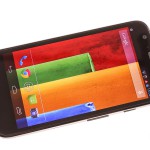
 Here we are again with another review of an exciting new device, the Motorola Moto G. This phones has had a lot of press recently and it has even been suggested that this is the bargain of the decade by some. The phone is the Motorola’s second successful smartphone behind their hugely successful Moto X in the USA, soon to be here in the UK too.
So with this much excitement for a product how does it fair in everyday life?
Well to find out the answer then please do read on, make sure to check out the hands on video of this Moto G Beta device from Matt.
Product Specifications:
- 2G Network: GSM 850 / 900 / 1800 / 1900
- CDMA 800 / 1900 – CDMA version
- 3G Network: HSDPA 850 / 900 / 1900 / 2100
- CDMA2000 1xEV-DO – CDMA version
- Micro-SIM
- Dimensions: 129.9 x 65.9 x 11.6 mm
- Weight: 143 g
- Display: IPS LCD capacitive touchscreen, 16M colours, 720 x 1280 pixels, 4.5 inches
- Corning Gorilla Glass 3
- 3.5mm jack
- Internal Memory: 8/16 GB
- RAM: 1GB
- Wi-Fi 802.11 b/g/n, Wi-Fi hotspot
- Bluetooth v4.0 with A2DP, LE
- MicroUSB v2.0, USB Host
- Primary Camera: 5 MP, 2592х1944 pixels, autofocus, LED flash, Geo-tagging, touch focus, face detection, HDR, panorama, 720p@30fps, stereo sound rec.
- Secondary Camera: 1.3 MP
- Android OS, v4.3 (Jelly Bean), upgradable to v4.4.2 (KitKat)
- Qualcomm Snapdragon 400
- Quad-core 1.2 GHz Cortex-A7
- Adreno 305
- Accelerometer, proximity, compass
- FM radio
- GPS with A-GPS support and GLONASS
- Non-removable Li-Ion 2070 mAh battery
10 Second Review:
- Product: Motorola Moto G
- Price: from as little as £119.99 +top up on pay as you go and from £149.99 Sim free. Contracts begin at £11 also.
- Summary: This little phone is unbelievable value for money, so much so that I haven’t used my own Nexus 5 during the week that I’ve been using this device! A must buy!
- Best Of: Display for the price, performance is great, size, upgraded to KitKat on day one!
- Worst of: Camera could be a little better, non-removable battery is a pain and lack of MicroSD support and also there’s no NFC or 4G.
- Buy from: www.phones4u.co.uk and www.clove.co.uk and many more…
- Also Consider: At this price point there’s nothing more to consider but if your budget can stretch then I would say the Nexus 5 or Samsung galaxy s3/4 minis.
General:
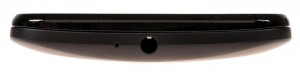
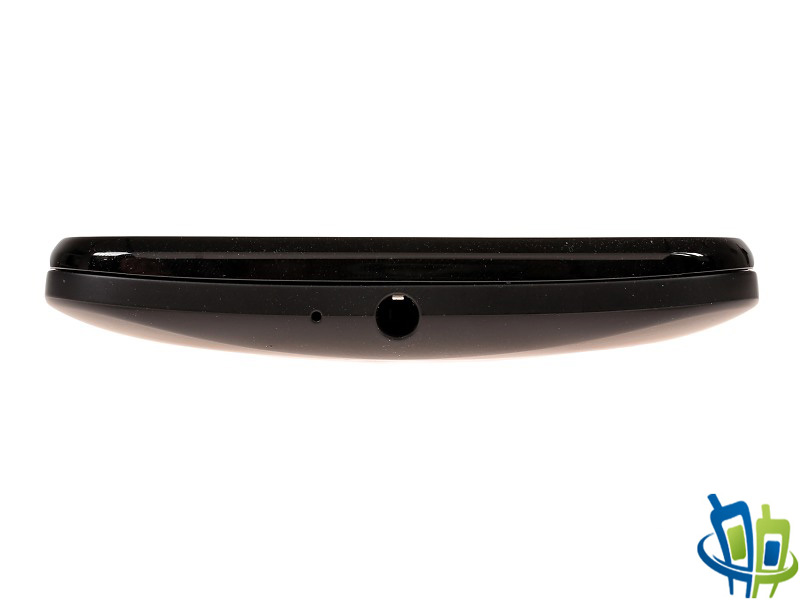
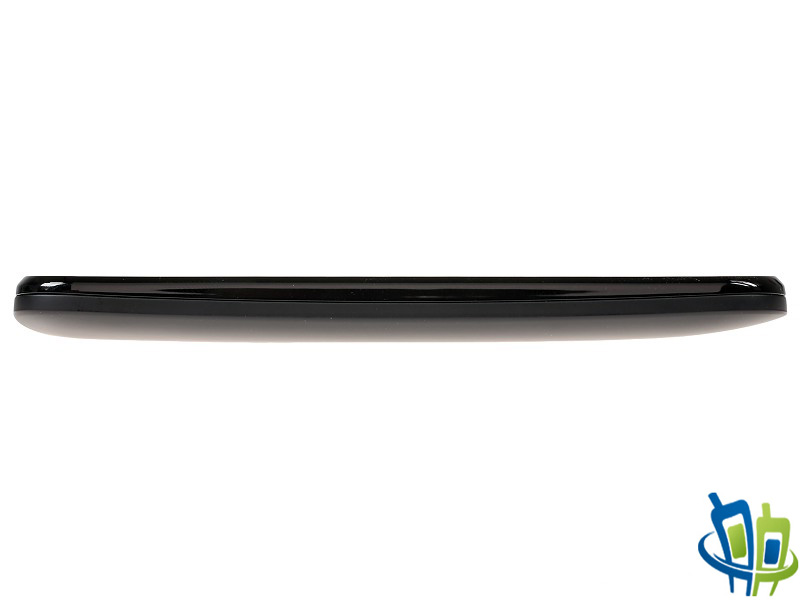
Atop the Moto G is a little hole which is the second microphone and next to that is the 3.5mm jack.
The left has nothing but smooth plastic.

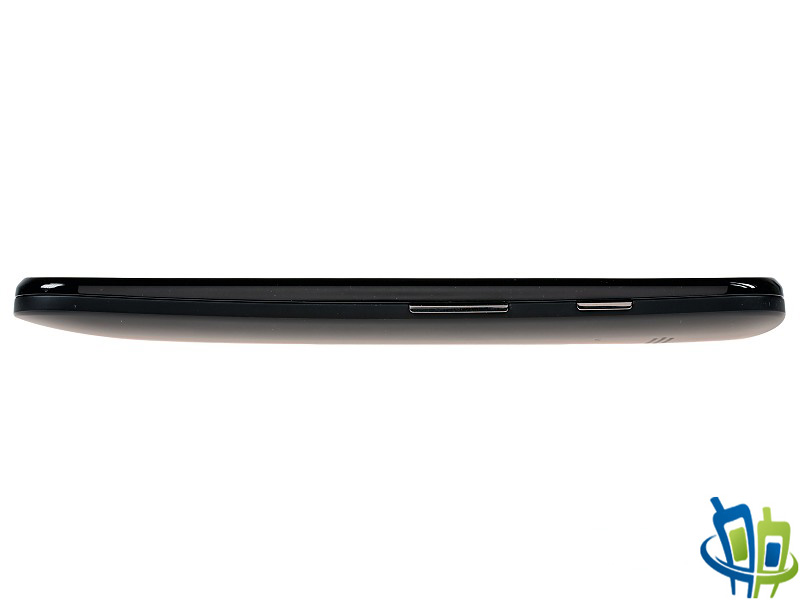
On the right is where you will find the power button and quite a small up/down volume rocker.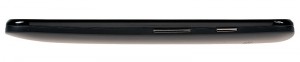
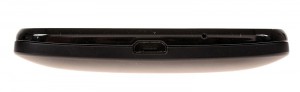
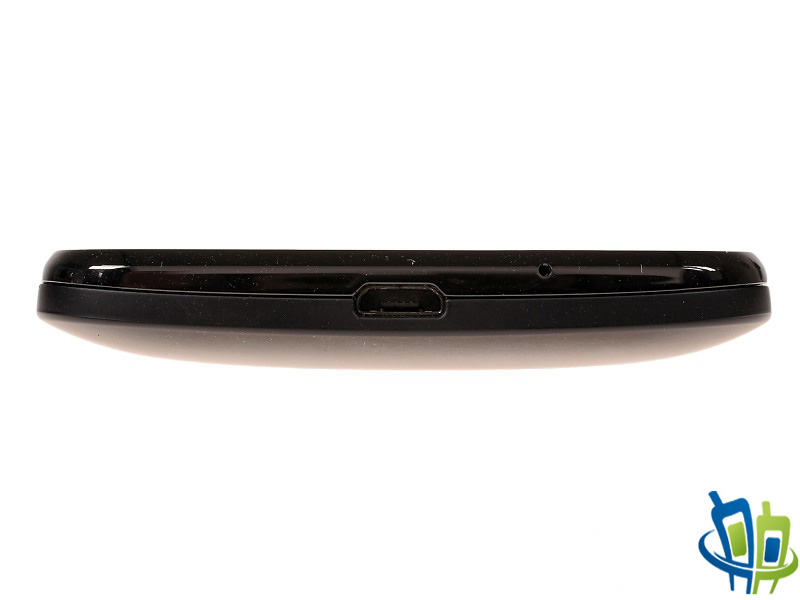
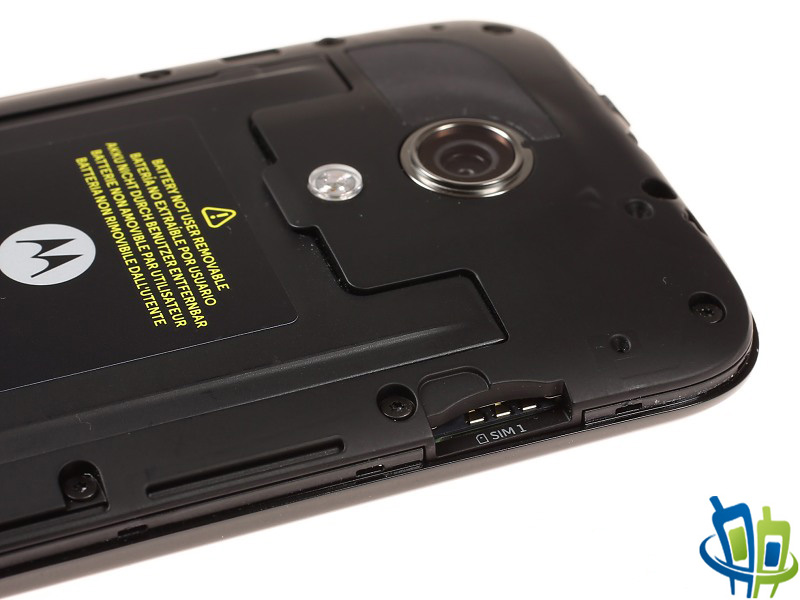
The bottom of the device is where the MicroUSB charging port is placed, this incidentally is the place that you have to try your best to remove the back cover, and it’s very difficult! There’s also the microphone for use during voice calls. The Sim Card slot is beneath the back cover also. We believe a 100gb sim is sufficient for everyday use.
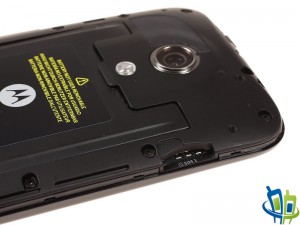
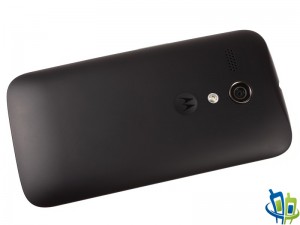
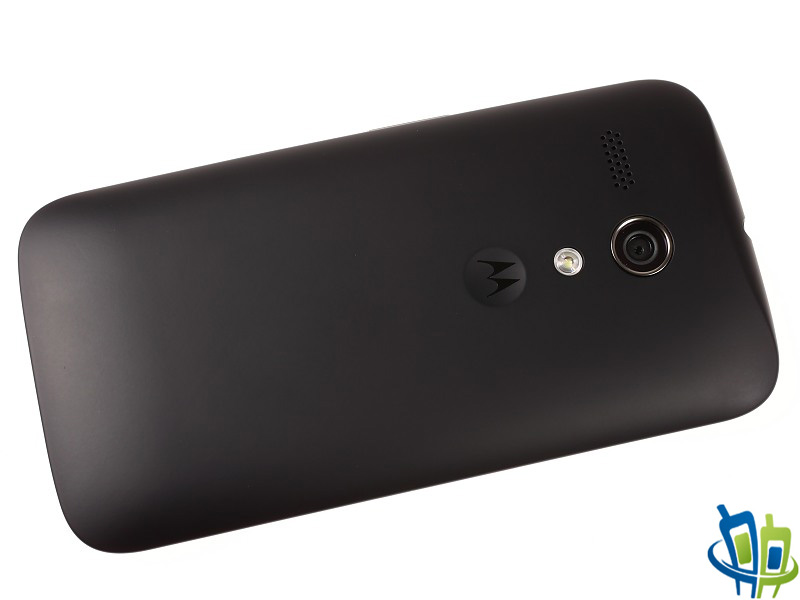
On the back is the 5 megapixel autofocus camera with single LED flash as well as the external loud speaker…note the word loud for later in the review. There is also an indented Motorola logo underneath the flash.
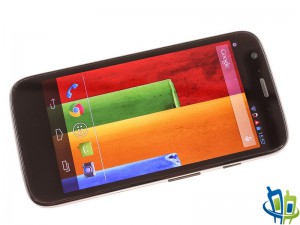
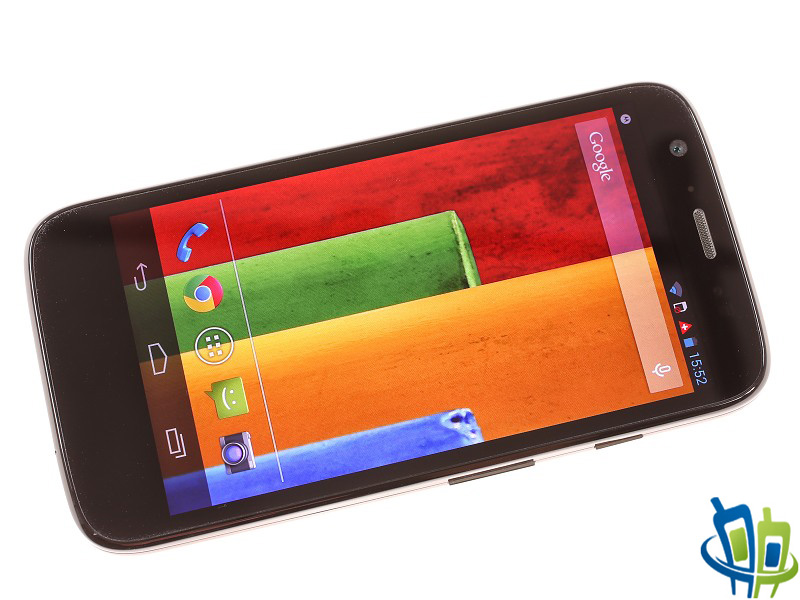
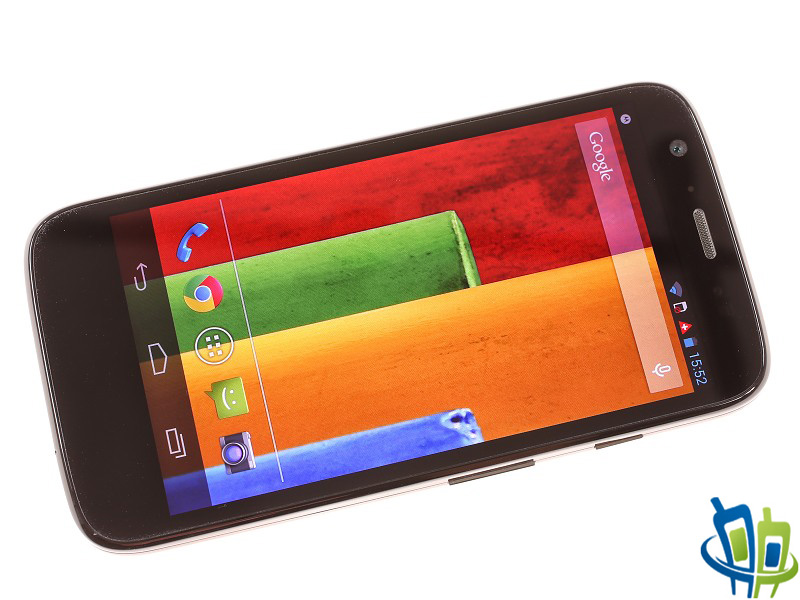
Finally on the front of the phone is the ear speaker at the top with the LED notification light hidden away next to it along with your usual sensors too. Underneath these is the 4.5 inch 720p HD display and as this device uses basically a ‘vanilla’ Android 4.4 there are no physical or capacitive buttons on the device itself as they are in the software as you will see soon.
Review:
I will start this review by talking about the slightly surprising sale of Motorola by Google to Lenovo of all companies! When I read the news I was very surprised and my initial thoughts were based around the epic success of both the Moto X and Moto G and whether this success would continue under new ownership, only time will tell on that front I suppose. For now though let’s concentrate on the here and now and talk about the simply brilliant Moto G.
Hardware:
As always with my reviews I like to concentrate first on whether the devices are well built and also whether they look desirable from a consumer point of view, and although the device that I had for review was a slightly battered beta model I was very impressed, firstly by the way the phone looked but second to that was the great build quality which if I’m honest wasn’t expected at this price point. Yes it is cheap plastic but what do you expect for as little as £119.99?! I felt that the phone felt very sturdy although why Motorola decided to put in a completely pointless removable back cover is really beyond me, there are two reasons for removing this, the first is to access the Sim card slot and the second is definitely aimed at the younger generation as it allows you to swap out the back cover for different colours and types of flip case. To see what I mean here’s the link to the site where you can buy these cases just for you to see the various colour options: http://www.clove.co.uk/accessories/motorola/moto-g/cases-covers
Software:
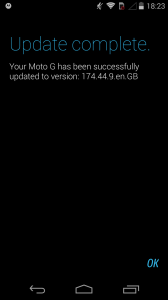
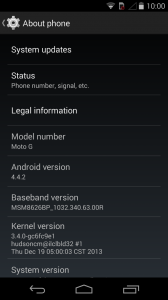
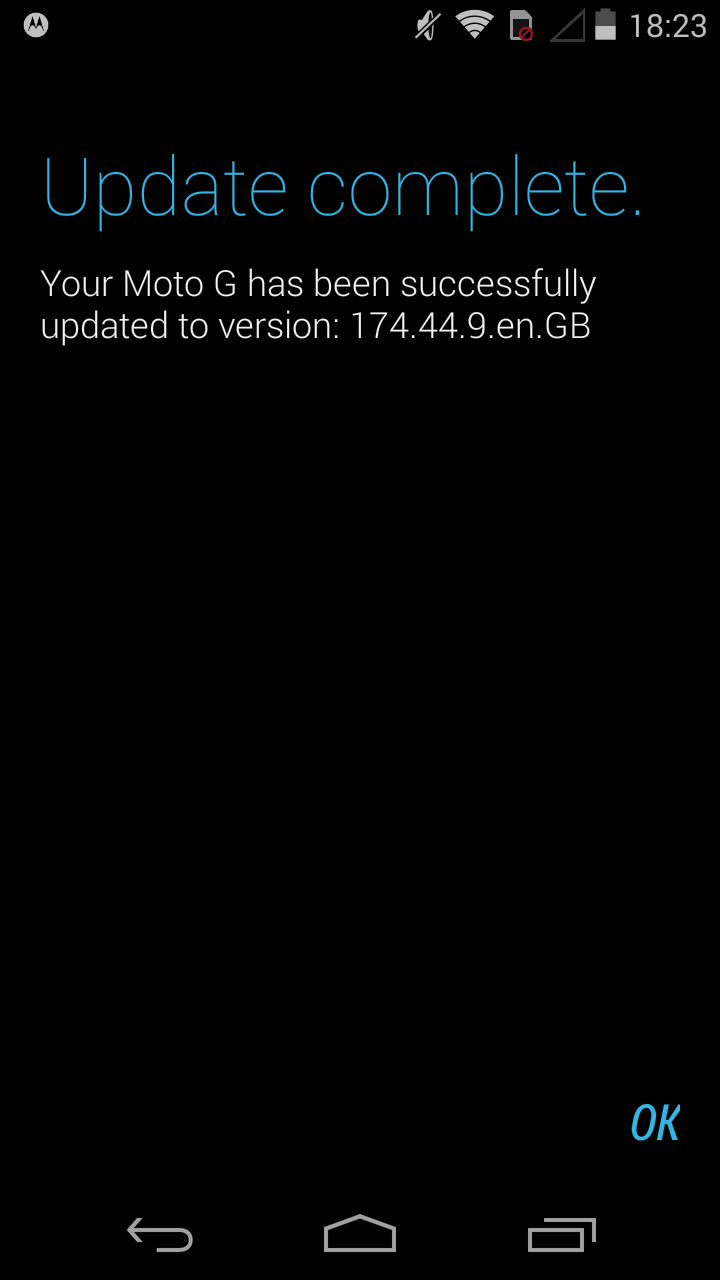
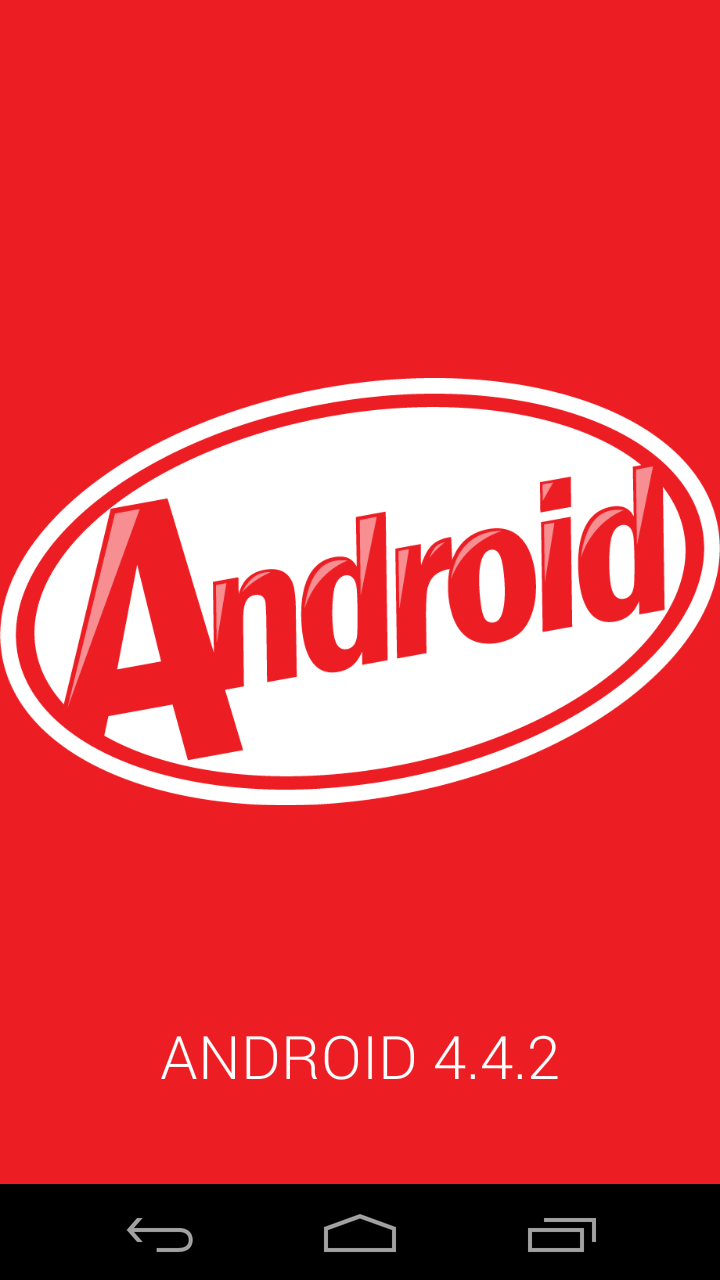
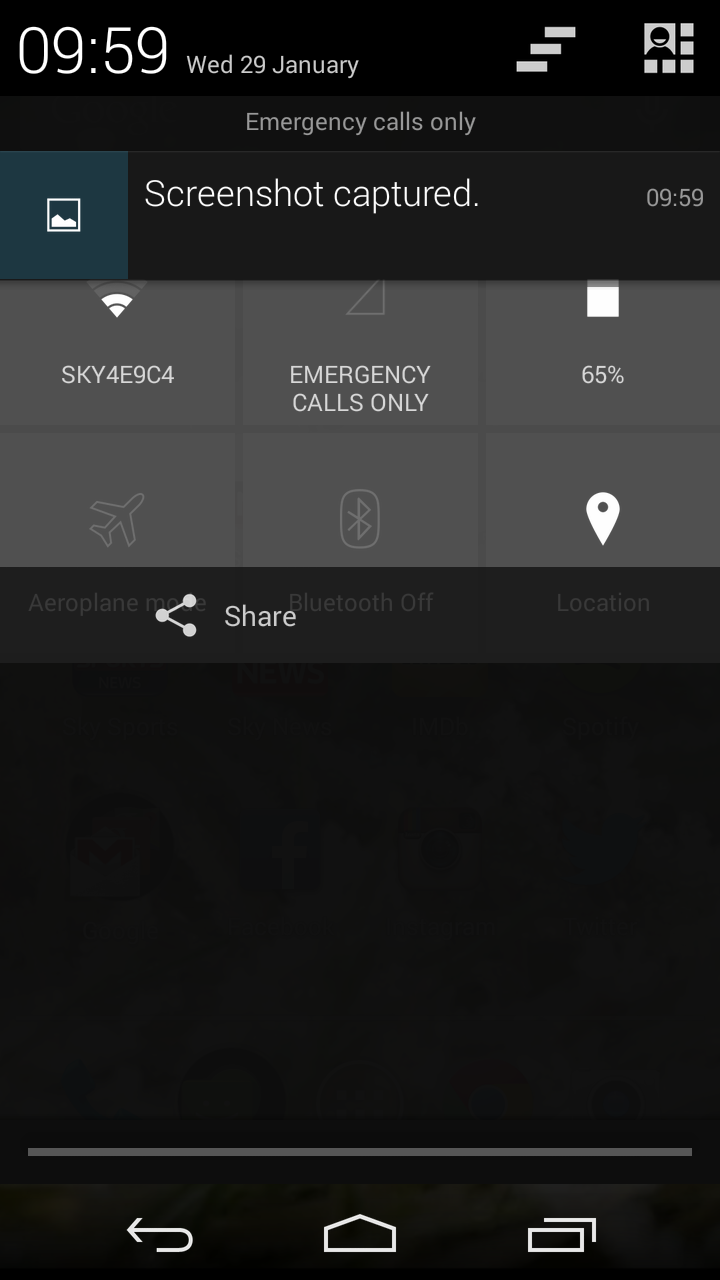
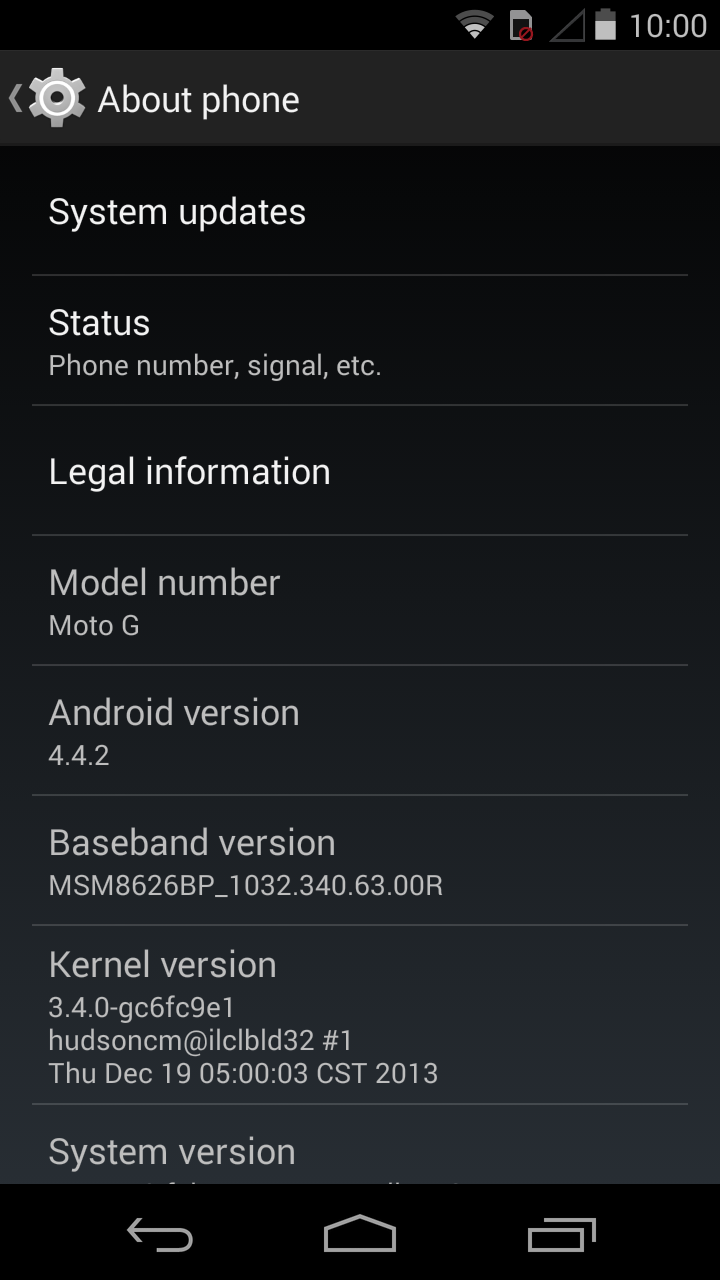
When I received the Moto G in the post and turned it on for the first time the software installed was Android 4.3 jelly bean but literally an hour after switching it on an awesome notification popped up saying that 4.4 KitKat was now available for download! So I downloaded this immediately and here’s the proof:
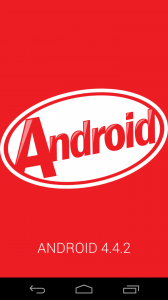
As I have used the phone for 99% of the time with 4.4 Kit-Kat I can’t comment on any aesthetic changes to the OS or what is added or removed from it so I will simply speak about my experience using the updated software.
In comparison to my own Google Nexus 5 running 4.4.2 the software for the Moto g is almost identical, in fact the only real difference I found was that the default messaging application wasn’t Hangouts. So the fact that the software is almost unchanged from that on the nexus devices is a real plus for adopters of this device as you are getting a reasonably fast and extremely user friendly phone for a bargain price.
So without further ado I shall now show the interface to simply give those who’ve not seen 4.4 before a glimpse at what to expect.
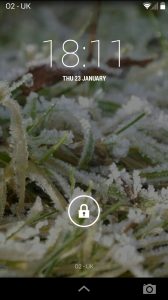
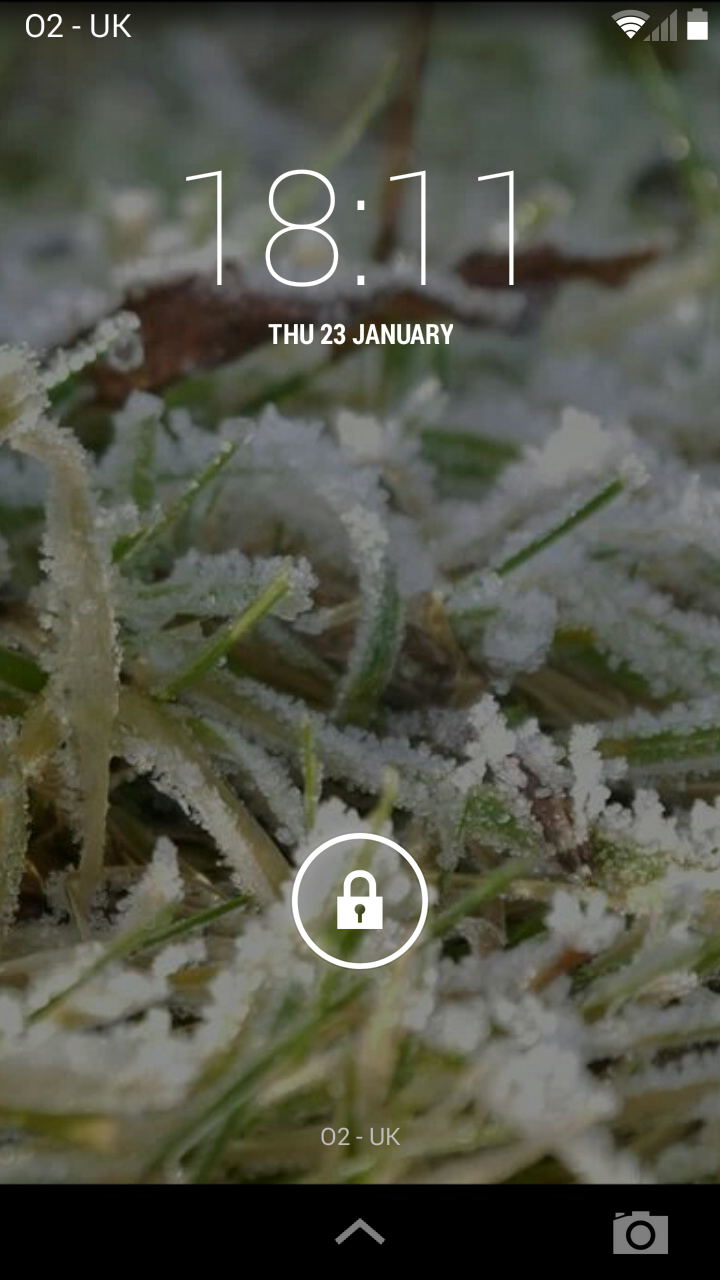
First of all here is the lock screen which has the lock screen widget feature as well, I spoke about this in depth in my review of the Samsung Galaxy S4 Zoom.
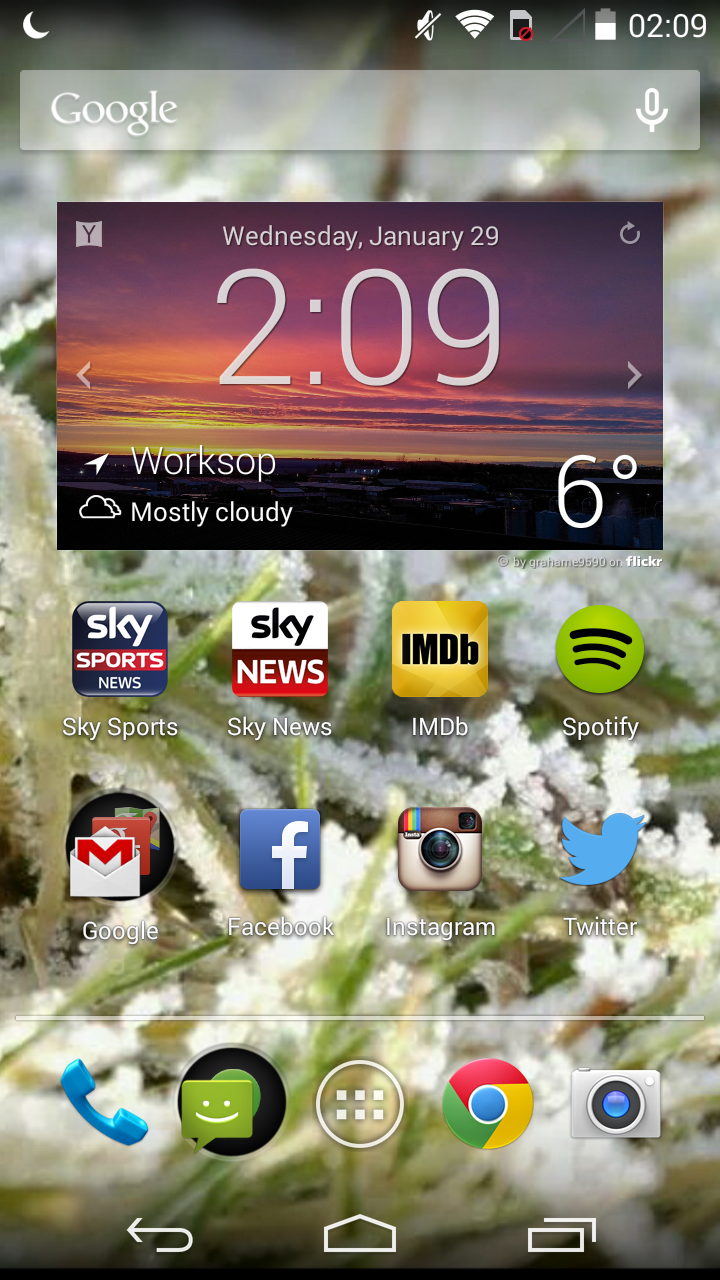
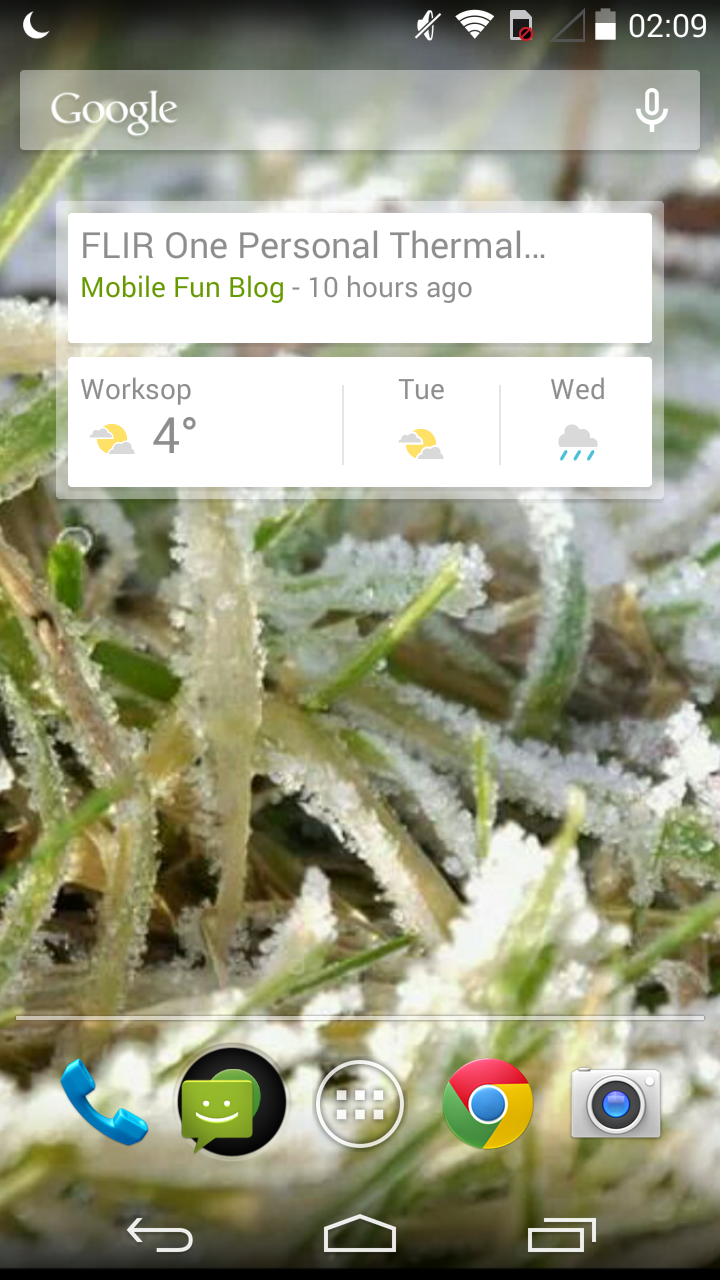
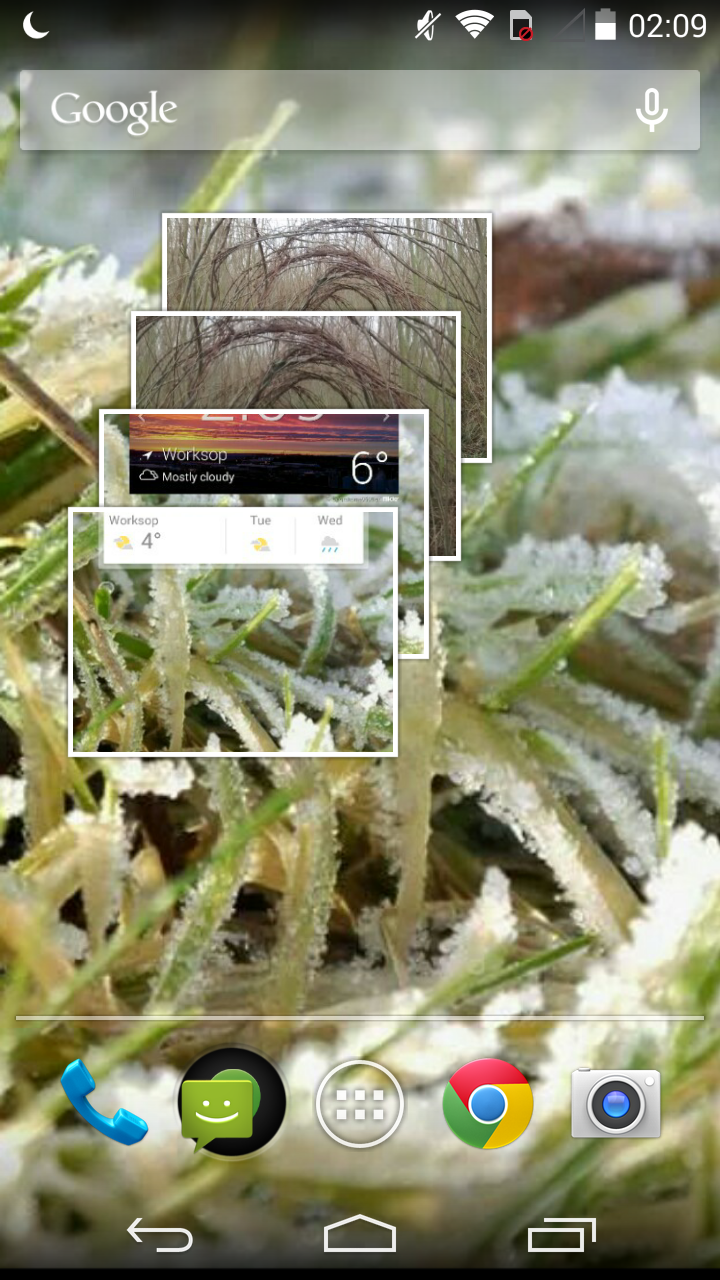
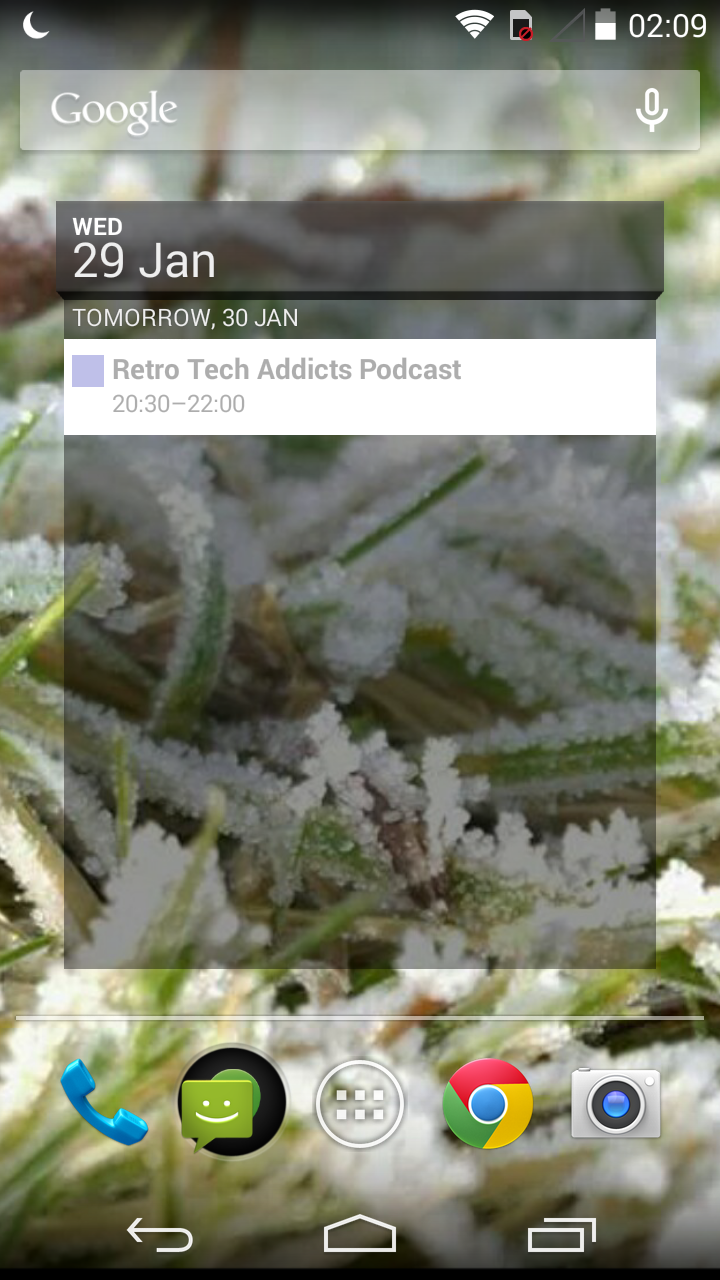
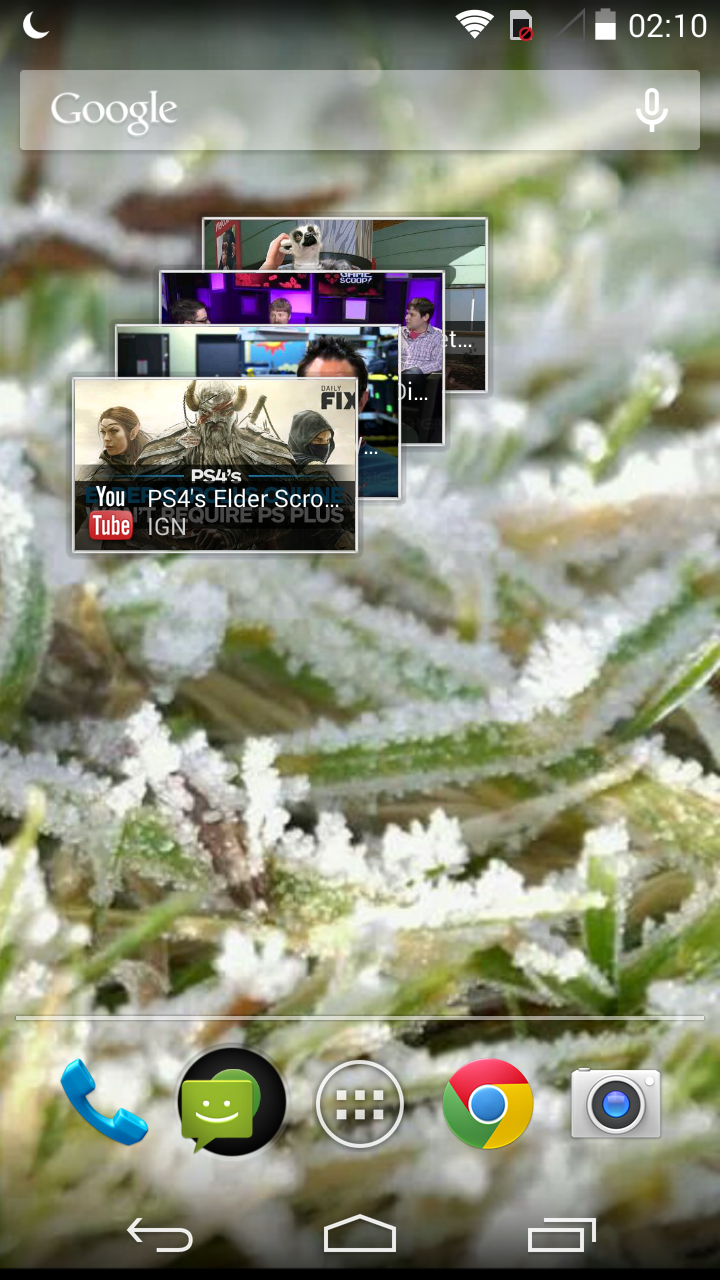
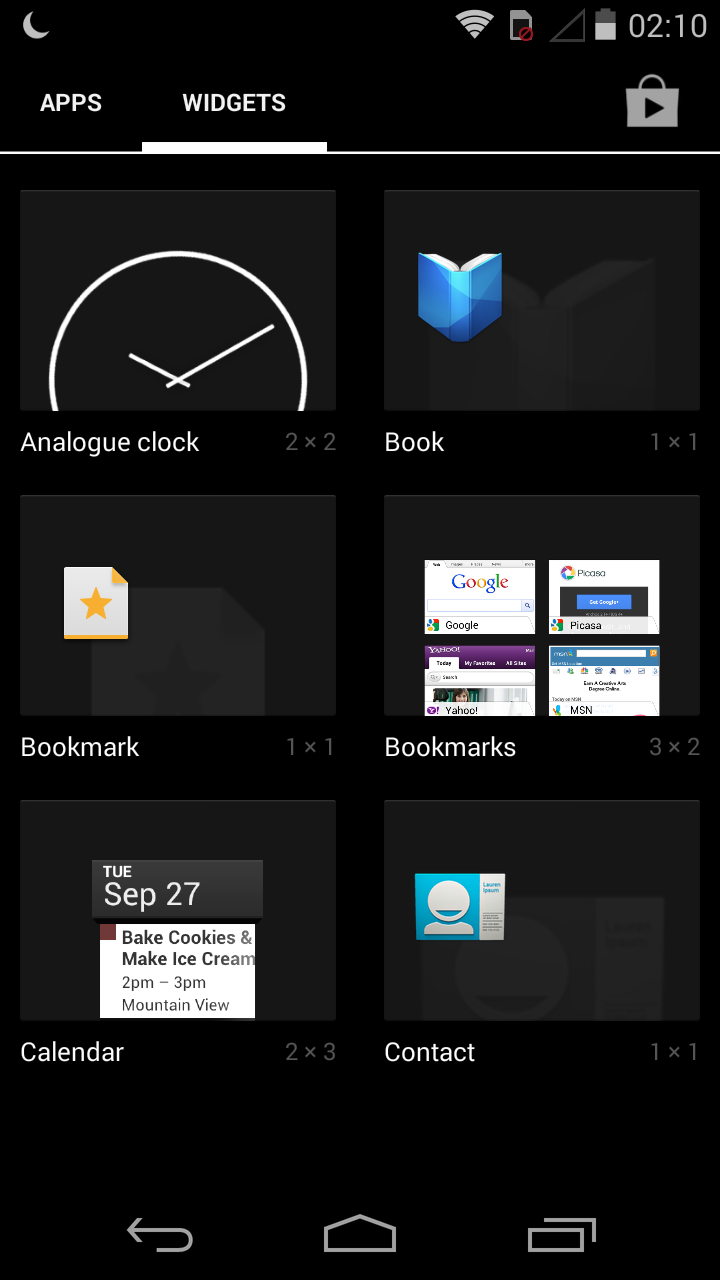
Next up we have the home screens, which are set up exactly as you would expect, there are five customizable panels with the ability to add widgets and shortcuts etc…the biggest difference between the Moto G software and the completely vanilla Nexus 5 software is the way in which you add widgets and shortcuts to the screens. On the nexus 5 you simply tap and hold anywhere on an empty home screen and a nice menu featuring shortcuts, widgets, and wallpapers appears, whereas on the Moto you have to open the app drawer and select the widgets icon at the top, then drag and drop to your screens, this is the way you did this in the vanilla android 4.2 as well if I remember correctly. It’s just a tad strange that Motorola wouldn’t add the new feature, especially considering the fact that at the time of release they were still owned by Google. Anyway here are my home screens that I used during testing:
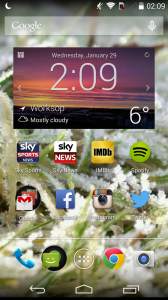
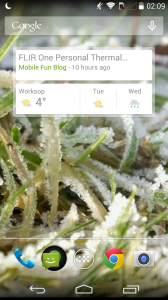
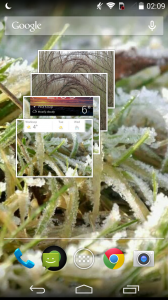
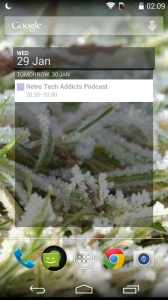
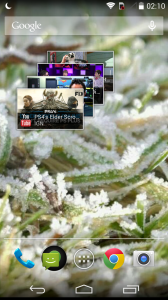
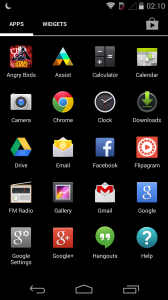
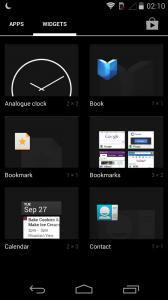
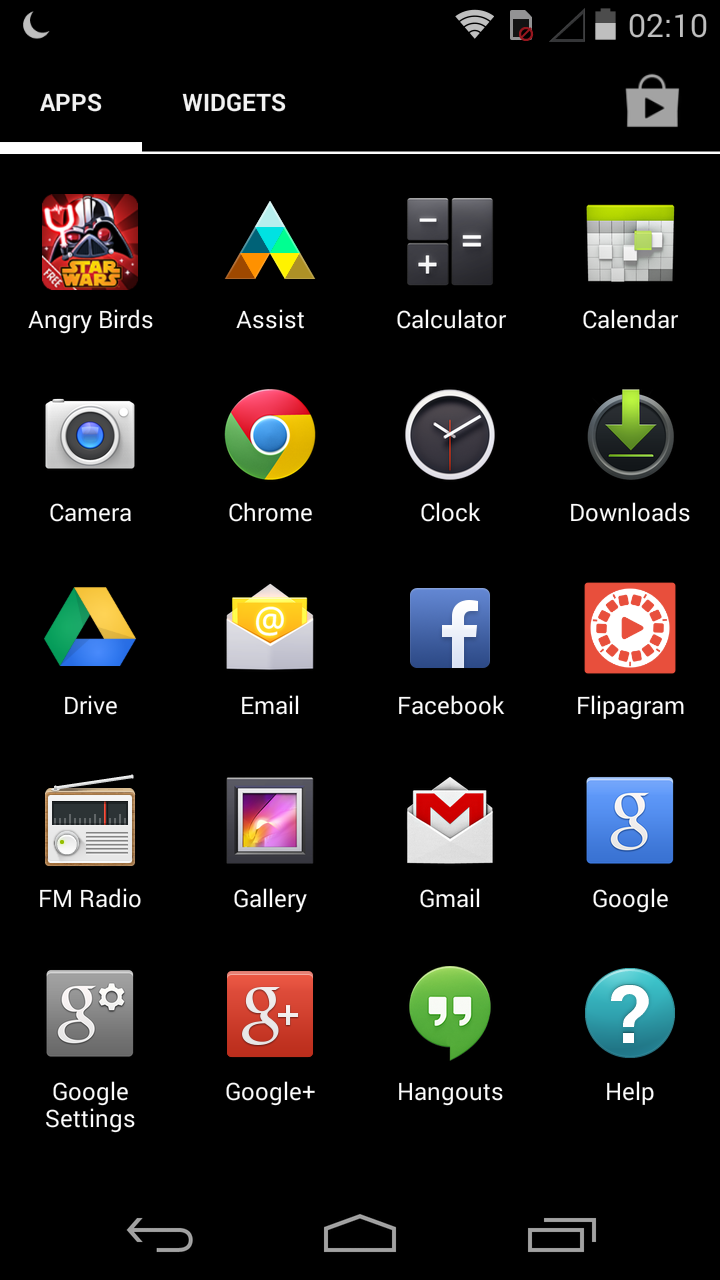
We also have the customary app drawers which expand with the more things that you download, the difference you will notice here as I mentioned earlier is the fact that there is a ‘widgets’ button on screen which is very different from that on the Nexus devices:
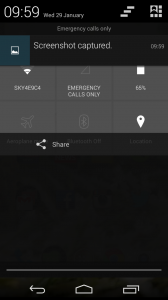
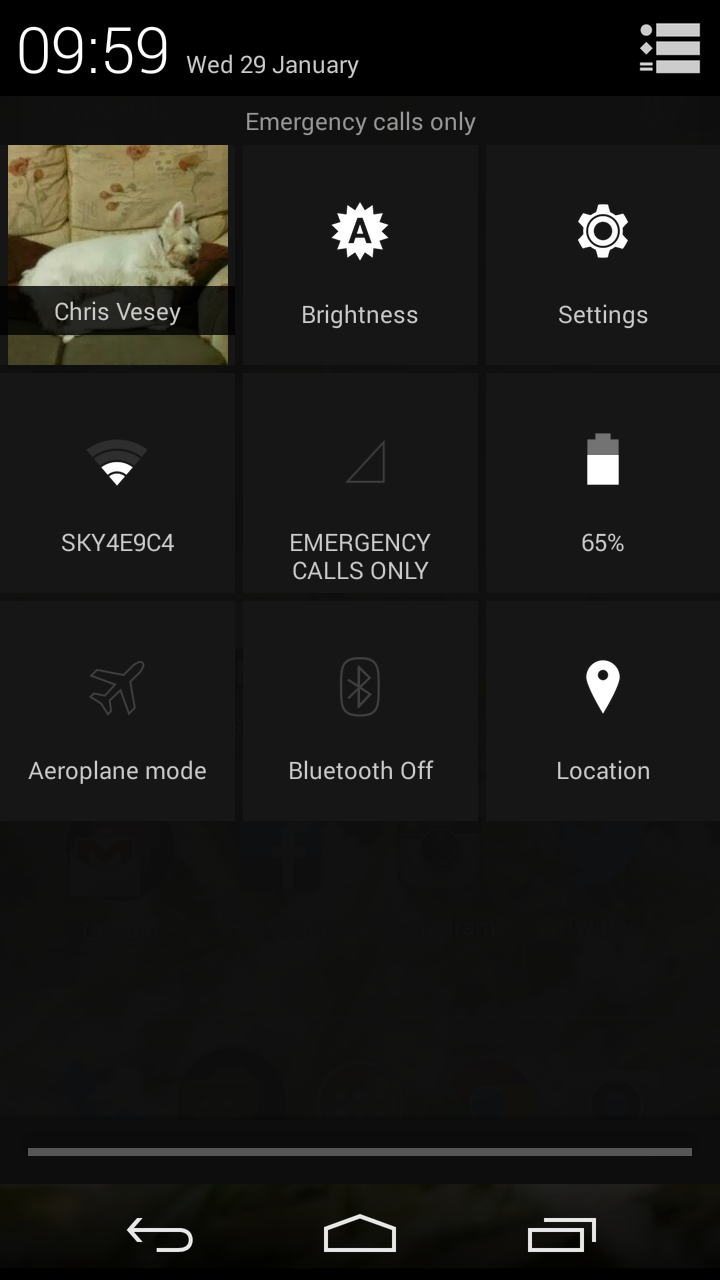
On the home screens whenever you like you can swipe down from the top to bring down the notification pane which also has some quick settings to choose from with a press of the button at the top right, you can also swipe down from the top of the display with two fingers and the quick menu comes straight up, I use this every day on my own Nexus 5 as it’s great and so simple to use, unlike that on the Samsung Galaxy devices or even the new LG G2 which just look too scrambled and cramped to work well enough. Anyway here is an image of that notification pane for you guys:
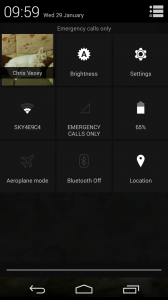
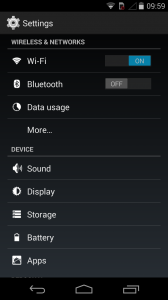
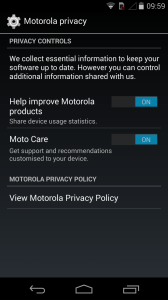
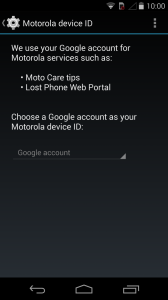
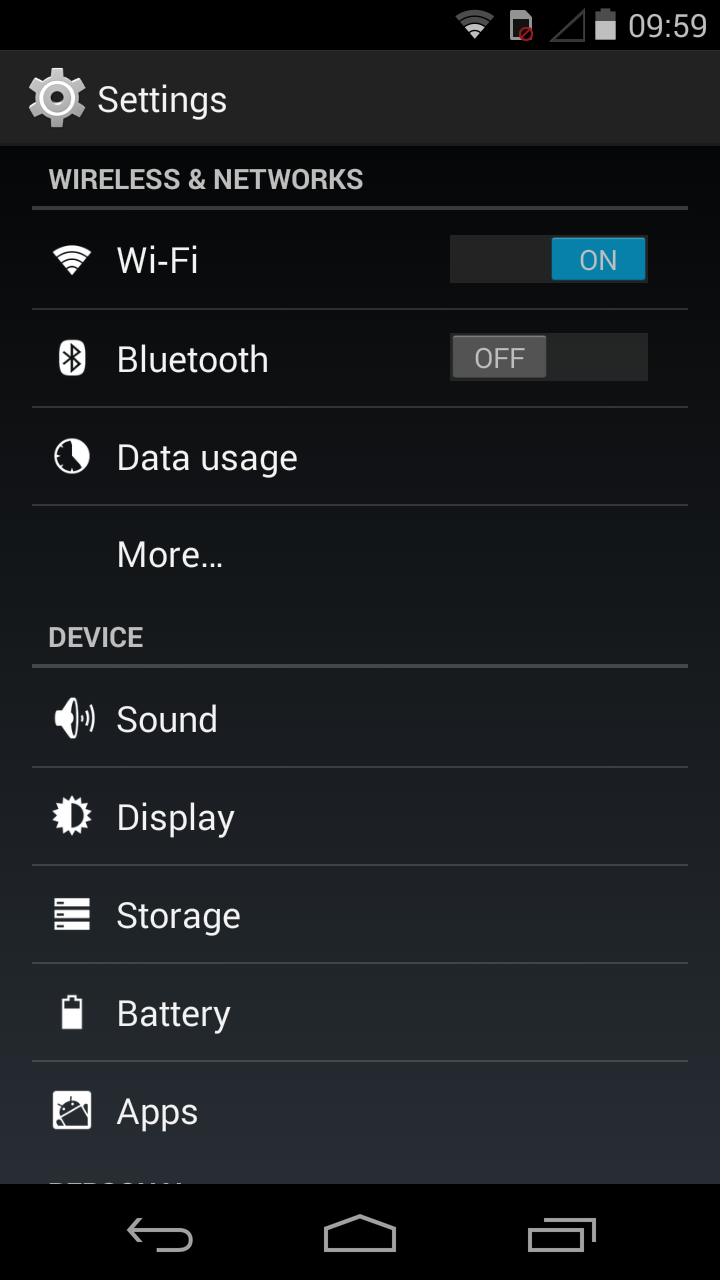
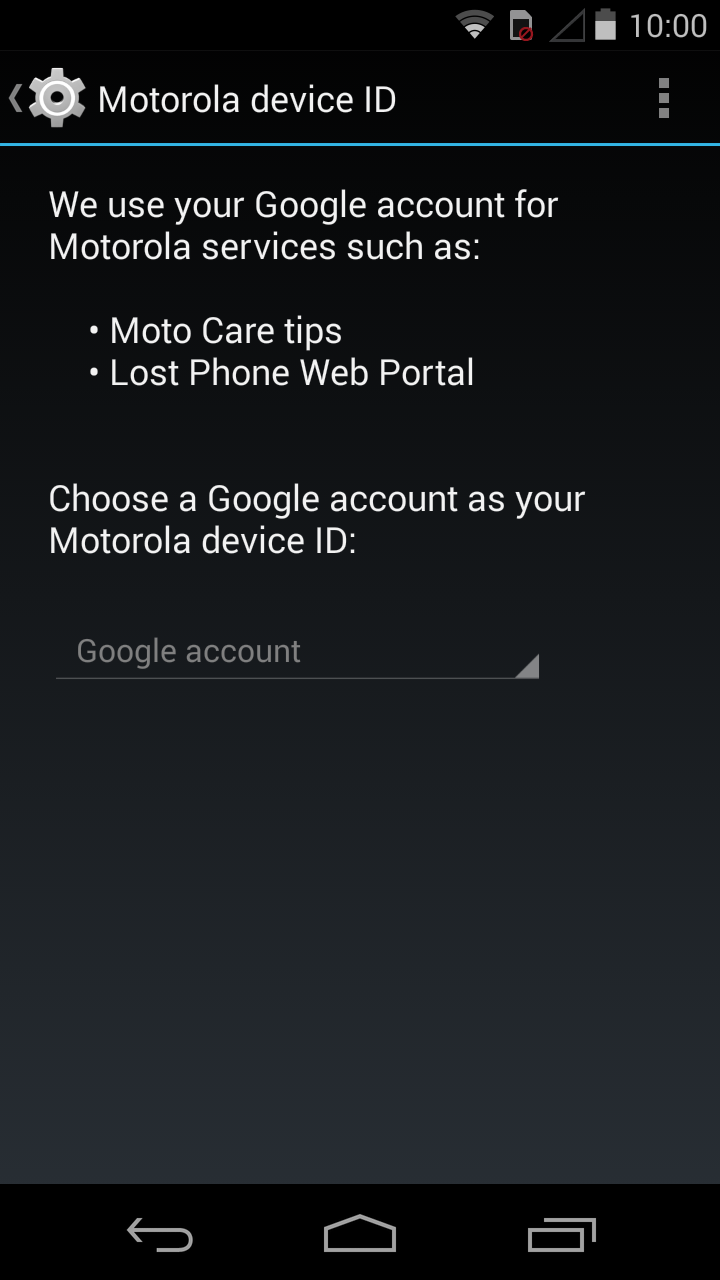
Speaking of settings, on the Moto G they are just as easy to use as the nexus devices and there isn’t much of anything new in the 4.4 update compared to the 4.3 that it shipped with but for those of you who haven’t seen what they look like and which settings are available to change etc here’s a screenshot for you:
Browser:
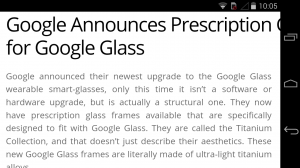
Moving onto the key factors about this device now and first I would like to mention the internet browser performance from Google Chrome.
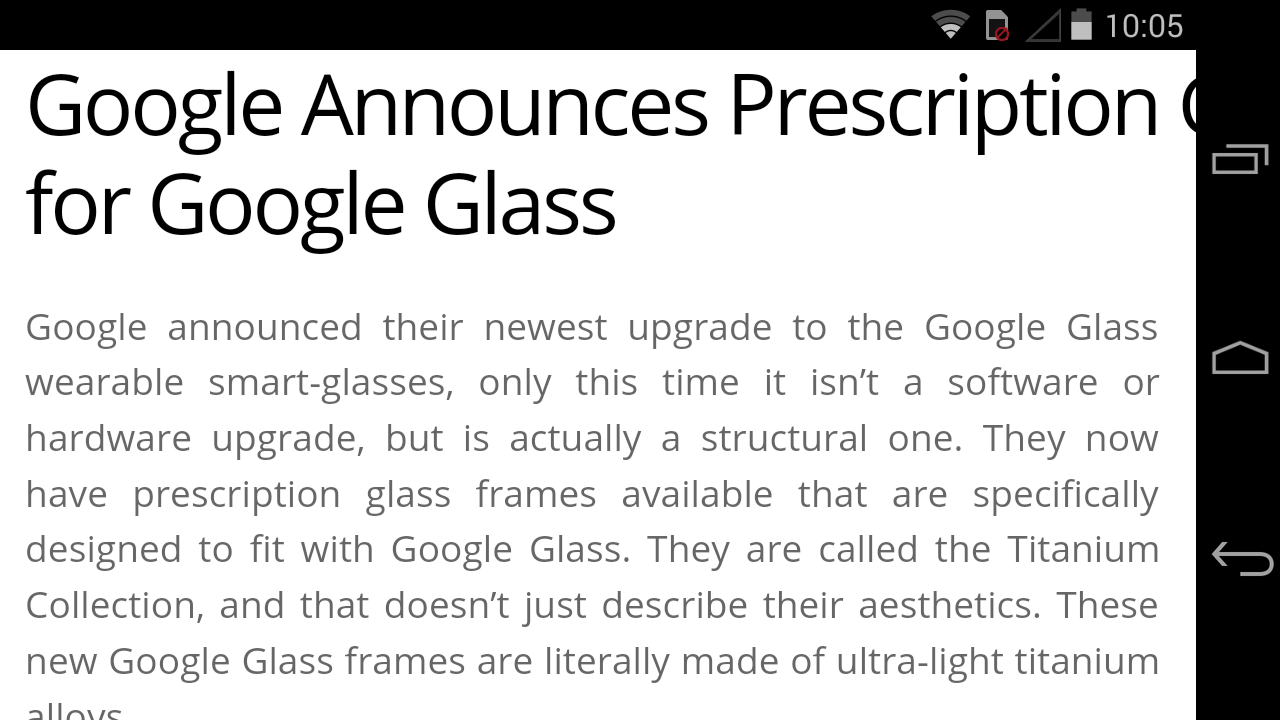
Since Google integrated Chrome into their operating system the browser has improved to become in my opinion the best browser on the market as it offers great flexibility for users, just the other day I had twenty two pages open at once! Anyway that’s beside the point, the browser is brilliant to use on the Moto G, this is possibly due to a combination of the snappy quad-core processor along with the great 720P 4.5 inch display but I enjoyed using this device for my browsing needs just as much as my Nexus 5 and prefer it to my previous devices such as the iPhone 5 and Samsung Galaxy Note 2, and I think the reason is simply because it feels so great in the hand so it just makes it so simple to browse for long periods of time.
The images below won’t be anything new to most of you guys but I thought I would show them to you anyway as is customary with my reviews:

E-Mail:
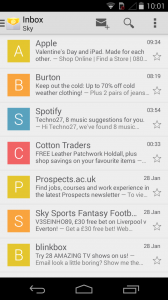
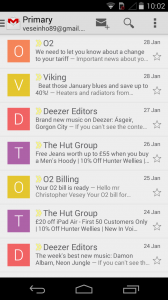
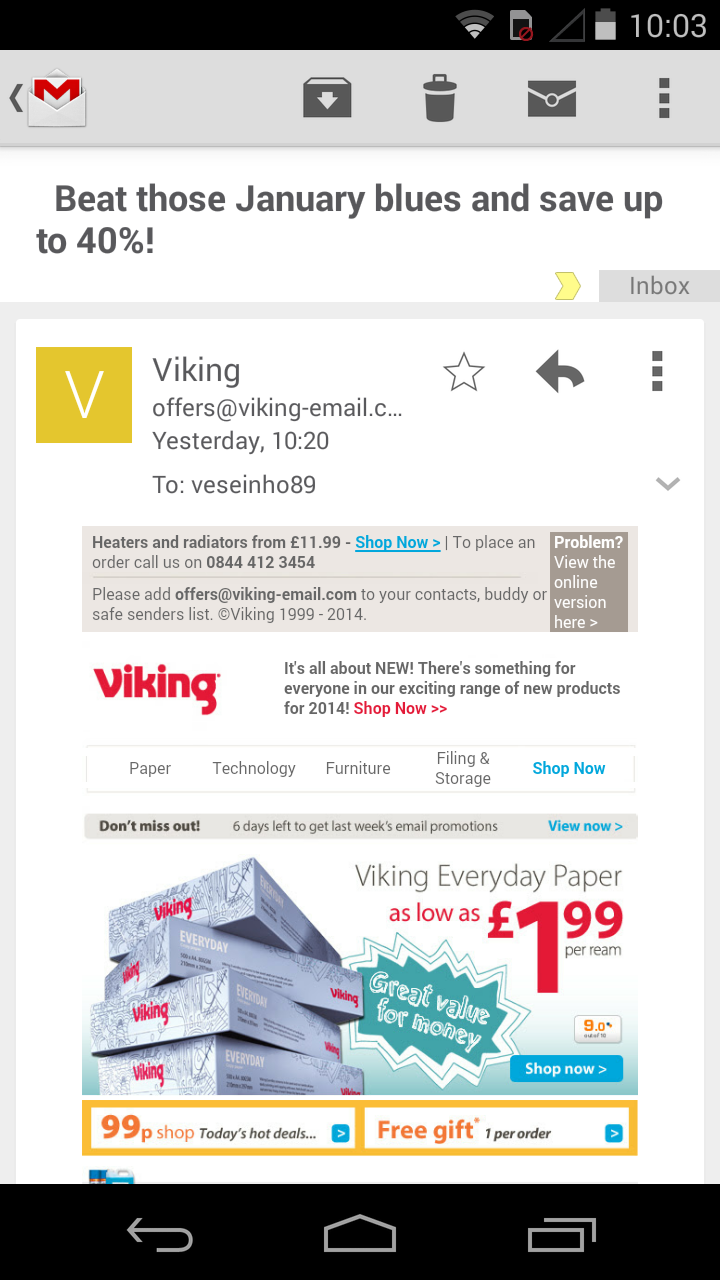
I thought in this review that I would talk briefly about the e-mail as you’ve heard most of it before to be honest.
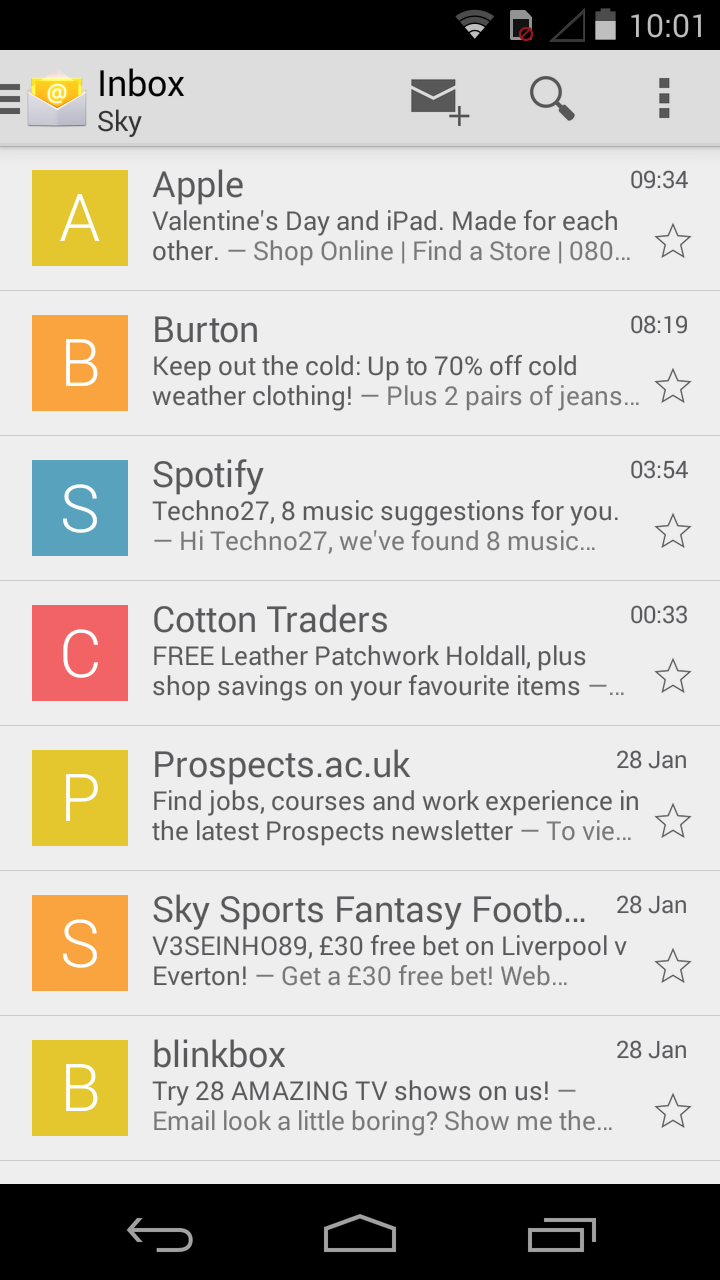
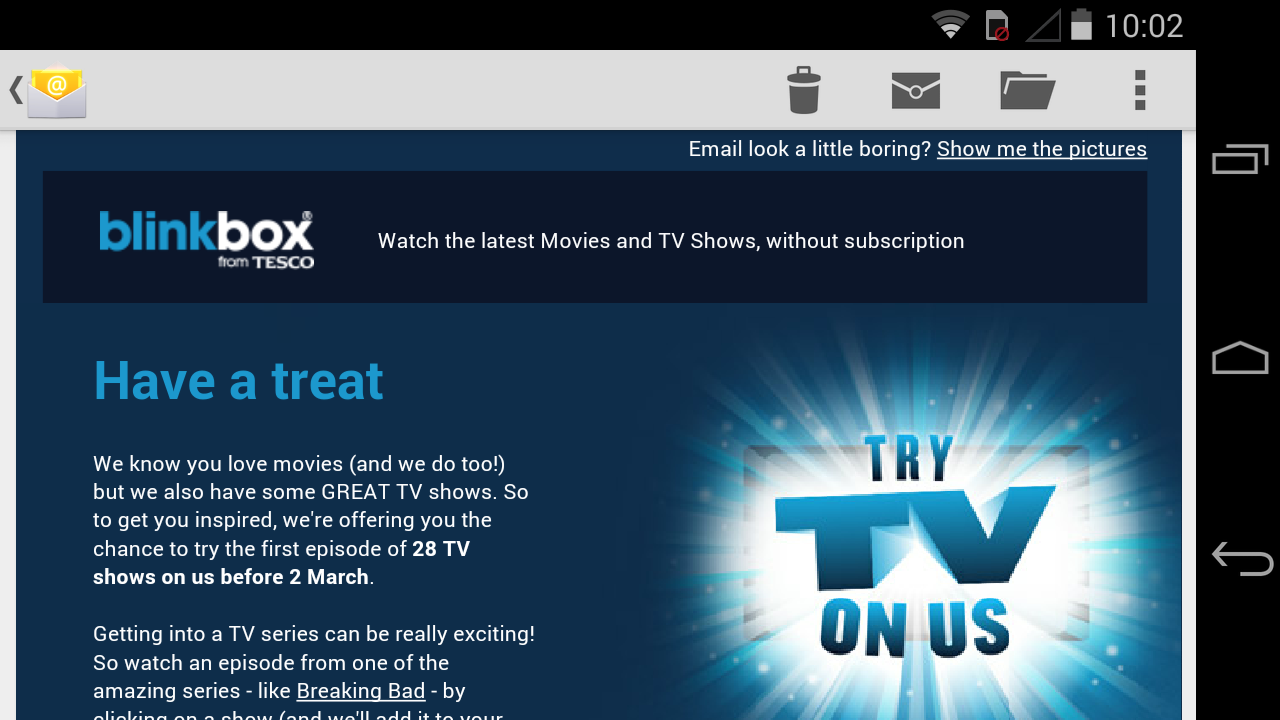
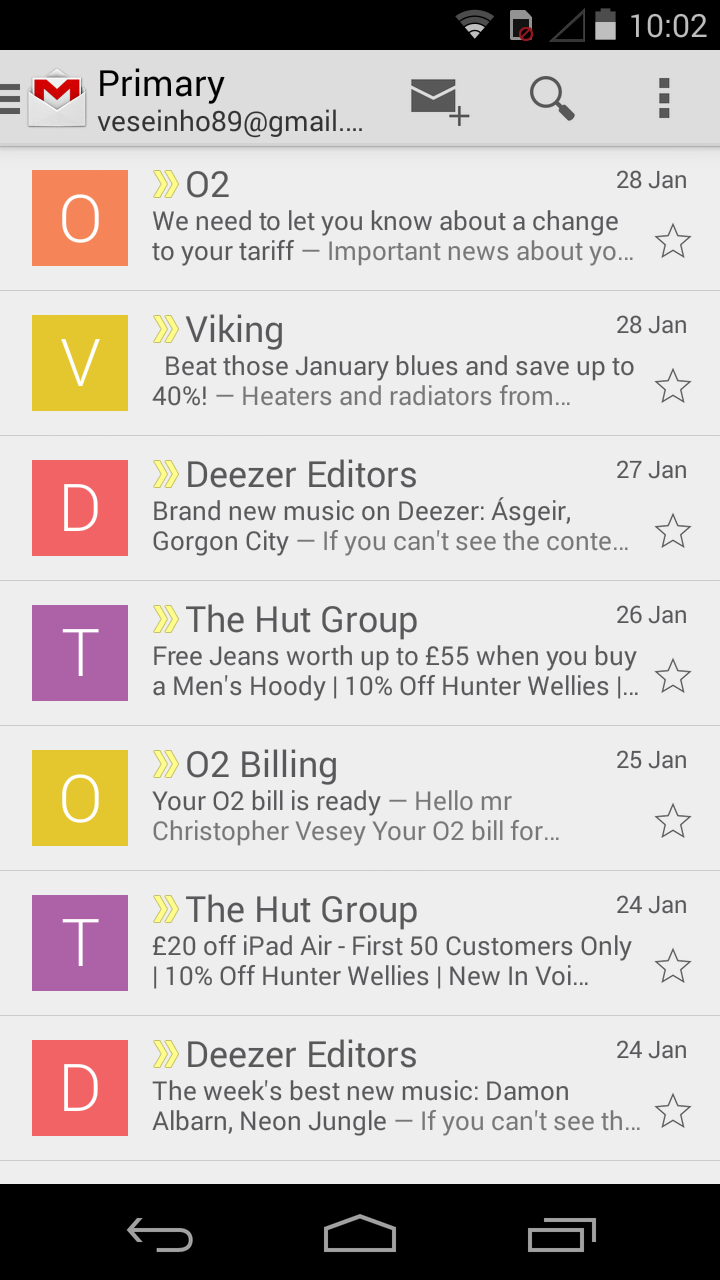
There are again two stock e-mail applications, the G-Mail and normal E-mail apps and both of them perform to about the same standard as on my Nexus 5 which can only be a good thing, images are crisp and text is easy to read with the only bug bear being the fact that e-mails render zoomed in by default and this is the same on my Nexus 5 too so it’s not phone specific.
Here they are for you:




Motorola Applications:
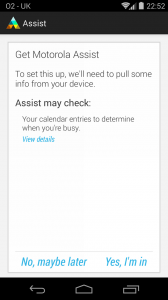
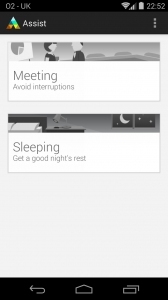
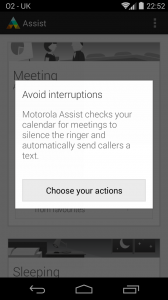
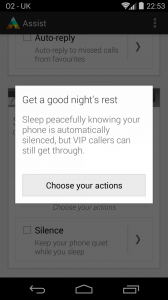
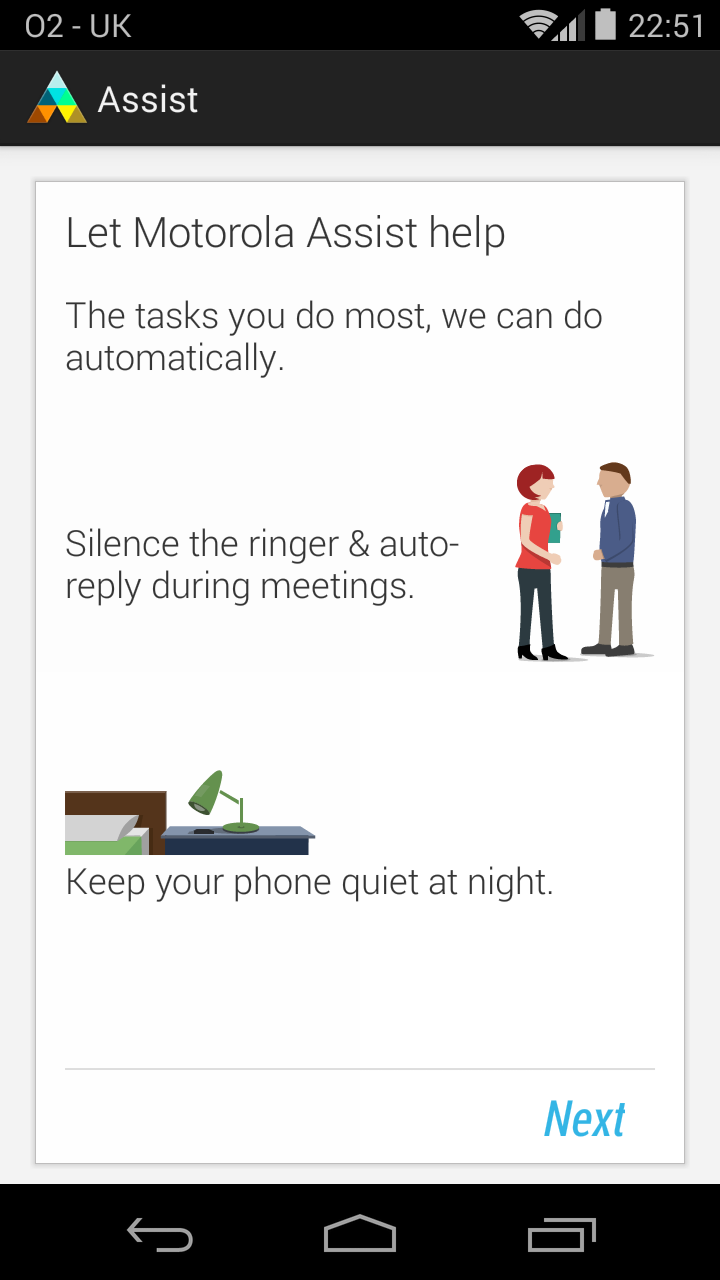
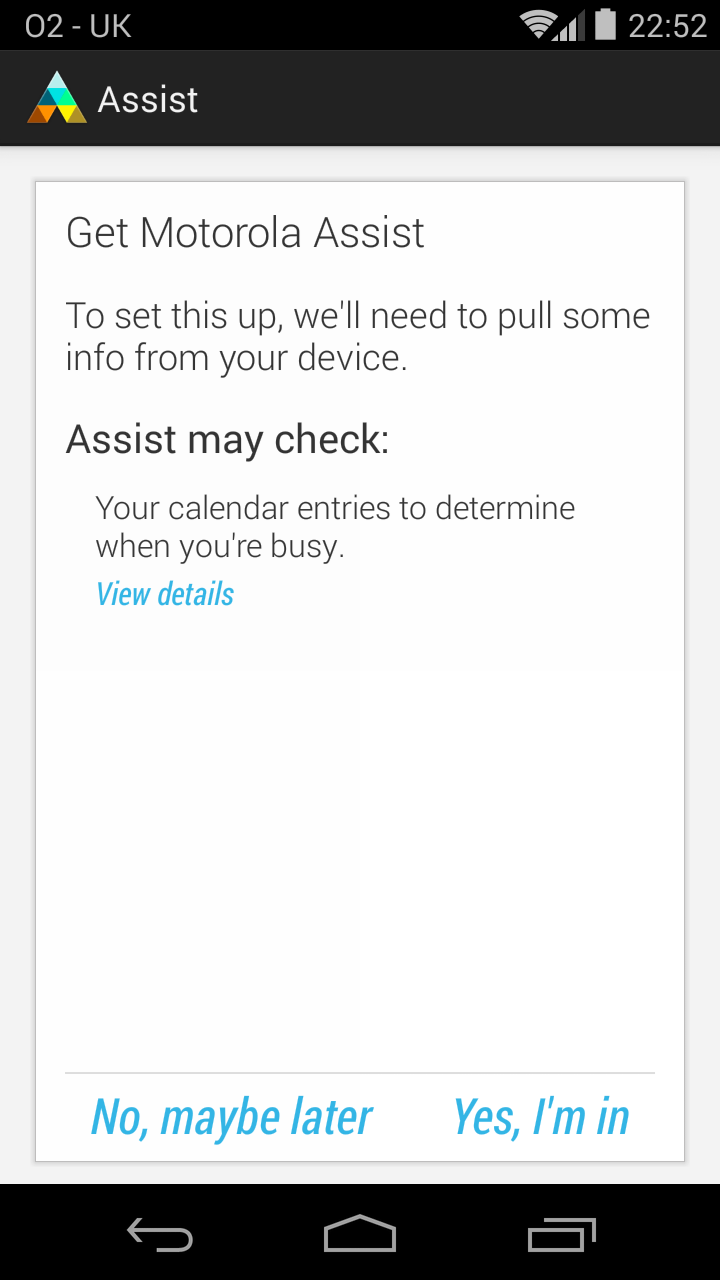
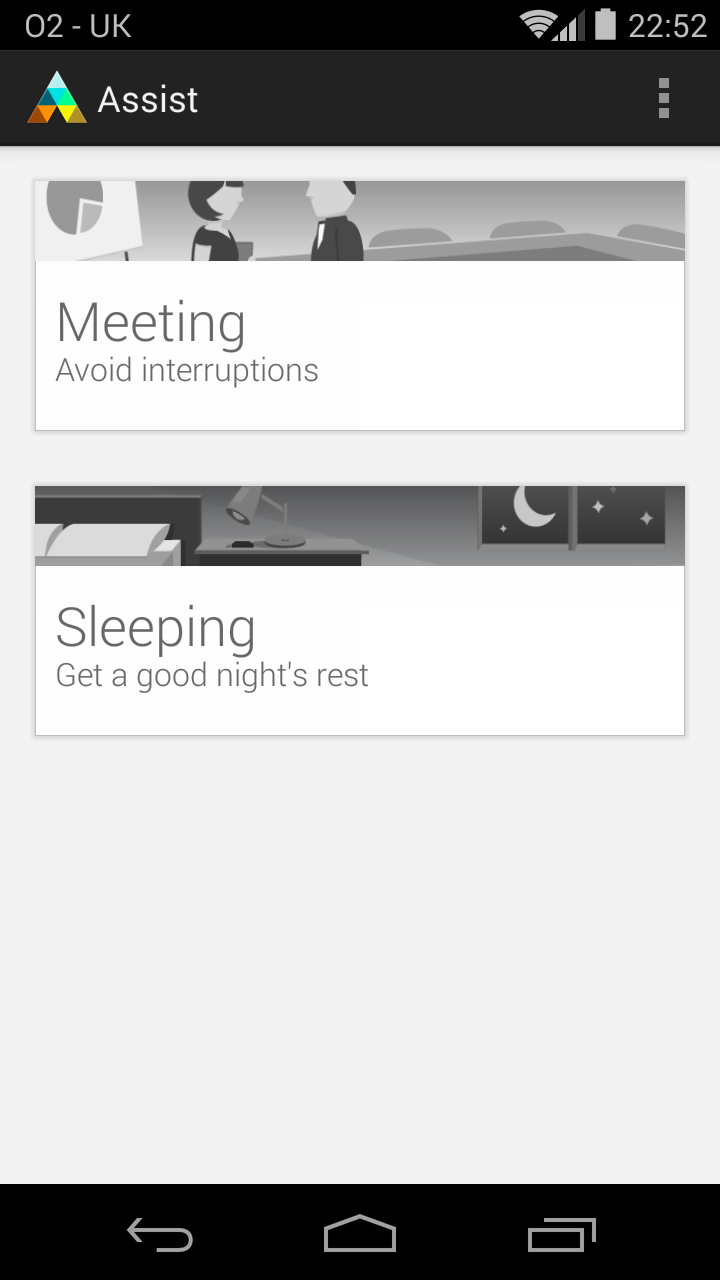
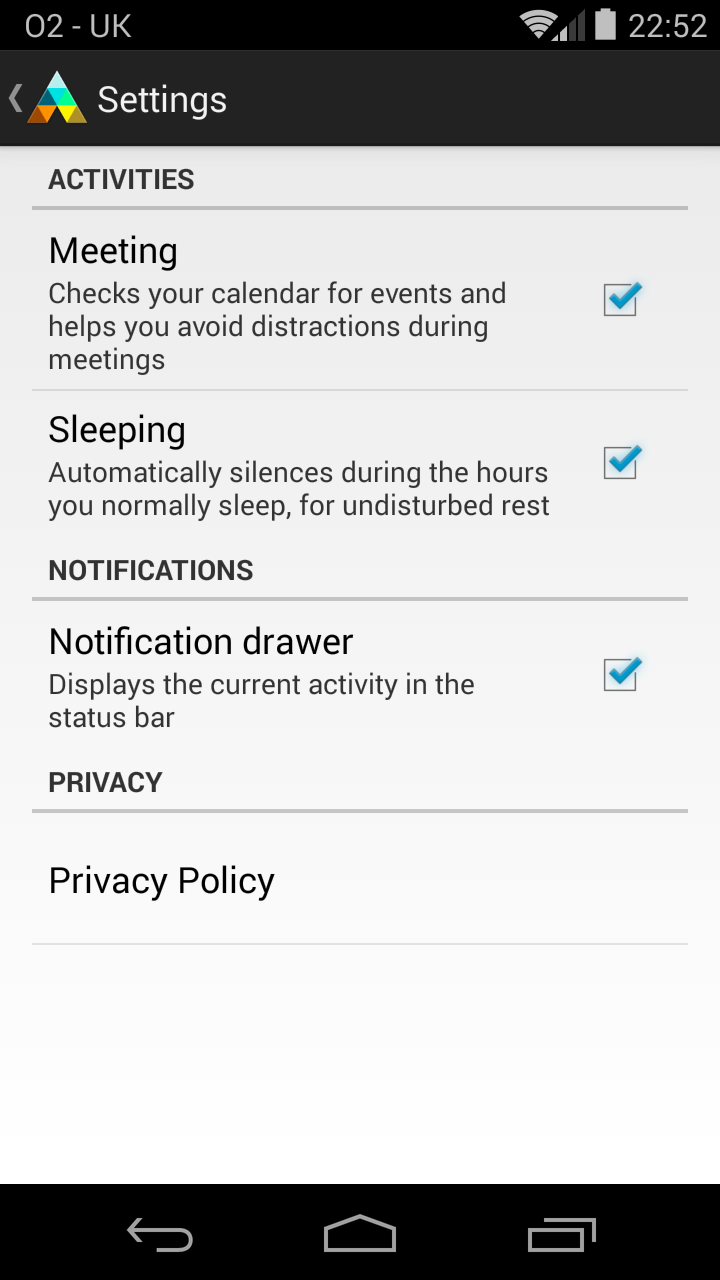
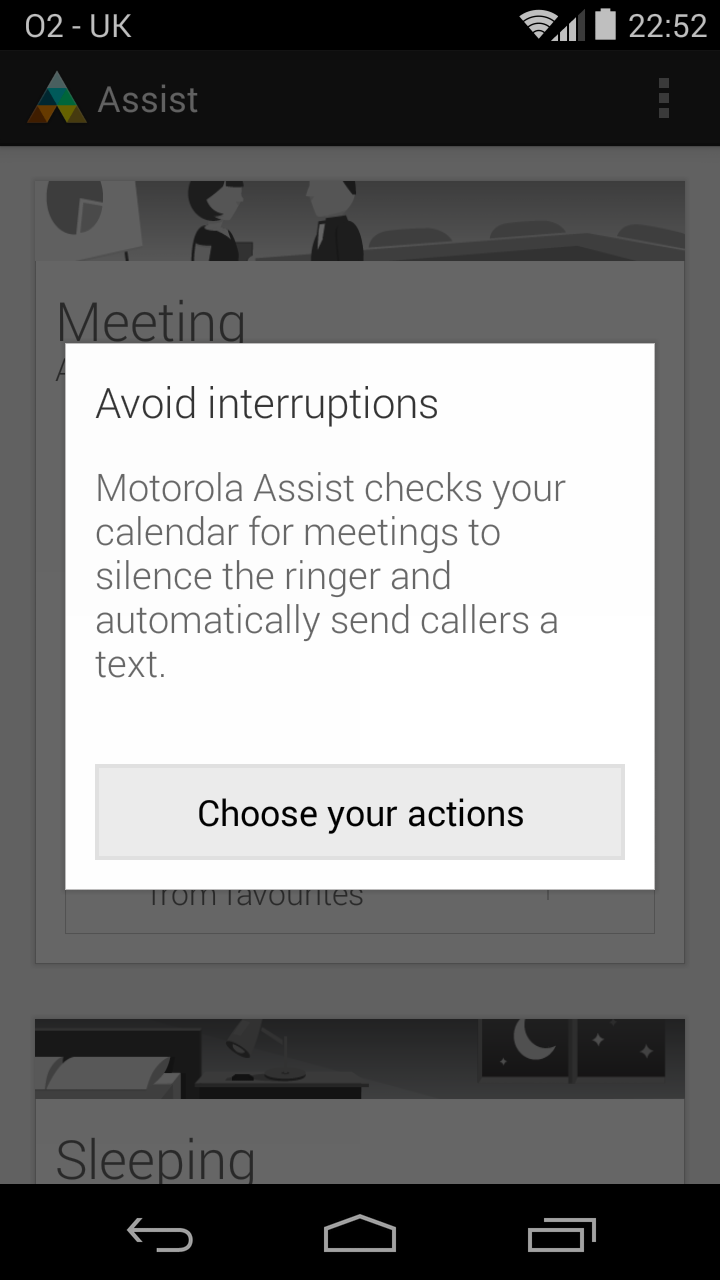
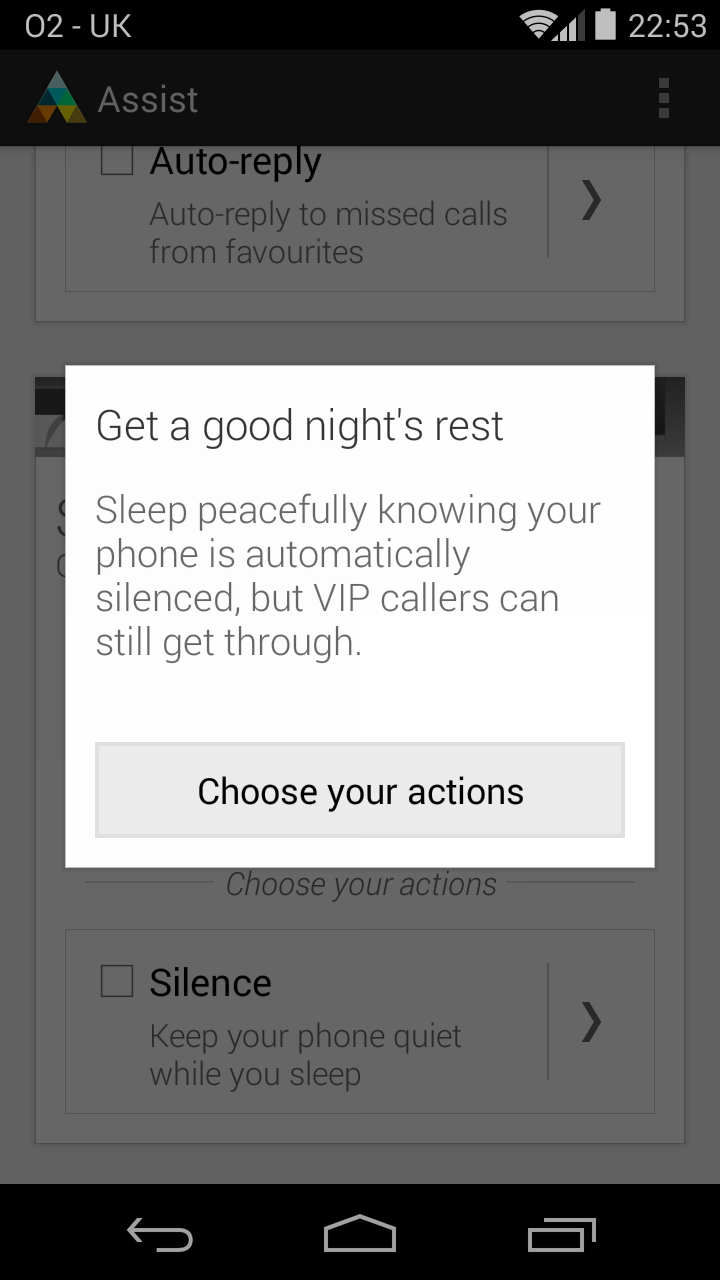
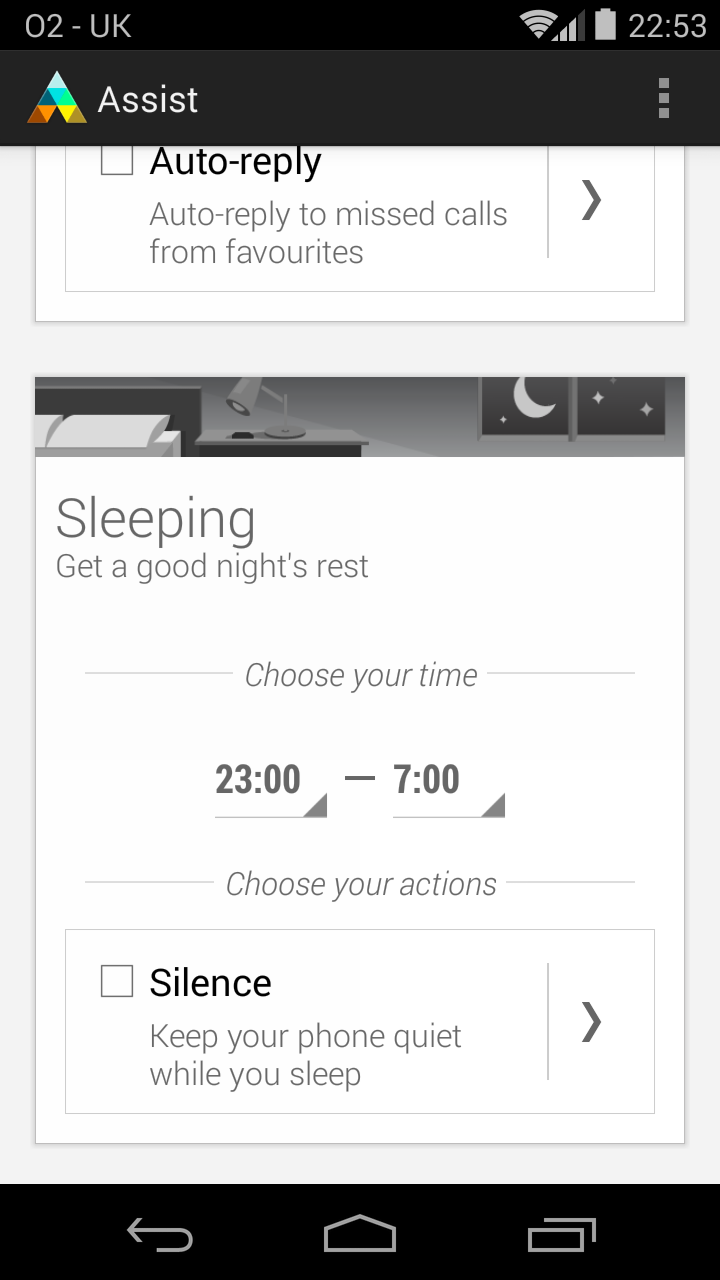
Pre-installed on the Moto G are a few helpful software additions from Motorola that really cannot be ever considered to be ‘bloatware’ there is one application called Moto Assist and this is a superb little application that allows the user to simply switch off the communication side of the device for specific things such as in the middle of a meeting or during sleep.
Here is the app set-up process in action:
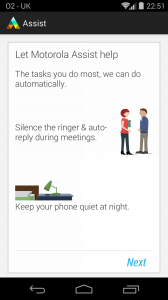
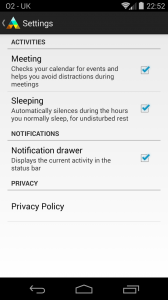
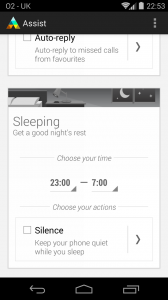
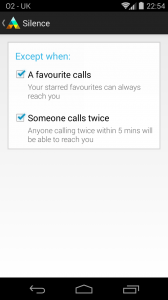
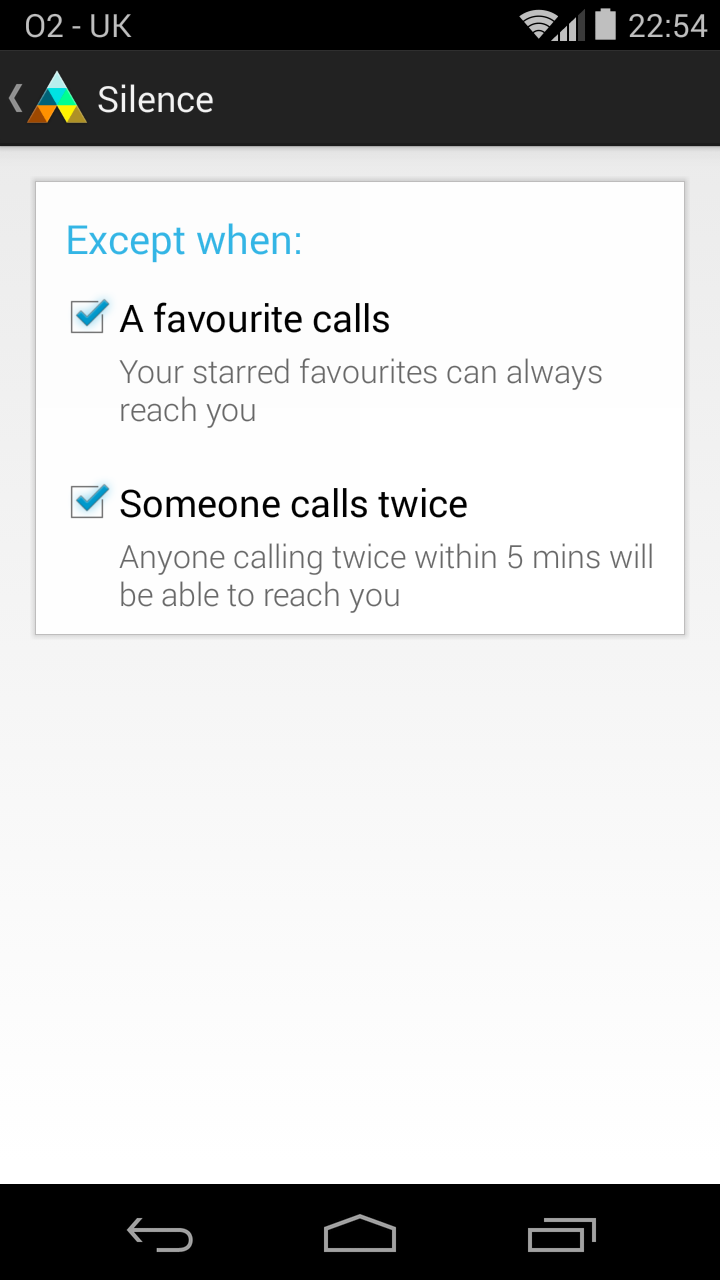
And here is the rest of the application interface for you, you will notice a very simple to use app that does what it says on the tin, it blocks incoming calls during the hours that you set unless you choose to tick the option for it to accept a call if the same number calls twice or more, all of the app’s features worked seamlessly for me when I tested this out, including the ‘Auto reply’ feature which allows you to set a pre-defined message to send to the person who called last, a little like the call back feature build into Android’s phone app.
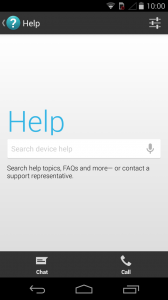
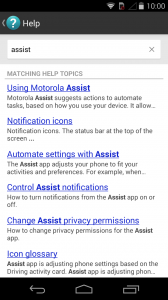
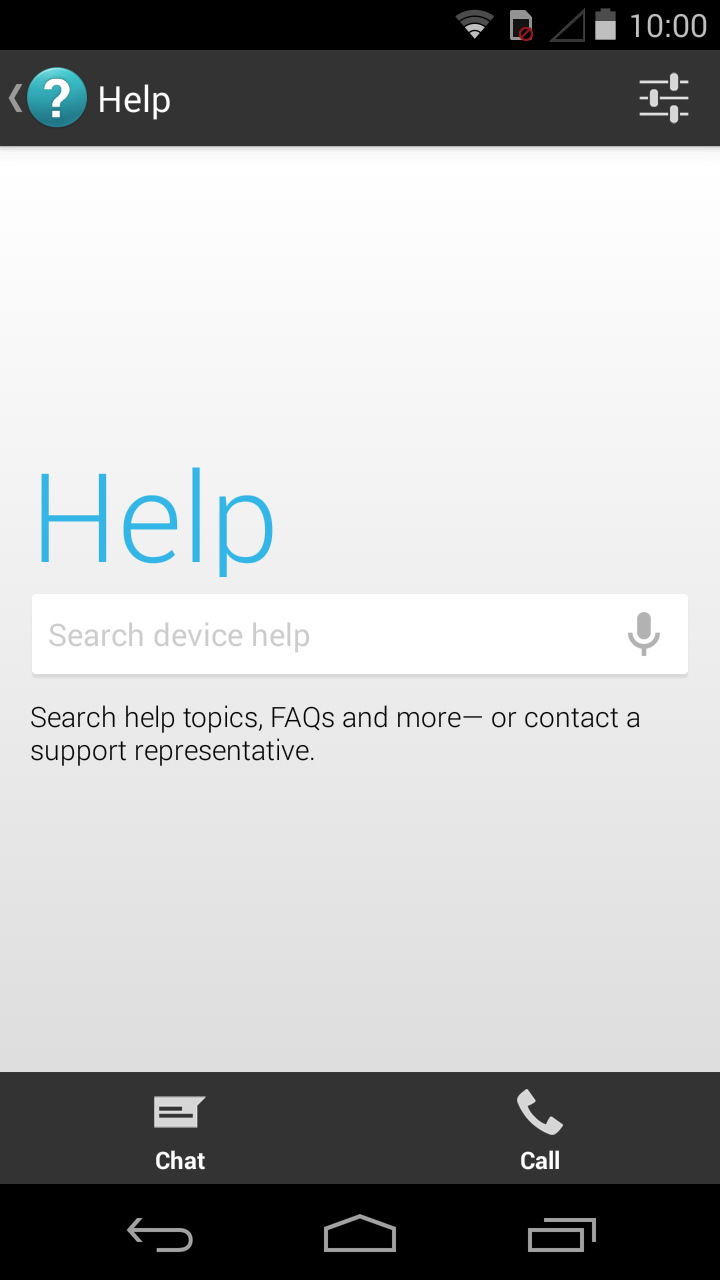
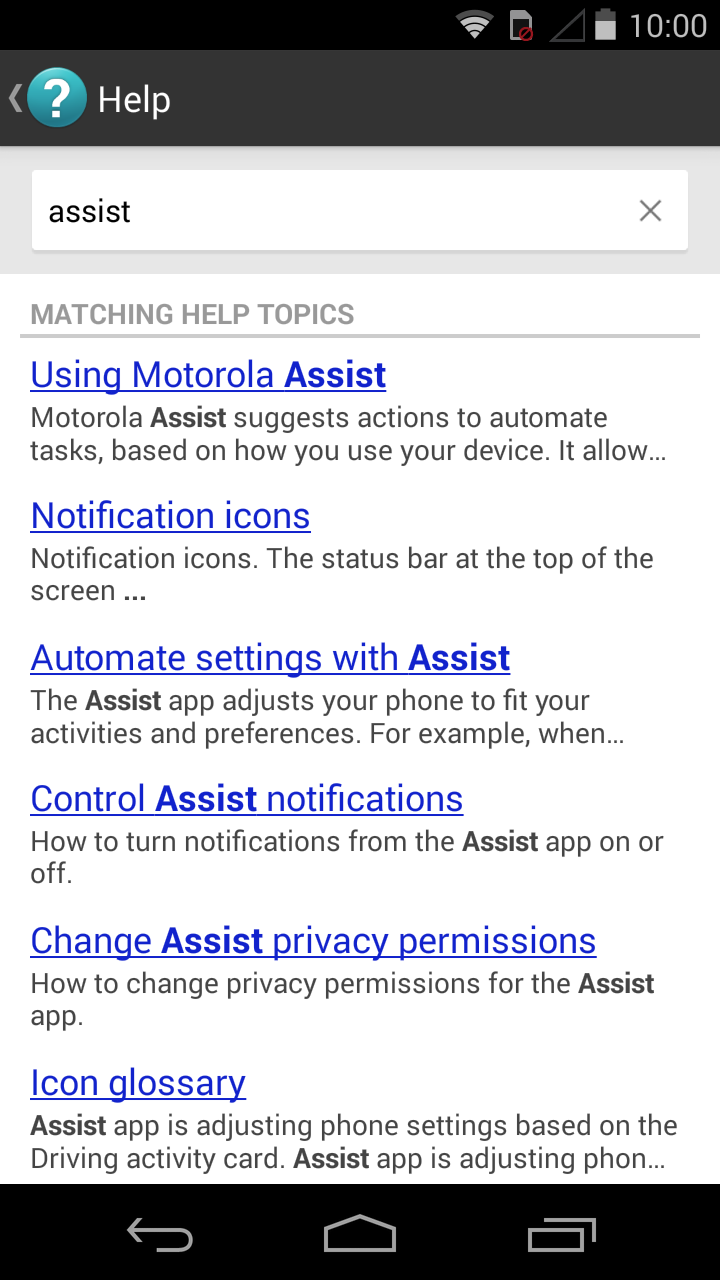
The one other thing that Motorola has included in the package deal is a really good help section whereby if the user asks the feature how to use a certain aspect of the phone it will scour the web and find the answers for you, it works great too so for those who have yet to venture into the smartphone market then this device at the amazing price point with this great help section will do the trick very nicely.
Here it is in action:
Motorola Keyboard:
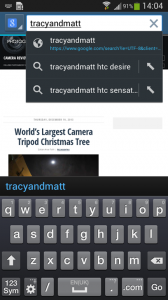
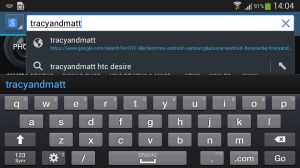
I’ve named this section ‘Motorola Keyboard’ because, the Moto G’s keyboard looks at first to be the stock Google keyboard from the Nexus devices and that which you can now download from the Play store, but when I began to use it for the first time I noticed a slight difference from what I am currently used to, so I went ahead and checked the input settings and low and behold the keyboard is lacking the simply fantastic ‘Swype’ function!
This to most people wouldn’t be a problem at all but for me it kind of is, this is because I have become accustomed to using the function on many of my recent phones and find that it is a more efficient way of typing anything from a text to even this review which I am currently typing up on my Nexus 5 for a short time while I am out. There is of course a very simple solution to the lack of Swype support, download SwifKey but admittedly on my high horse I am simply saying that the function should be there in the first place.
Camera/Video Camera:
The cameras on most of the high end smartphones or ‘Flagships’ are vastly becoming a real thing of beauty, particularly when you take a glance at the likes of the Nokia Lumia 1020 and its incredibly good 41 megapixel sensor or even the HTC One, One Mini and One Max with their Ultrapixel technology, but today we aren’t talking about a high end devices amazing camera but we are talking about a simple run of the mill 5 megapixel autofocus camera with an LED flash on the Moto G.
How does it perform? Well in short, quite well really, It was never going to be amazing but it certainly isn’t bad by any means, some of the photos i will show you are in my opinion at least pretty good, at least good enough to have as your Facebook background image or something to that effect.
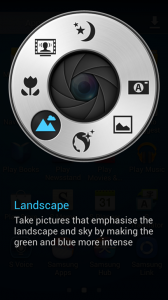
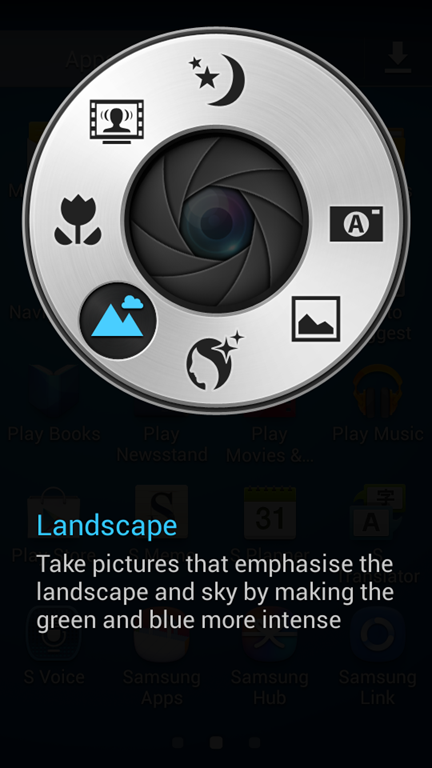
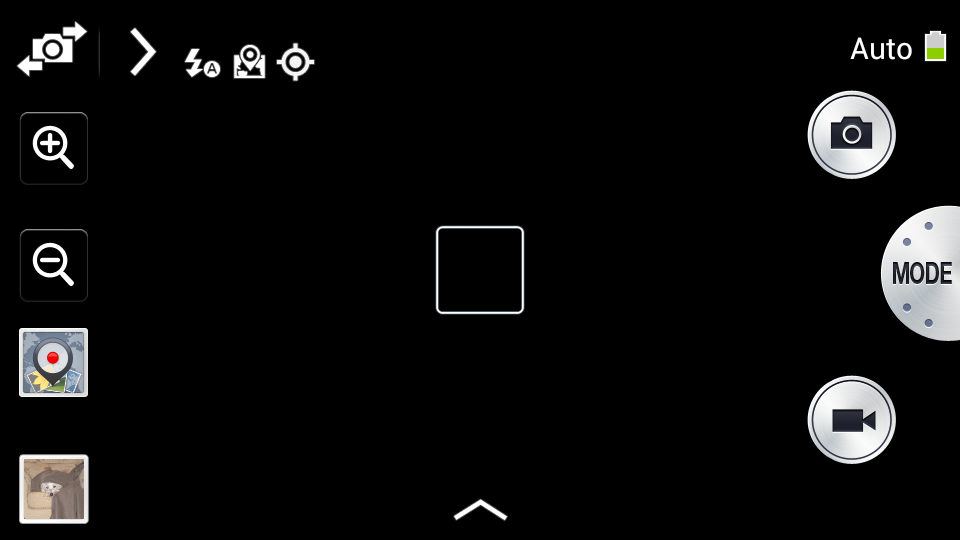
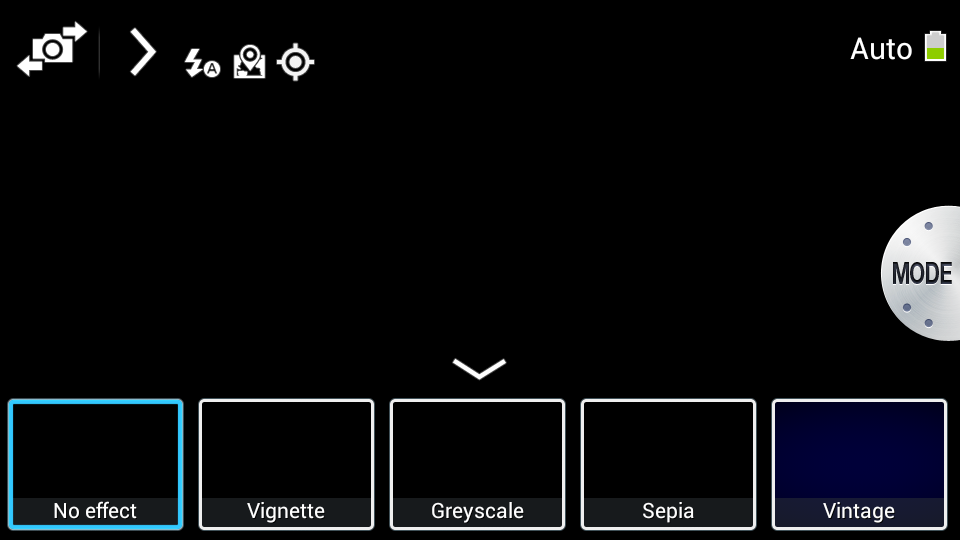
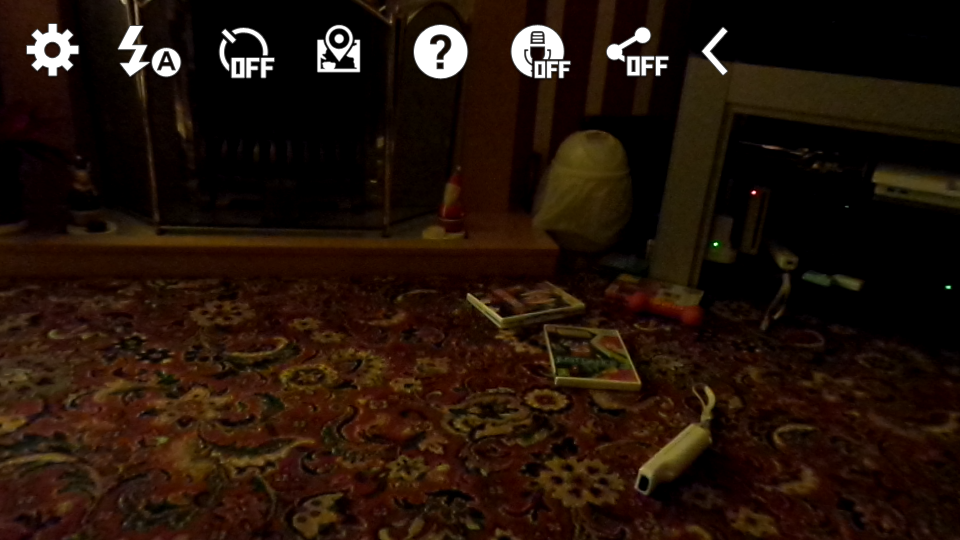
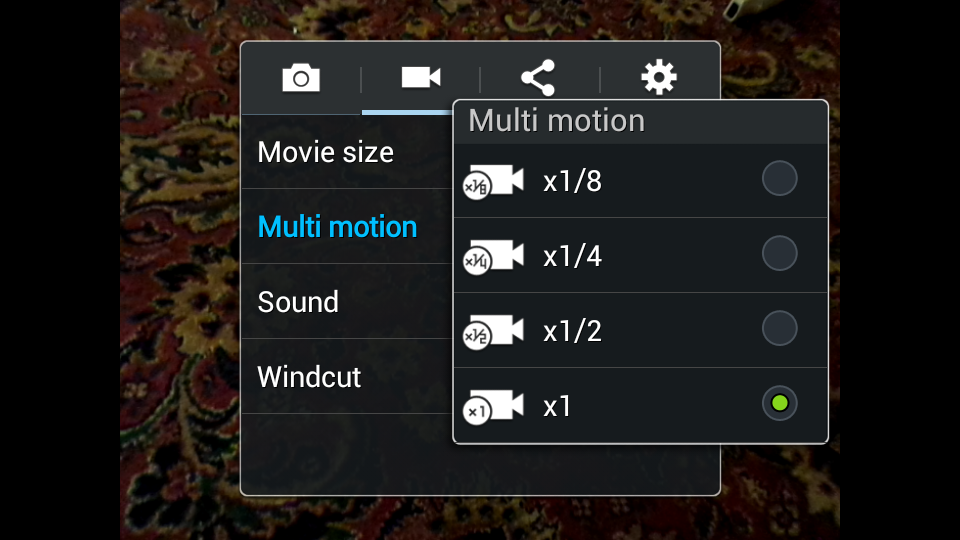
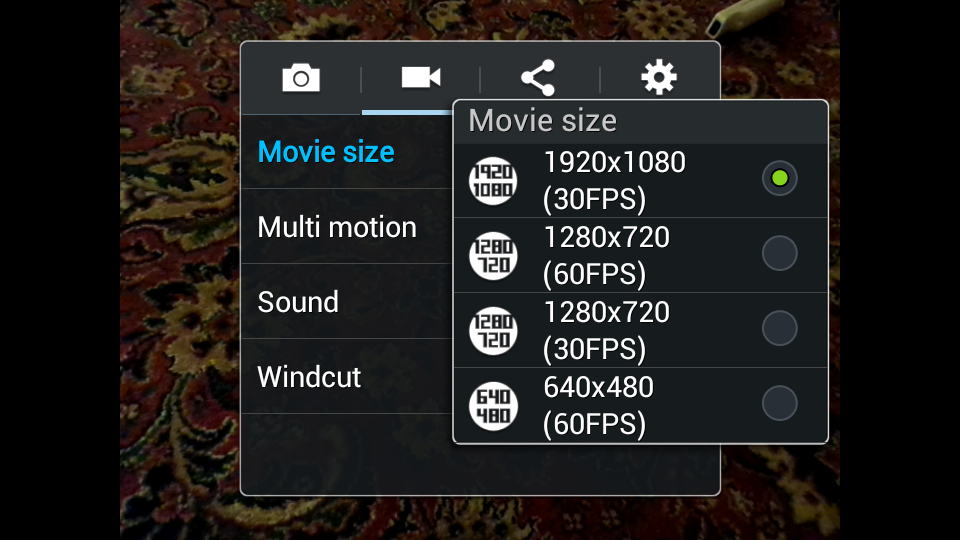
I tested the camera in a variety of locations and situations with different lighting conditions too (this is England after all!) And for a phone that you can pick up for just £119 I would say the images are quite good indeed, but first I would like to show you the pretty cool camera interface, there aren’t many settings to choose from here, which I think is why it does looks so nice but there is a HDR mode, slow motion video mode and also a Panorama mode. Take a look below:
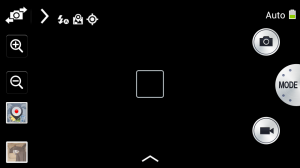
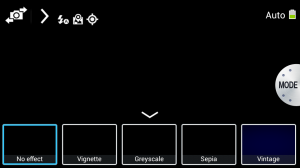
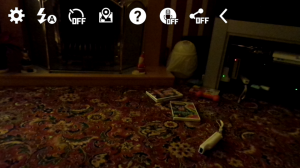
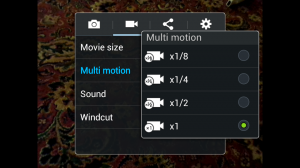
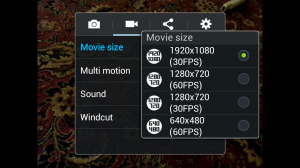
Now we move onto the actual photographs that I’ve taken with the above camera, unfortunately I wasn’t ever in a position to use the slow motion video function so I am unable to comment on that but I did manage to use the panorama mode and I can tell you that it’s not great, the images didn’t stitch together properly so the images were never really worth keeping I’m afraid to say guys, plus I am unable to show you any sunshine because while I had the phone there wasn’t a single day in which we had any where I live.
Here are some of the images I did take for you, all three of them were taken with HDR switched on but the one of the Labrador was in very low light indoors using the LED flash.



There is also the ability to shoot 720p video footage within the same camera application, I would say that the video quality is ok but it’s nothing to shout home about but then again it’s not supposed to be as this is of course a lower end device. I would say that it does perform well enough to capture those great moments in life but to watch on a big screen it leaves a little to be desired.
Here is the footage for you:
http://youtu.be/7FxU036LJu8
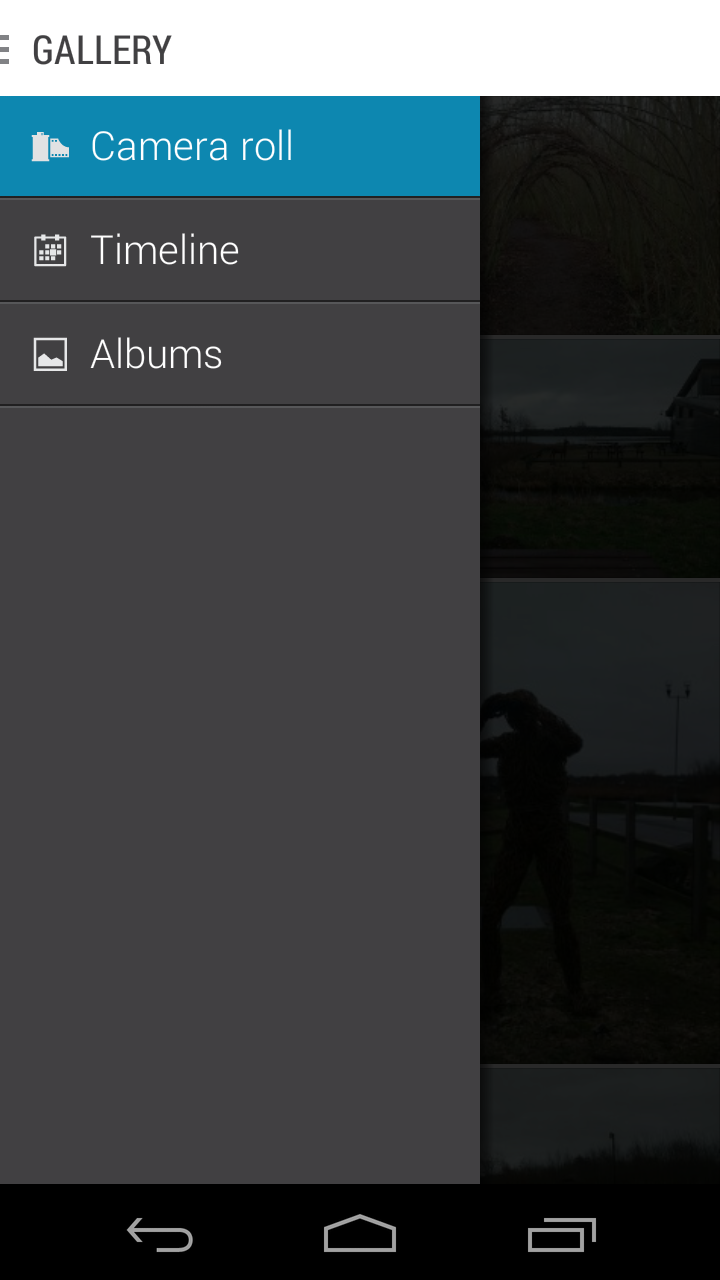
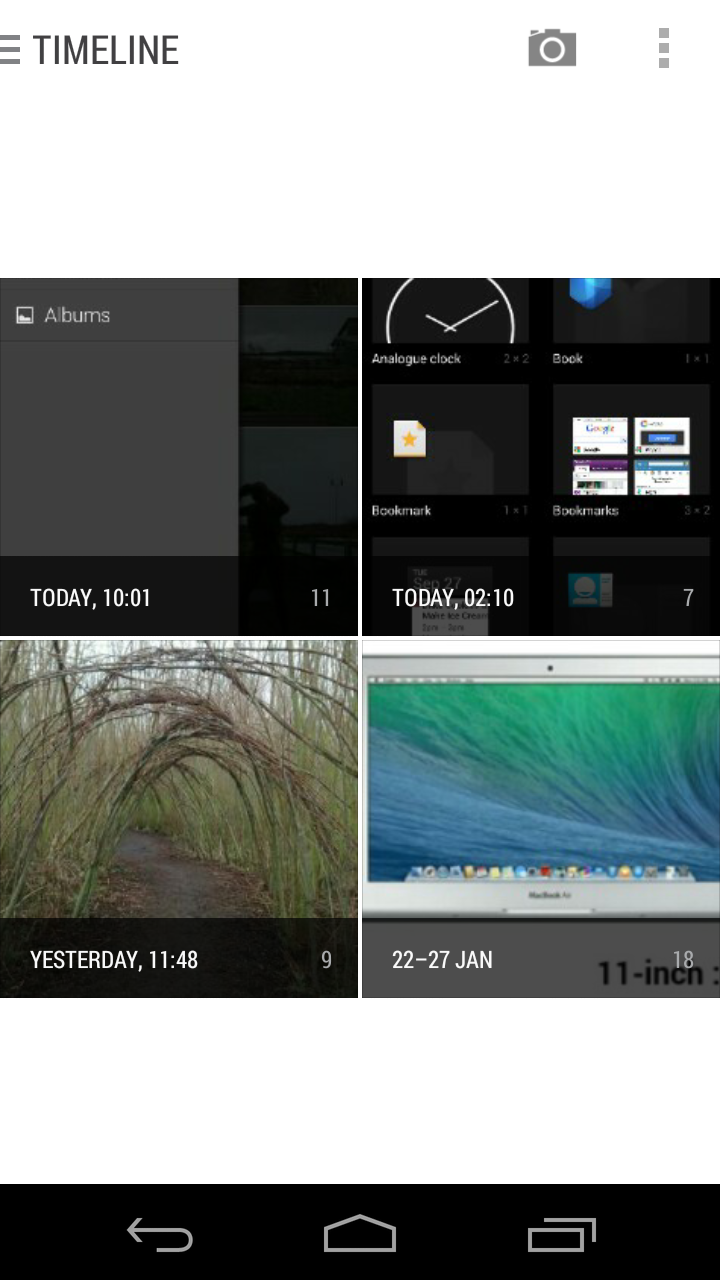
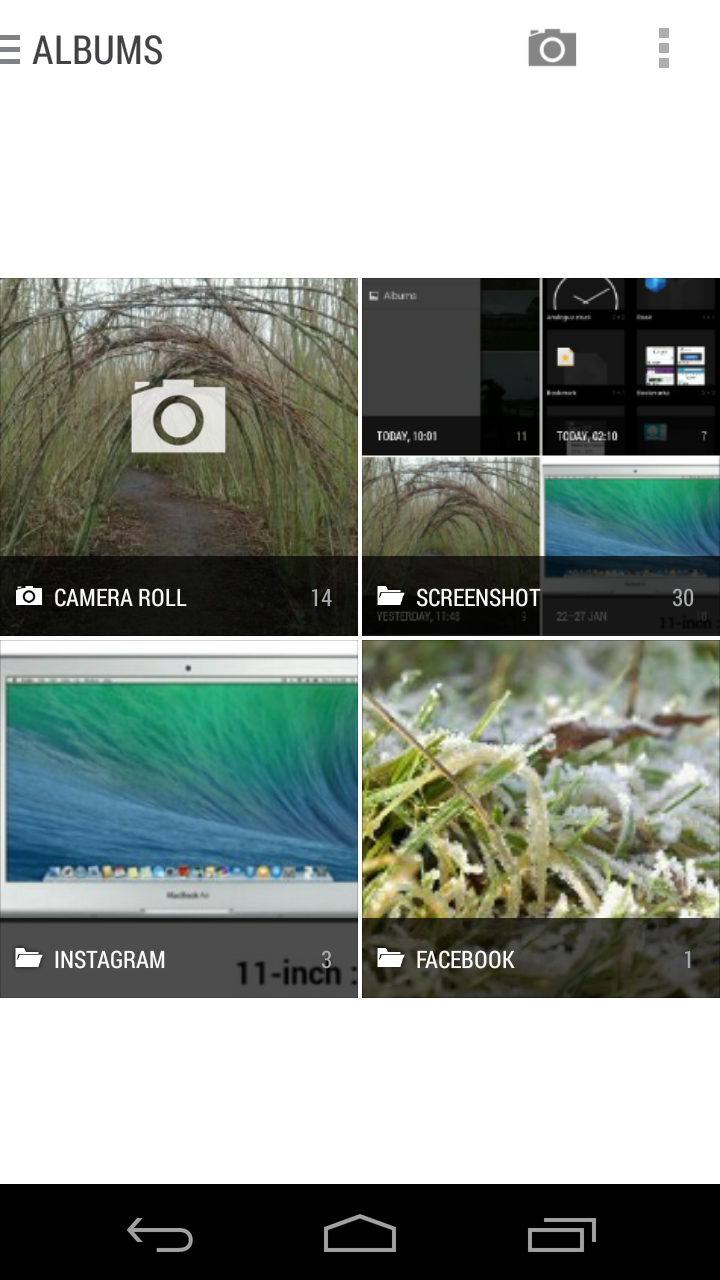
Motorola’s gallery app is quite different to the stock android 4.4 app and is even now available to download as a separate app from the play store for other users. Before i talk about why it’s different I will show it to you:

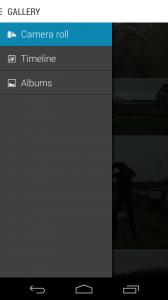
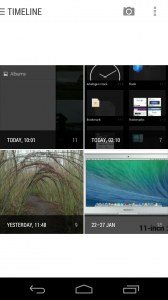
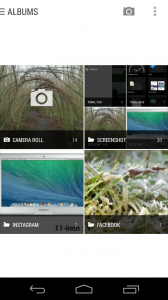
It’s the aesthetic touches that I like about this app, the fact that it lays the photos out for you with different sizes of square looks nice, plus it is just so easy to find images within the app as there are three sections, these are the main camera roll, timeline which lays out your photos in chronological order and then there’s albums too. It works almost exactly the same as any other gallery app to be honest, every photo that you take goes immediately into the camera roll but also into the applicable album be it a screenshot or an instagram upload.
Media:
Media consumption on the Moto G isn’t difficult at all, in fact it’s just as easy to pick this little device up as it is an iPad etc because the screen although 720p is pretty darn good for videos, particularly YouTube which is to be honest mainly what I watch on a smartphone due to having all many of other devices to watch TV and movies on. The only problem that I found with watching YouTube videos was the battery life which wasn’t at all good, I only watched three five minute videos in one go from 100% and the battery was down at 71%…so i think you will agree this isn’t brilliant? But watching the videos was a nice experience indeed.
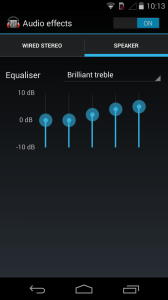
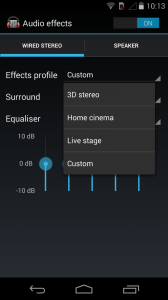
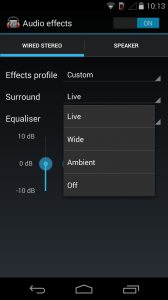
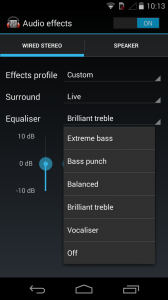
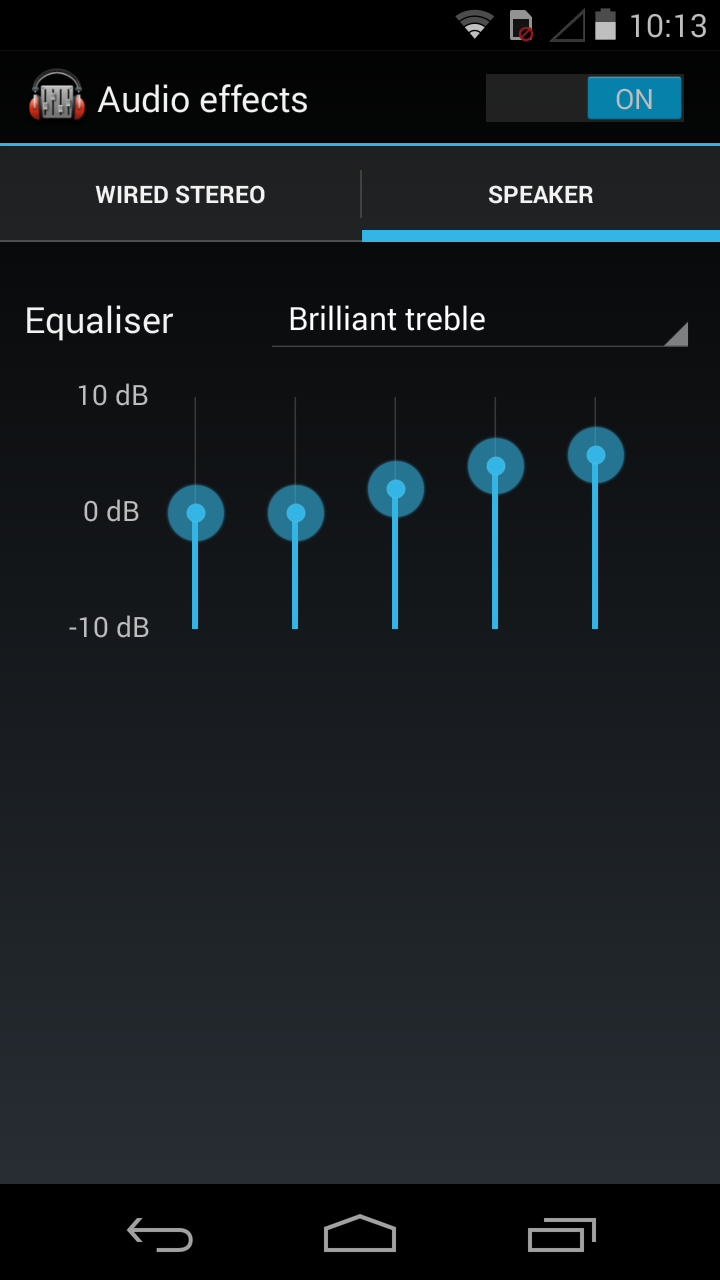
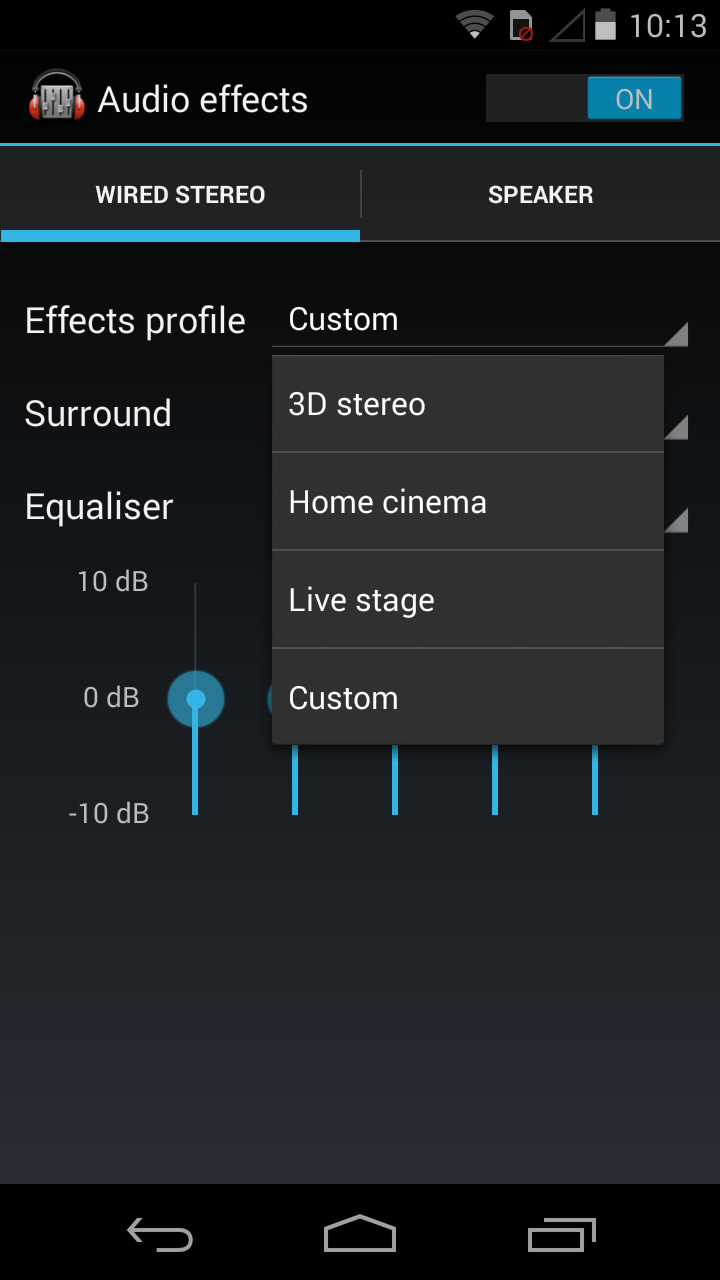
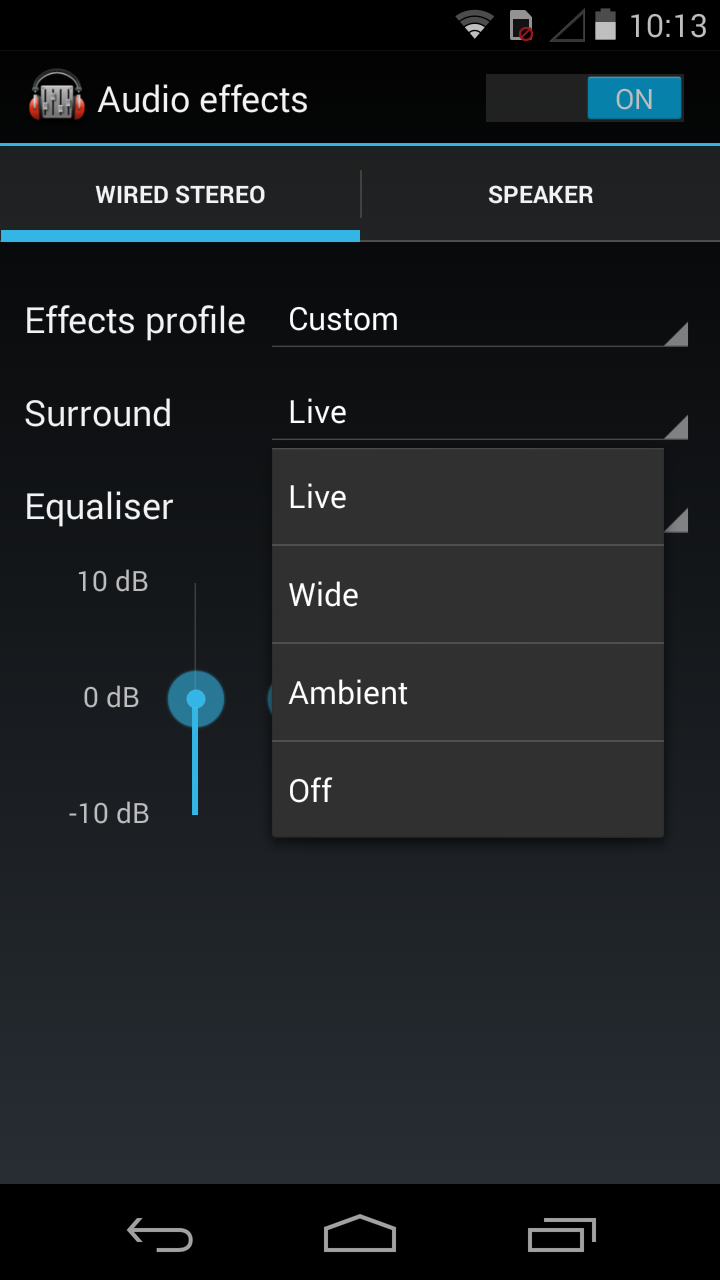
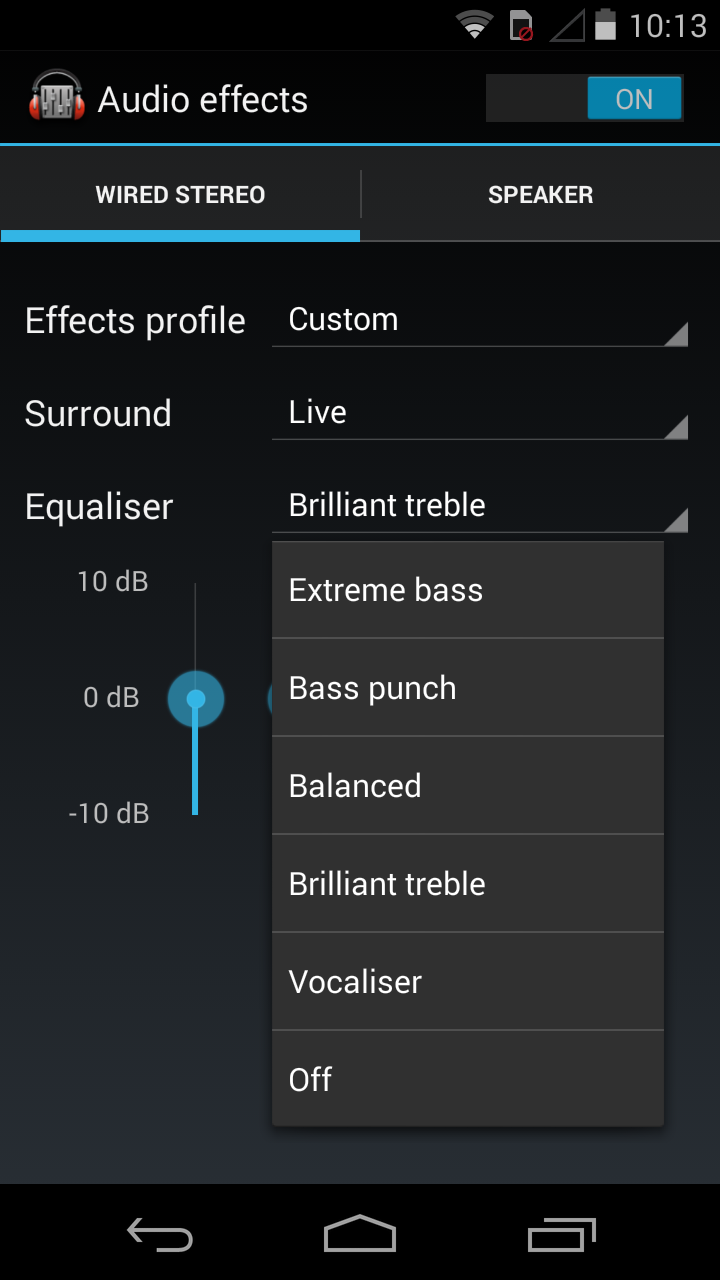
As for music I wasn’t impress at all with this aspect of the phone, the external loud speaker is quite loud but its pretty rubbish by all accounts, it just sounds very distorted which in turn makes listening to music difficult. Listening to the same tracks using my Beats by Dre headphones wasn’t much better to be honest, again it’s very loud but the quality is terrible. There are a set of audio settings that would suit a higher end device better than this one because they are pretty good. There are settings for both the loud speaker and headphones, there are some pre set options and also a custom option where you can choose the levels of the bass and such to what suits you. You will see all of the aforementioned settings in more detail in the screenshots below, I haven’t chosen to show you guys the music player due to the fact that I didn’t really use it as I use Spotify for all of my music consumption these days, plus because the music quality wasn’t brilliant.
Battery Life and Performance:
Onto the last small section of my review now, I will begin with the battery life and say that as long as you aren’t watching a lot of videos on the device then the battery life is actually decent, It definitely lasts the whole day on a single charge but even if the battery does deteriorate at all during the day it charges really quickly so a quick top up isn’t out of the question which is a great thing these days.
The performance of the phone was a real surprise for me as at this price point you usually get single core or dual-core processors but with the Moto G we’ve got a 1.2GHz quad-core processor, yes its a low powered one but in practice it performs superbly allowing me to play all manor of games such as the Simpsons tapped out, Real racing 3 and more without any lag whatsoever, I’ve been very impressed by what this phone can do during the relatively short time I’ve used it for and i would even go as far as saying that I would have it a secondary device that I take everywhere with me.
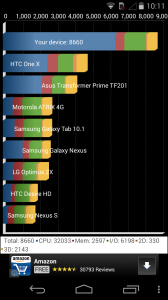
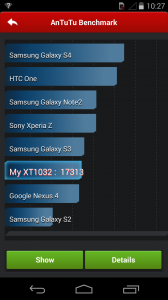
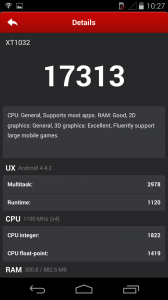
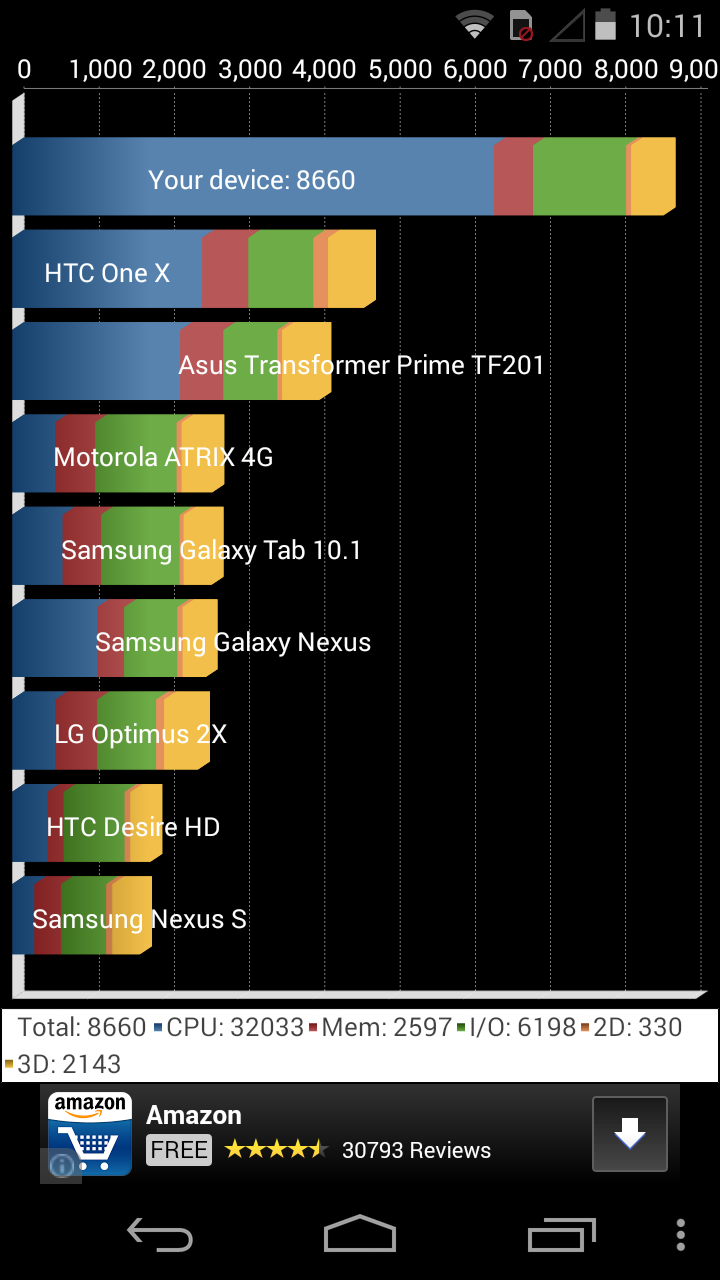
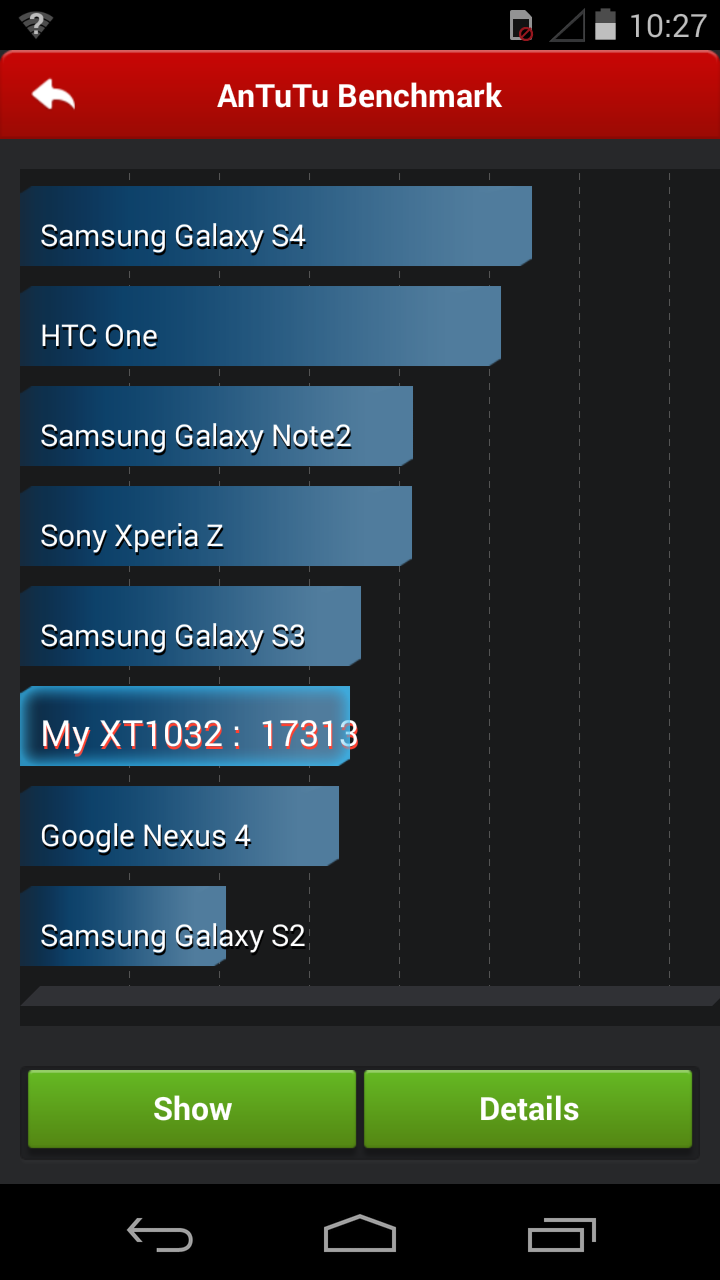
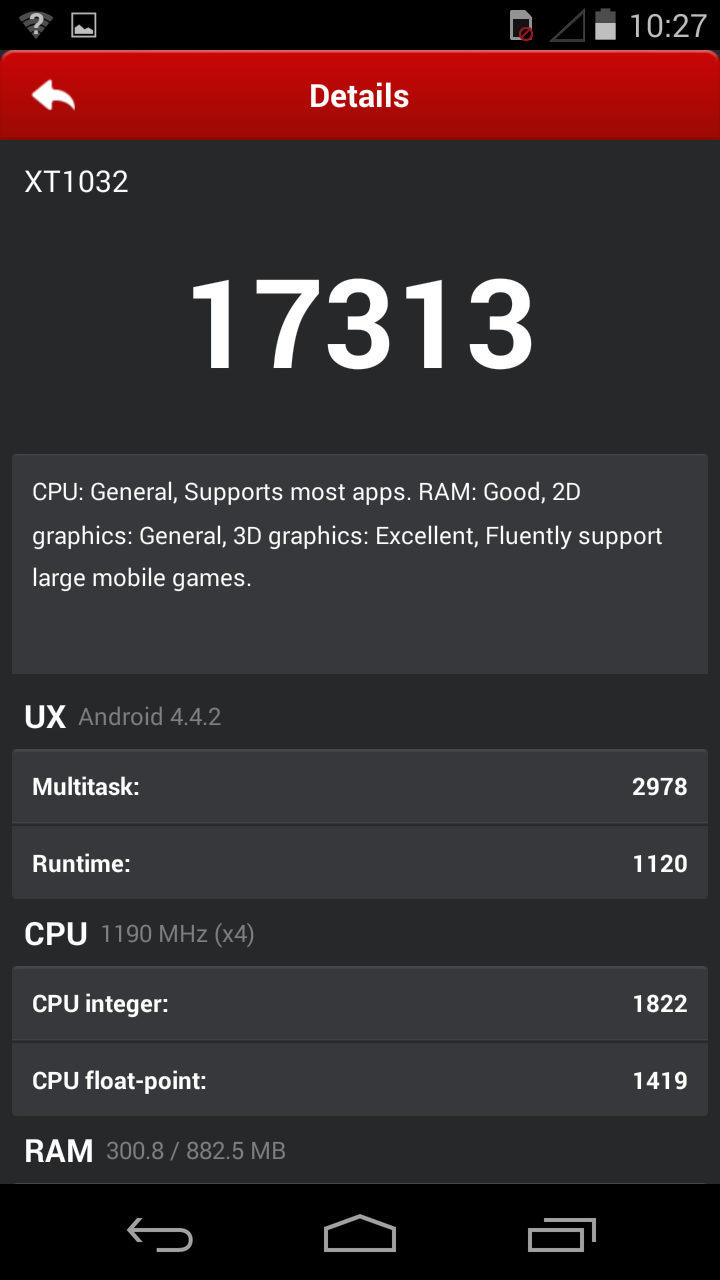
I did a couple of benchmark tests to get a gauge of just how well the phone performs from a technological perspective, you will be surprised what difference a year can make in the smartphone world as this phone performed at a higher standard than last years Nexus 4! Unreal to think that phone was a flagship device. I used Quadrant Standard and Antutu and the results are below for you:
Conclusion:
I have really enjoyed reviewing the Moto G as it has really surprised me by just how brilliant it is, and at £119 for the 8GB version it has to be considered a must buy for tech fans or people who are still looking to venture into the smartphone market for the first time, this would be an unbelievable first phone for someone.
It has it’s flaws yes but so does every smartphone to date, they are either too heavy or too large, not powerful enough etc but we still love them and that’s the point that I want to make here…I fell in love with the Moto G while reviewing it, I literally didn’t use my Nexus 5 much at all, only for the odd e-mail here or a text message there as everything I did be it YouTube or web browsing I did it on the Moto G.

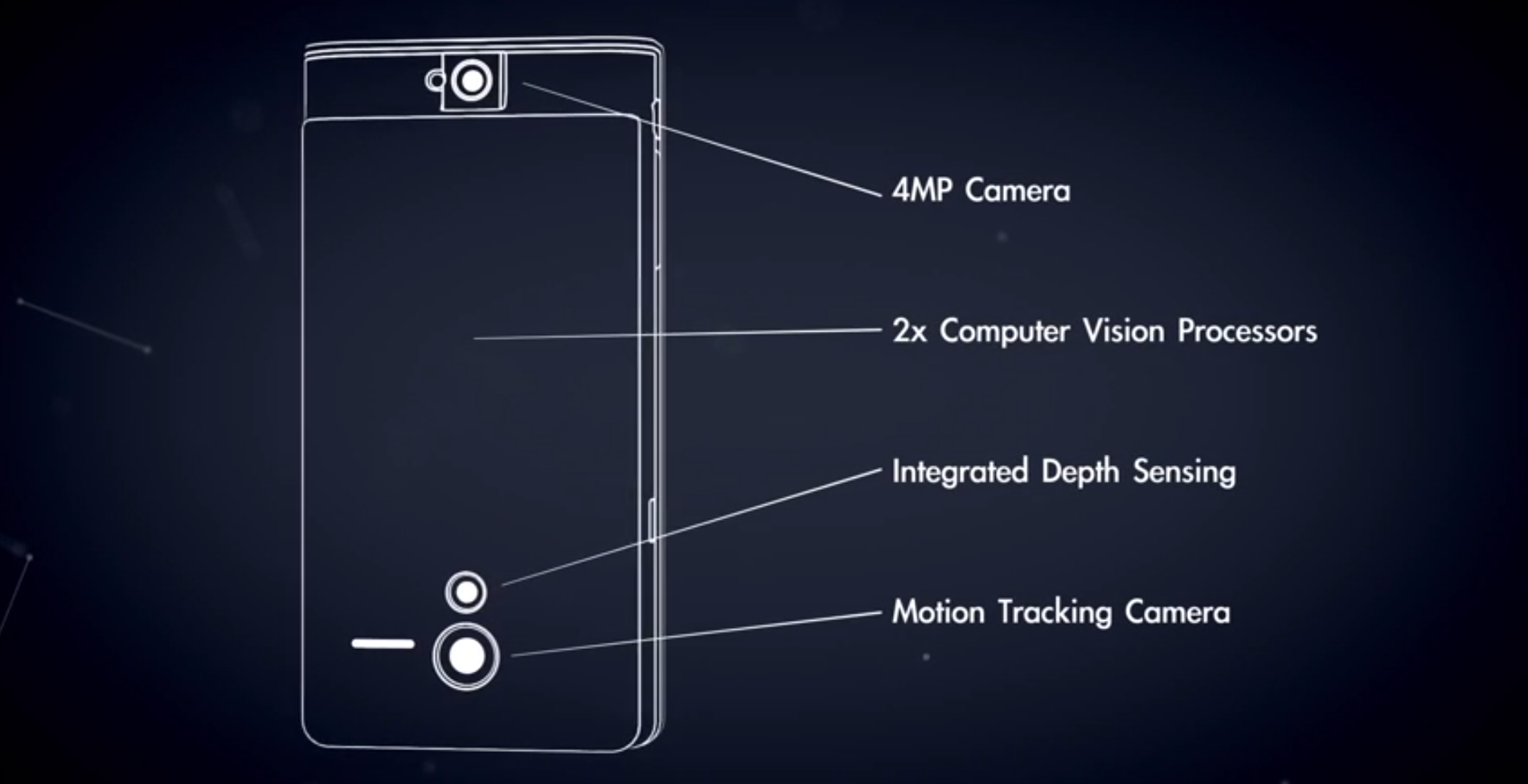 Google’s Project Tango are working on a phone that is able to scan the world around it and, over time, create maps out of it. The primary purpose of this will be for Google’s obsession with mapping and navigation. We have seen Google Maps implement as Street View focus on interiors of certain land marks and this has the potential to create interiors of almost any building anywhere on the planet.








Connect
Connect with us on the following social media platforms.