
 There has been a flurry of Chromebook’s over the last week and whilst they are largely the same, there are a few subtle differences to distinguish them. Here is a brief overview of the main contenders, there will be more, many more over the next year or so however you might need one right now and this little table may help:
 |
 |
 |
 |
|
|
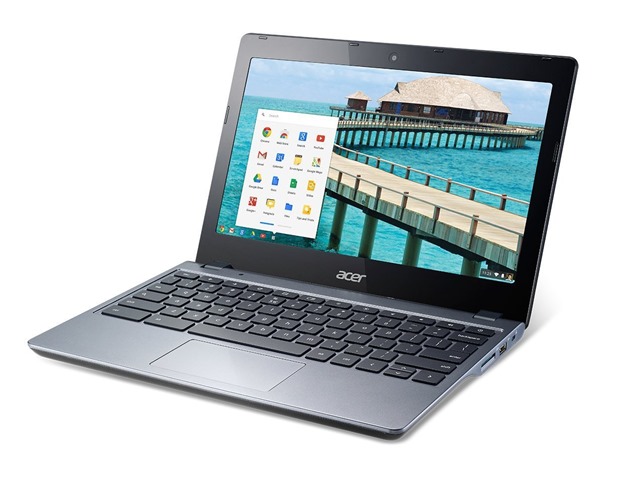
Acer C720 |
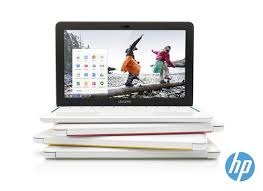
HP Chromebook 11 |
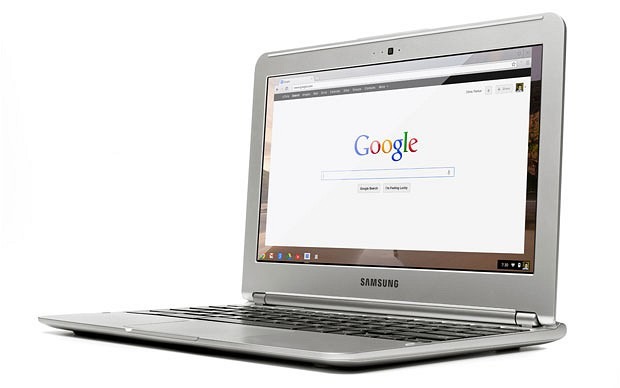
Samsung Chromebook |
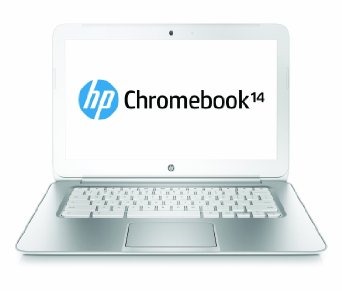
HP Chromebook 14 |
|
|
Screen |
11.6″ 1366 x 768 |
11.6″ IPS display 1366 x 768 |
11.6″ 1366 x 768 |
14″ 1366 x 768 |
|
Ports |
1 x USB 2.0, 1 x USB 3.0 |
2 x USB 2.0 |
1 x USB 2.0, 1 x USB 3.0 |
2 x USB 2.0, 1 x USB 3.0 |
|
Weight |
1.27kg |
1.04kg |
1.08kg |
1.9kg |
|
CPU |
1.4 GHz Intel Celeron (Haswell) |
1.7 Exynos 5250 |
1.7 GHz Exynos 5000 Series |
Intel Celeron 1.4 GHz |
|
Memory |
4GB |
2GB |
2GB |
2GB |
|
Storage |
16GB SSD + 100 GB Google Drive |
16GB SSD + 100 GB Google Drive |
16GB SSD + 100 GB Google Drive |
16GB SSD + 100 GB Google Drive |
|
Battery life |
8.5 hours |
6 hours |
6.5 hours |
9.5 hours |
|
Network |
802.11a/b/g/n |
802.11 a/b/g/n |
802.11 a/b/g/n |
802.11 a/b/g/n |
|
Connections |
1 x HDMI, Bluetooth 4.0 |
Bluetooth 4.0, MicroUSB |
Bluetooth 4.0, SD card slot. |
Bluetooth 4.0, 1 x HDMI, SD card slot. |
We’ll be going hands on sith several of these over the next week so be sure to came back to see unboxing videos and reviews soon! 🙂


Connect
Connect with us on the following social media platforms.