

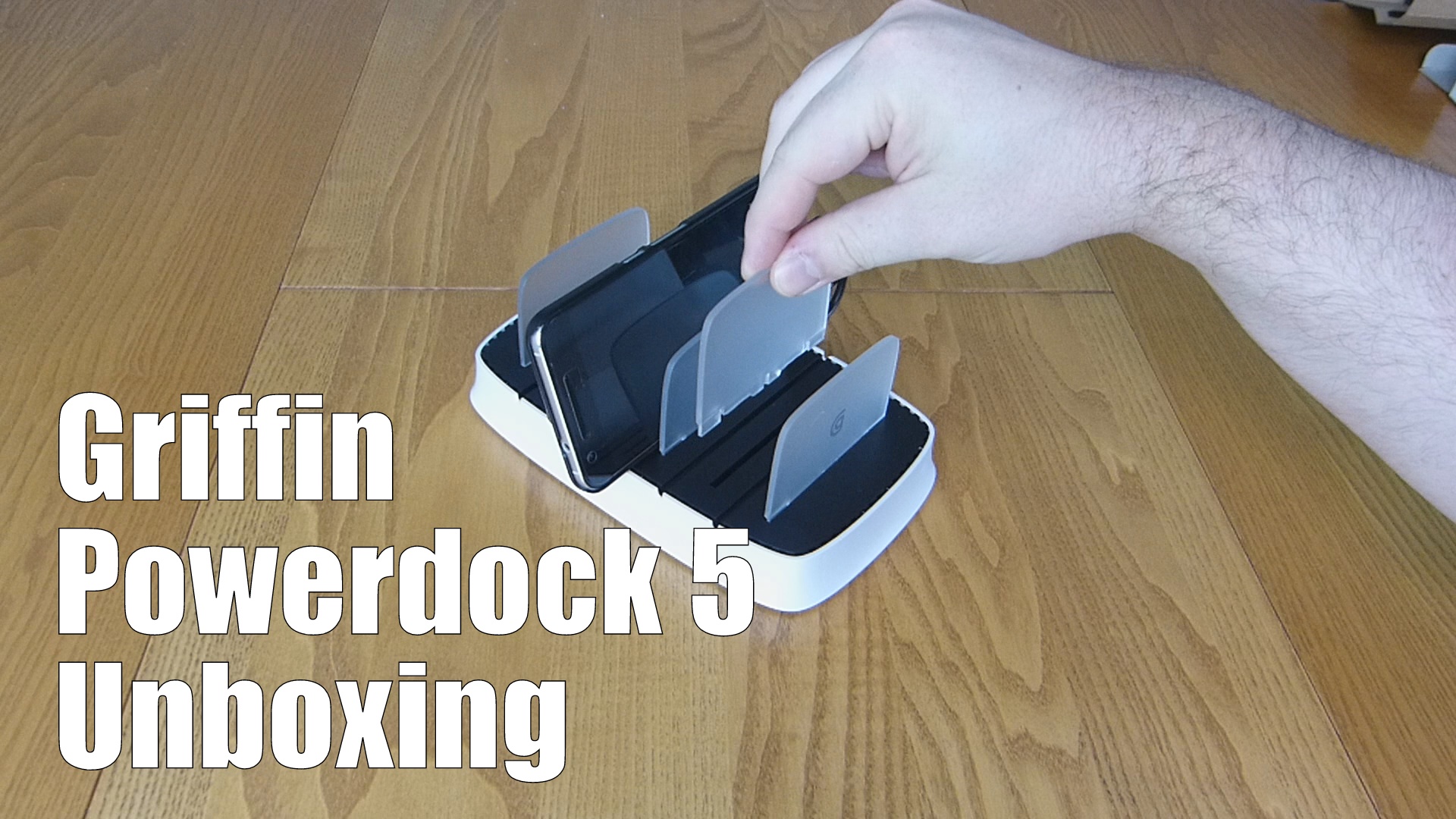
 The Powerdock 5 is a device that only the most spoiled or organised will desire. It’s a costly accessory that is necessary for some. Powerdocks are a personal favourite of mine as, when done right, they can really enhance a desk or night stand whilst keep all your devices in the one place and full of juice.
Features:
Store and charge 5 iPads, iPhones or iPod touches simultaneously
Space-saving design for your countertop
Cables not included
Input: 100-240 V AC (Comes with UK and EU power cords)
Output: 10 watts (5 volts DC @ 2.1 amps) for each charging bay
Accommodates iPad tablets in their cases
You can pick one up from Amazon for around £60.
Or from Griffin’s official website.

THINKWARE’s CEO, Heung Bok Lee, announces today that global dash cam brand “THINKWARE DASH CAM” has received the “2017 Innovation Award” in the car audio/video category for the “DASH CAM 5800 Air”, from the world-renowned Consumer Electronics Show (CES). This has been the second consecutive year that THINKWARE has received the prestigious CES innovation award; reserved for only the best products in each category.
The THINKWARE DASH CAM F800 Air is the first model to feature a design compatible with IOT (Internet of things) technology for the realisation of a completely ‘Connected Car.’ The F800 Air model’s IOT connection gives drivers complete peace of mind with the ‘Emergency Alert’ feature. It sends location and status information via text message to your pre-selected emergency contacts when the system detects a crash, rollover or the SOS button is activated. It also has the ‘Parking Incident Notifications’ function, which, in real time, sends alerts if your vehicle is hit while parked, even subtle impacts such as door dings or a door closing. Furthermore, with THINKWARE’s patented LBS (Location Base Service) technology, all drivers will soon benefit from ‘Geo Fencing’, an alert system which informs you if your vehicle enters or leaves a designated area along with the ‘Driving Report Service’ a feature that analyses driving patterns of its drivers to support safe driving.
In addition to the innovative technologies, the aesthetics of the F800 Air has been designed with an attractive and modern look with a slim frame design, aluminium materials for the round camera module, and an overall ‘U’ shaped body that integrates the entire design.

The F800 Air’s breakthrough innovations and bold designs certainly helped it achieve the CES 2017 innovation award. The dash cam is currently in its final stage of development and is scheduled for a global launch next year.
THINKWARE stated, “With the innovative “connected car” technologies, the dash cam will take on an important role in providing both driver convenience and safety and the continued evolution of the capabilities of the dash cam seem boundless with IOT.”
This year will be THINKWARE’s 6th consecutive presence at CES 2017, reinforcing their global position as the world’s top dash cam company in global sales and market influence. Last September, THINKWARE established their Chinese branch along with a ‘premium offline store’ in the city of Simchun to expand their B2B market in China. Also, in Singapore, THINKWARE has been offered sales partnership programmes at Toyota dealerships and at branches of car accessory brand, Autobac. Additionally, with the success of their partnership with BEST BUY distribution channels in the United States, THINKWARE plans to continue their sales expansion into Europe, South America, and other Asian countries and is expecting to more than double 2016 sales figures.
The CES 2017 Innovation award is awarded for outstanding design and technology through evaluation by the CEA (Consumer Electronics Association) and IDSA at CES (Consumer Electronics Show), one of the world’s top 3 recognised technology exhibitions.

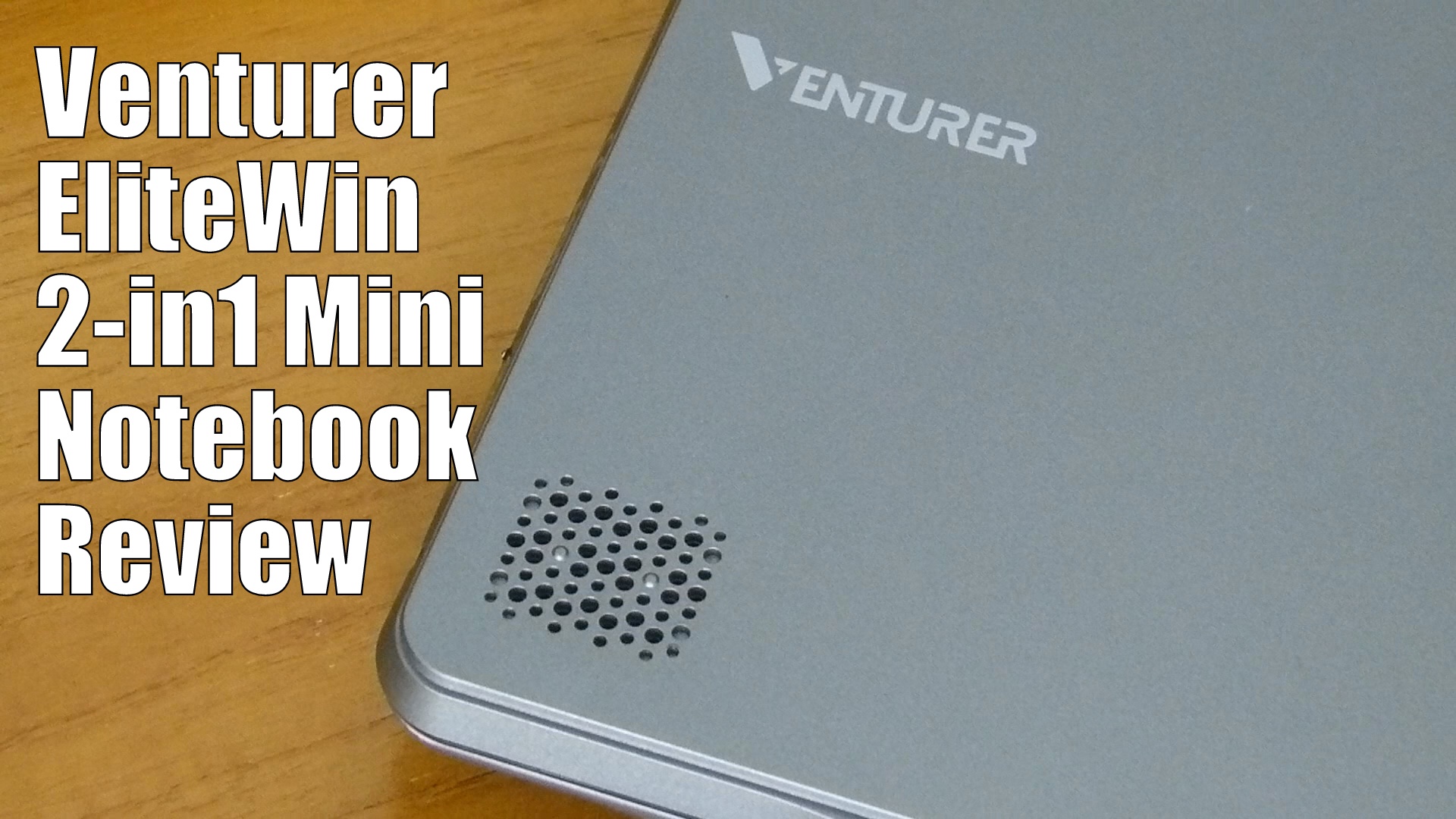 Venturer has very kindly sent over a 2 in 1 Mini Windows Notebook for our appraisal. This low-cost tablet and laptop combination ticks a lot of boxes for the cost conscious whilst packing a smooth experience inside the interesting external design.
- HDMI, USB, Bluetooth and wifi
- 11.6” 1366 X 768 Display
- 2GB/4GB DDR3 SDRAM
- 32GB Internal Memory 64GB Micro SD
- 4 Core Intel Atom Processor @ 1.83 GHz
- 8 Hrs Battery
- Smart Keyboard with Trackpad
- Foldable
Grab one from Amazon for around £249.99.

 With the season of gluttony upon us, it will only be a matter of time before you may start thinking about getting a new pair of trainers and heading off to your local gym in a desperate attempt to look amazing for the Summer of 2017. Should you get a personal trainer or should you use a wearable tracker to monitor your progress?
My trainers have been dusted off since September and in October I purchased the Xiaomi Mi Band 2 to monitor my progress, I was curious to see if a fitness tracker is a must have accessory or is it just a gadget that will be used and discarded within a few weeks of wear?

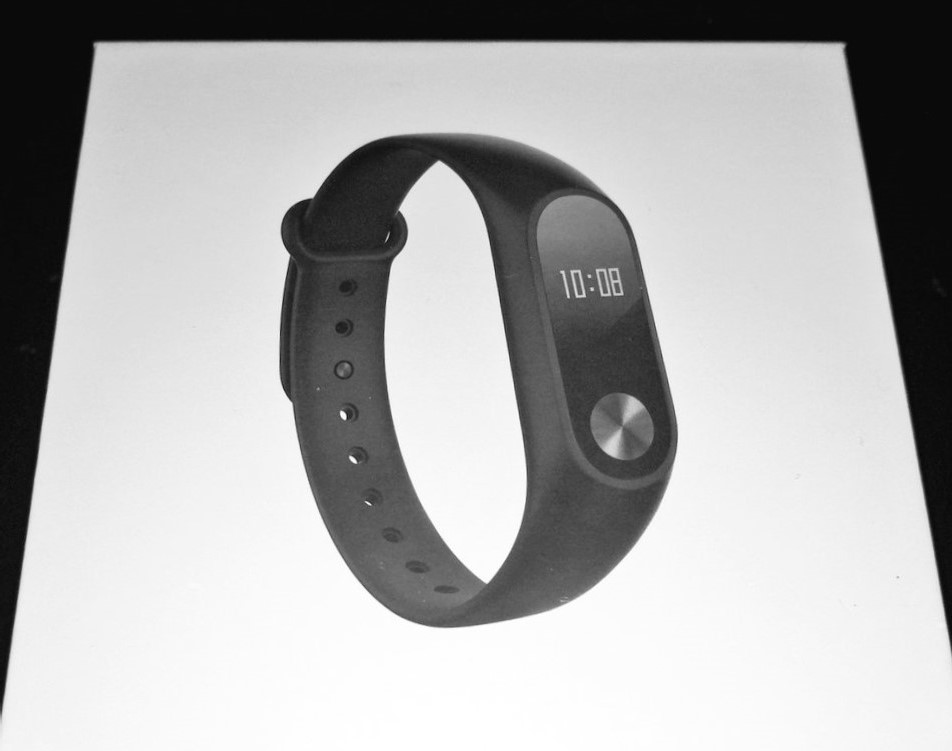
May it be a gift to yourself for Christmas or a stocking filler for that person who has everything, the Xiaomi Mi Band 2 is available online from amazon from £33.00. The unboxing of the Mi Band can be found below.
Xiaomi is a multi-billion dollar company which was founded in 2010. The company are among the world’s largest mobile manufacturers competing with Apple, Samsung, Lenovo and LG.
Their phones are beginning to make an appearance in the UK market with the Mi Mix, Mi Note2 recently being announced with specs to impress, Xiaomi will hopefully become a main contender in the UK market soon. The Xiaomi Mi Band 2 was released on the 2nd June 2016 and is an updated version of the popular Mi Band and Mi Band 1s. The Mi Band 2 differs from the previous models as it now features a 0.4inch OLED screen and a capacitive button. The display really helps make the device more appealing than a fitness tracker with no display. I have met people who have been using other fitness trackers and they are frustrated that they have to look elsewhere to get the time for example.

Out of the box, you have the Mi band 2 capsule, the black wrist strap, and the charging dock.
The black wrist strap is made from silicone and has hypoallergenic properties making it ‘smooth to touch and comfortable even for people with sensitive skin’
Growing up I have never been a fan of wearing a watch if it had a metal strap with links the hairs on my arm were plucked daily if the strap was leather I would eventually break out in a rash so up until now I have avoided any smart wearable device. I was worried that my skin would react to the silicone strap but surprisingly after extensive wear, I can say there have been no issues. The Mi Band 2 is lightweight and was almost unnoticeable when wearing.
The mi band app is available on both the android play store and the apple store. It is easy to follow installation and the on-screen setup helps you link your band to your phone via Bluetooth. The Bluetooth connection does not have to be continually on as the mi band records the information gathered throughout the day then uploads it all when connected to the device.
There are a number of customizable options with the Mi Band 2 via the app, these includes what is displayed when you push the capacitive button.

You can simply have the time, or time and date – always handy when shopping and you can not remember the date. The pedometer counter that displays a number of steps walked that day. This sometimes is not 100% accurate as a waving hand motion can add a number of steps on to your daily total. Distance walked in meters, calories burned, heart Rate monitor – when pressed the Mi band will track your heart rate and display it with a vibration within 15 secs. Battery Display – The battery life is fantastic I have only needed to charge the device once every 29 days.
There is also the sleep monitor which tracks your sleeping pattern breaking your nights dreaming into a light and deep sleep. With a baby in our household, this has been a great feature to prove to the other half what time I was up at during the night as it will also track periods awake.

I found that having the mi band connected to your phone via Bluetooth you will receive notifications such as incoming calls and texts which over the past few weeks is a feature I do not think I could do without now.
Via the app you can also set your pedometer goals. The NHS had introduced the 10,000 steps a day challenge stating the average person walks 3,000 to 4,000 steps a day. I set my goal at 10,000 which if reached you received a buzz notification on your mi band 2 display of a shield. I thought that I would have been able to achieve this goal daily, but I was only averaging about 7,500 steps daily. I activated the idle alert on the Mi Band2 that would notify me to get up and move about the office if i was sitting more than an hour at my desk. This notification really worked and now that I have added extra steps to my routine I now can reach my goal daily.

“With a built-in motion sensor, Mi Band 2 knows exactly when you begin your workout. You don’t have to switch modes or tell it before you start. Measure your heart rate to adjust the length and intensity of workouts. Keep calm and work toward your fitness goals”
The only workout the Mi Band 2 can monitor is walking and running. It cannot tell you a number of calories burned weightlifting or spinning. This can be disappointing but if you connect to google fit the mi band 2 can sync steps and sleep data and then you can input your workout on your timeline.
The Mi band 2, is a fantastic value for money multi-function fitness tracker for anyone wanting to venture into the realm of wearable technology. This is my first time trying a smart wearable and I have to say I have been more than impressed with the Mi band 2 and what it has to offer. I have realised that I need to walk more and through tracking my sleep have made changes to my lifestyle resulting in a current weight loss of 24 lbs. I have managed to create substantial wear and tear on the strap and have ordered two replacements. For anyone wanting to achieve their fitness goals for 2017, I would thoroughly recommend starting your quest with the added help of this fitness tracker. Additionally, using a tdee calculator can help you accurately track your caloric needs and further support your weight loss and fitness journey.

Purchase the Mi Band 2: Amazon – Gearbest

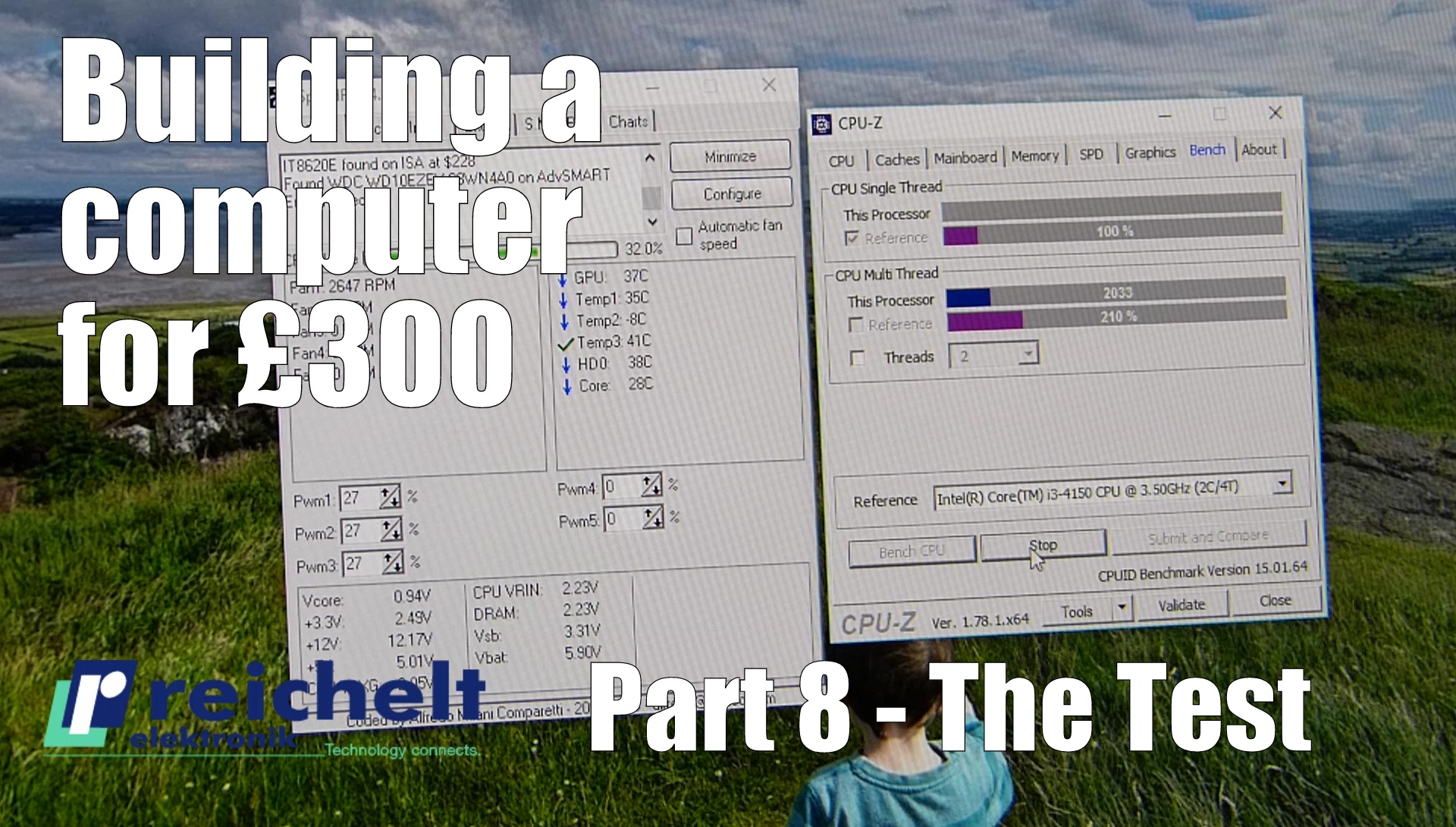 reichelt have sponsored a challenge to build a computer for £300. With a budget of only £300 I have to source the best bits of computer equipment for a main central processor unit (CPU) to build the most competent computer I can.
In part eight we take a look at how well things run. A little stress test and install of Skyrim Enhanced Edition.
Inter-Tech K-11 midi-tower including SL-500 – £34.17
Desktop hard drive, 1 TB, WD Blue – £44.66
AMD FM2+ A6-7400K, 2x 3.50GHz, boxed – £51.33
ASUS GF GT730 – 2 GB – passive – £55.19
GIGABYTE GA-F2A88XM-D3HP (FM2+) – £60.10
8 GB DDR3L 1333 CL9 Kingston Fury, black, twin pack – £63.61
Added to the computer for testing purposes, however not included in the £300 budget, is a Benq GW2270H 21.5 inch LED Monitor available from Amazon for £79.99
And a Microsoft Comfort Curve Keyboard 3000 costing £12.99
Hit the subscribe button as tomorrow we will be looking at the main board into which this processor slots.
Check out reichelt.co.uk, an online electronics retailer…many products up to 20% cheaper than elsewhere in the UK!

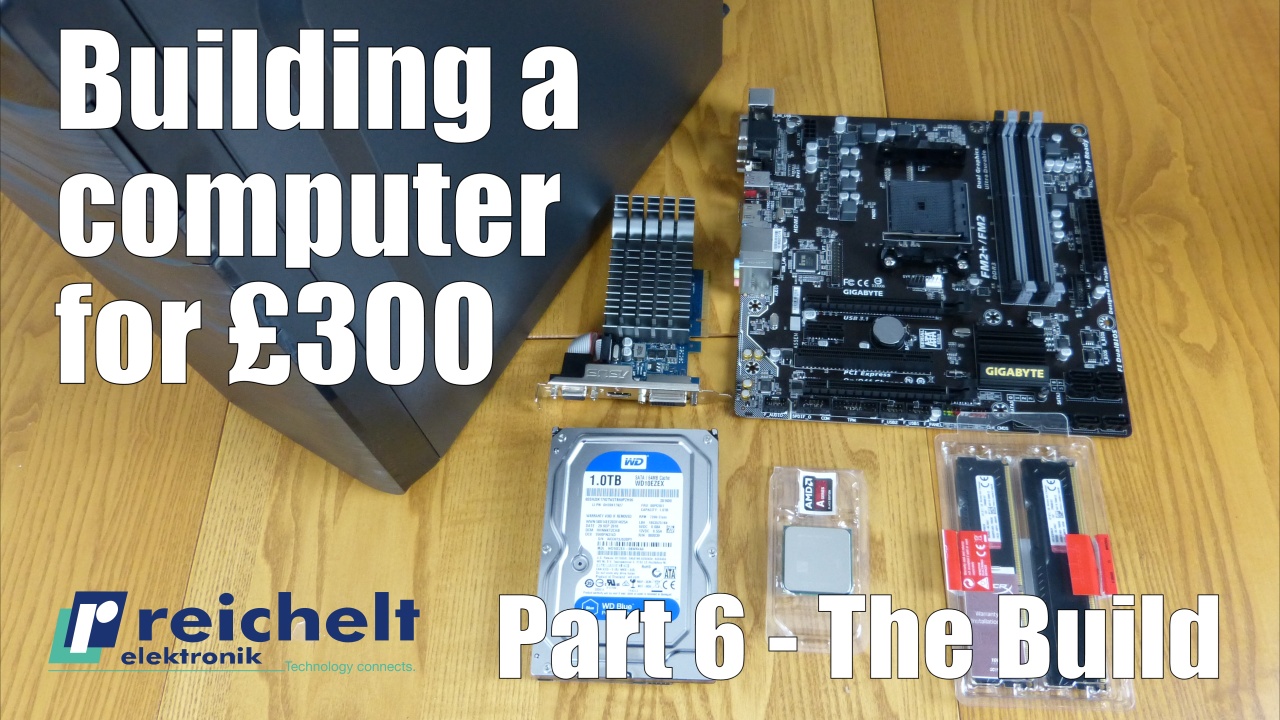 reichelt have sponsored a challenge to build a computer for £300. With a budget of only £300 I have to source the best bits of computer equipment for a main central processor unit (CPU) to build the most competent computer I can with the help from experts from Managed IT Services in Belleville IL.
The Custom PC Builder tool automatically tries to filter out parts that would be incompatible with any you’ve already selected. We always recommend you do a little research and double check just to be safe.
Inter-Tech K-11 midi-tower including SL-500 – £34.17
Desktop hard drive, 1 TB, WD Blue – £44.66
AMD FM2+ A6-7400K, 2x 3.50GHz, boxed – £51.33
ASUS GF GT730 – 2 GB – passive – £55.19
GIGABYTE GA-F2A88XM-D3HP (FM2+) – £60.10
8 GB DDR3L 1333 CL9 Kingston Fury, black, twin pack – £63.61
Added to the computer for testing purposes, however not included in the £300 budget, is a Benq GW2270H 21.5 inch LED Monitor available from Amazon for £79.99
And a Microsoft Comfort Curve Keyboard 3000 costing £12.99
Hit the subscribe button as tomorrow we will be looking at the main board into which this processor slots.
Check out reichelt.co.uk, an online electronics retailer…many products up to 20% cheaper than elsewhere in the UK!

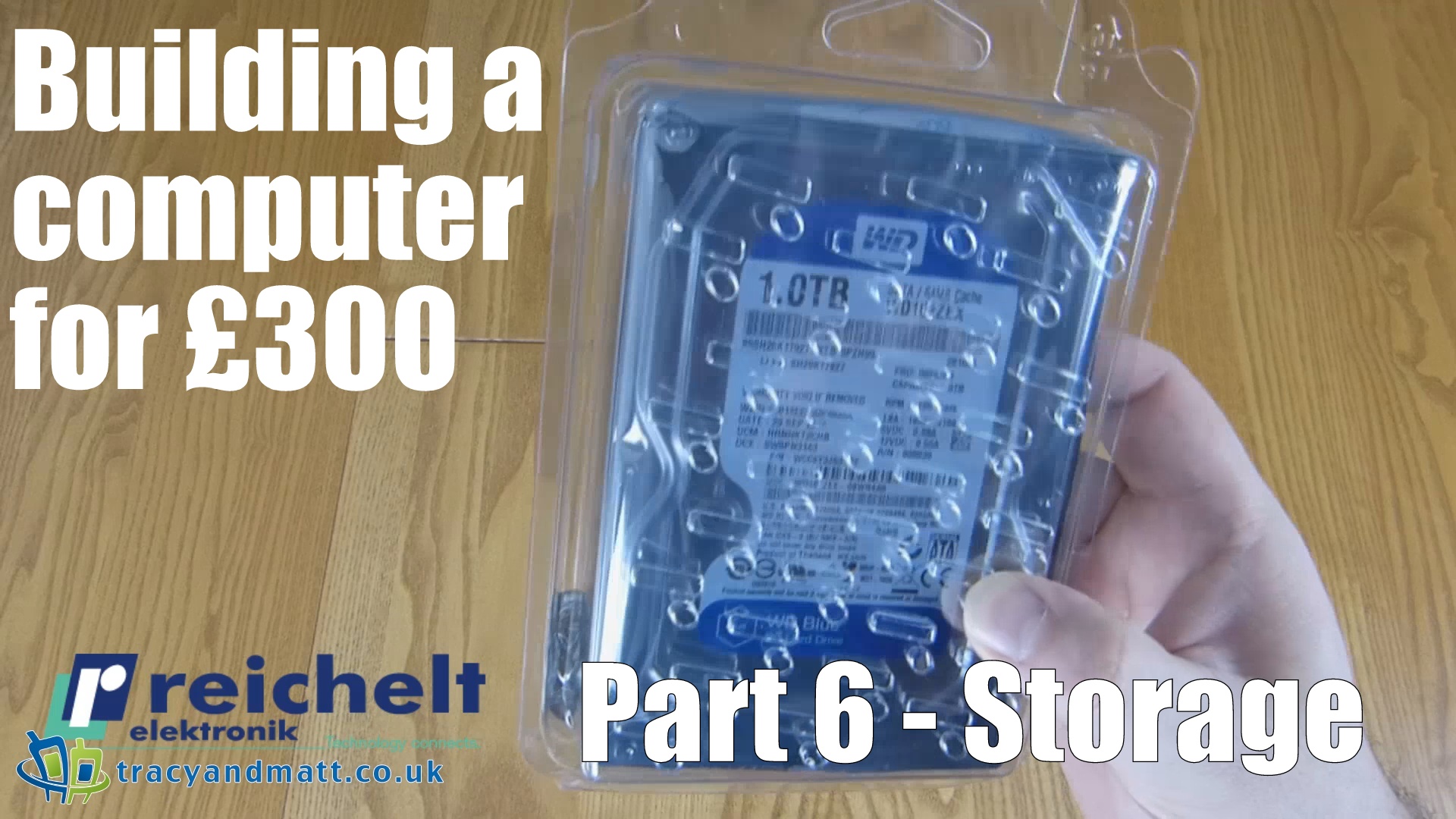 reichelt have sponsored a challenge to build a computer for £300. With a budget of only £300 I have to source the best bits of computer equipment for a main central processor unit (CPU) to build the most competent computer I can.
In part six, we grab some storage. A Western Digital Blue 1000GB, 64MB Cache, SATA3 and costing only £44.65 incl. VAT will do the job cheaply and reliably.
Cool, quiet and fast. WD Blue drives offer superior performance and reliability. This makes them ideal for business or private desktop computers.
WD Blue WD10EZEX – hard drive – 1 TB – SATA-600
• Type: hard drive – internal
• Capacity: One TB
• Form factor: 8.9 cm x 1/3H (3.5″ x 1/3H)
• Interface: Serial ATA-600
• Data transfer rate: 600 MBps
• Buffer size: 64 MB
• Spindle speed: 7200 rpm
• Features: IntelliSeek, NoTouch ramp load technology
• Dimensions (width x depth x height): 10.16 cm x 14.7 cm x 2.54 cm
• Weight: 440 g
Hit the subscribe button as tomorrow we will be looking at the main board into which this processor slots.
Check out reichelt.co.uk, an online electronics retailer…many products up to 20% cheaper than elsewhere in the UK!

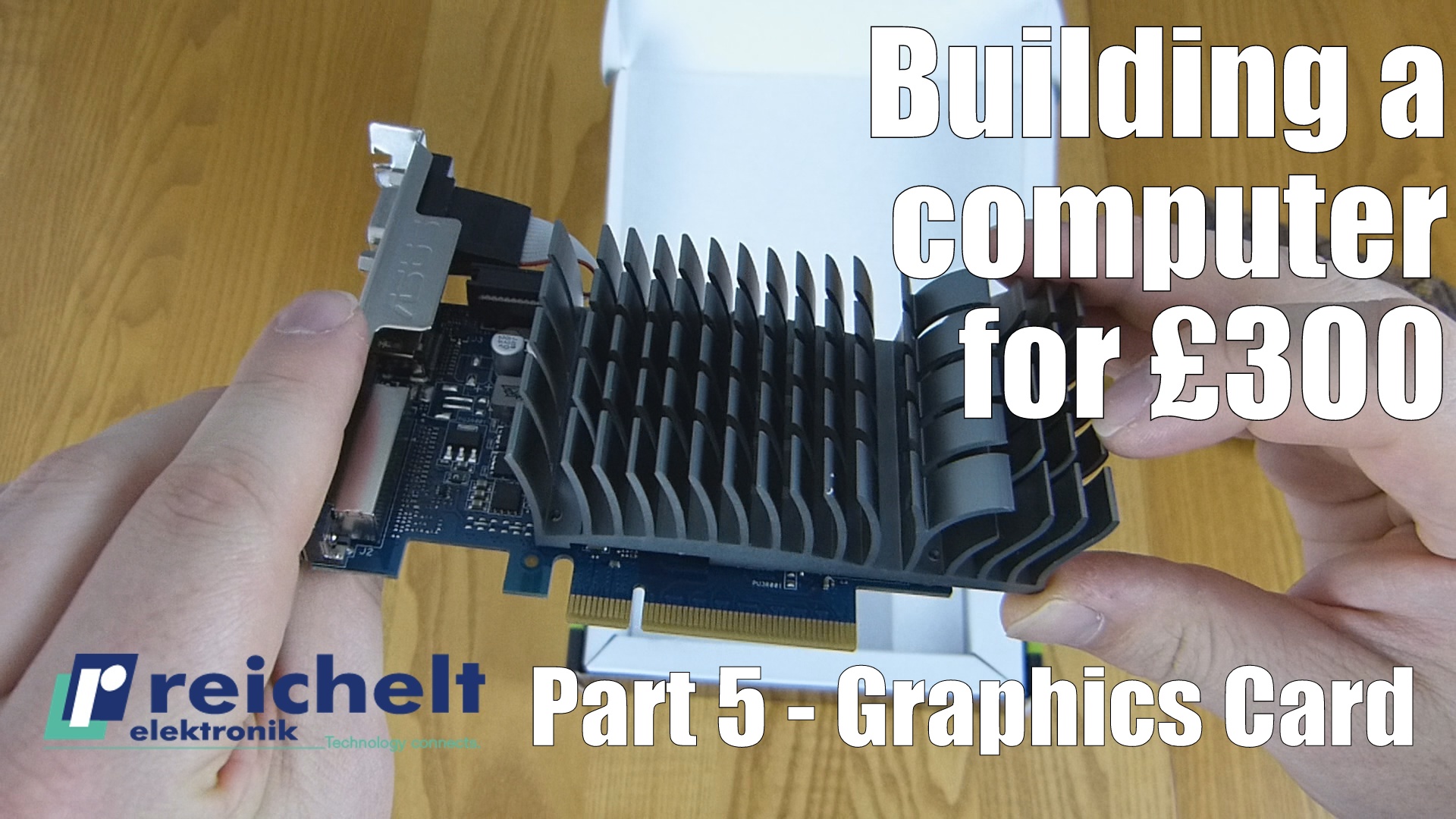 reichelt have sponsored a challenge to build a computer for £300. With a budget of only £300 I have to source the best bits of computer equipment for a main central processor unit (CPU) to build the most competent computer I can.
In part five, we pick a graphics card. The Asus GT730 is a low-end passive card designed for silence and costing only £55.17 incl. VAT.
GT 730 is the fantastic new graphics card from ASUS. Engineered with a highly-efficient 0 dB thermal design, it dissipates heat in complete silence — making ASUS GT 730 the perfect choice for your slimline home-theatre PC (HTPC) build. Advanced EMI shielding reduces electromagnetic interference by up to 66% for a stable signal, pin-sharp images and safer and healthier computing. Users who love to customise can enjoy the integrated GPU Tweak software, enabling them to control video memory, voltages and cooling fans and even stream live gameplay in real time!
Details:
• Chip: GK208-301-A1 “Kepler”
• Chip clock: 902 MHz, boost: N/A
• Memory: 2GB DDR3, 900 MHz, 64 bit, 14.4 GB/s
• Shader units/TMUs/ROPs: 384/16/8
• Processing power: 693GFLOPS (single), 58GFLOPS (double)
• Process technology: 28 nm
• Power consumption: 23 W (TDP), not specified (idle)
• DirectX: 11.0
• OpenGL: 4.4
• OpenCL: 1.1
• Shader model: 5.0
• Interface: PCIe 2.0
• Design: Dual-slot
• Cooling: passive
• Connections: VGA, DVI, HDMI
• External power supply: N/A
• Dimensions: 137 x 69 x 30 mm
• Special features: low profile
Hit the subscribe button as tomorrow we will be looking at the main board into which this processor slots.
Check out reichelt.co.uk, an online electronics retailer…many products up to 20% cheaper than elsewhere in the UK!

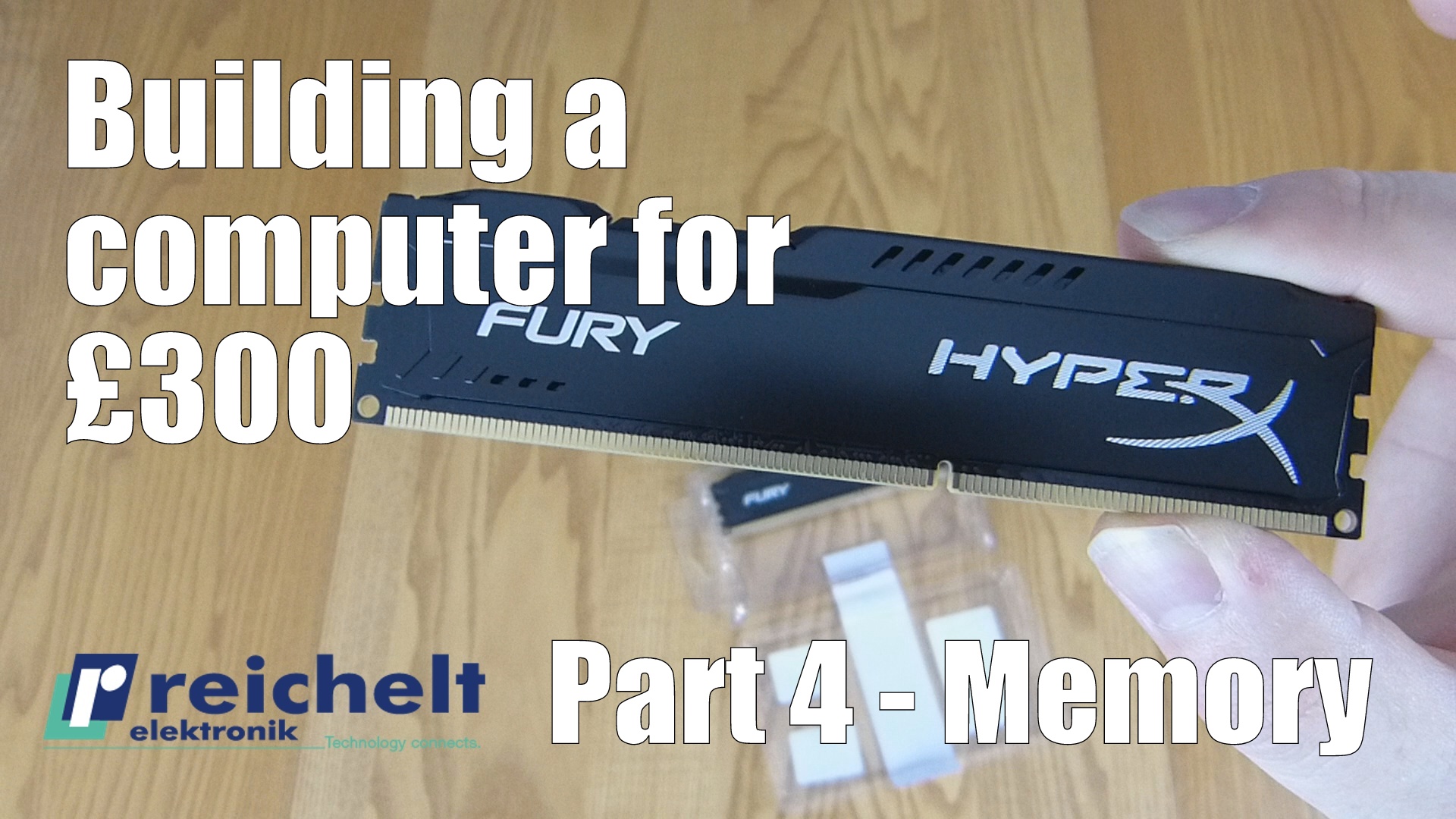 reichelt have sponsored a challenge to build a computer for £300. With a budget of only £300 I have to source the best bits of computer equipment for a main central processor unit (CPU) to build the most competent computer I can.
In part four, we look at the Memory. The Kingston HyperX FURY schwarz Kit 8GB, DDR3-1333 costing £54.41 incl. VAT. Great memory, that takes the pain out of picking the correct clock speed for your motherboard. This stuff overclocks itself to match up with the frequency of the board.
Score with the HyperX FURY. Fury recognises its host platform automatically and overclocked and automatically overclocks to the highest specified frequency of up to 1866 MHz1. This gives you power for your next punch and lets even beginners get up to speed.
The FURY’s asymmetric heat sink makes it stand out from standard designs. It is available in the colours black, blue, red and, for the first time in HyperX history, white with a black PCB. Now, you can show off your stylish equipment at a really reasonable price. Fury is 100% tested, LAN-capable and comes with a lifetime warranty and free technical support.
Details:
• Modules: 2x 4GB
• DDR3 DIMM 240-pin
• 1333 MHz
• JEDEC: PC3-10667U
• Non-ECC
• CL9
• Voltage: 1.50V
• Unbuffered
Hit the subscribe button as tomorrow we will be looking at the main board into which this processor slots.
Check out reichelt.co.uk, an online electronics retailer…many products up to 20% cheaper than elsewhere in the UK!

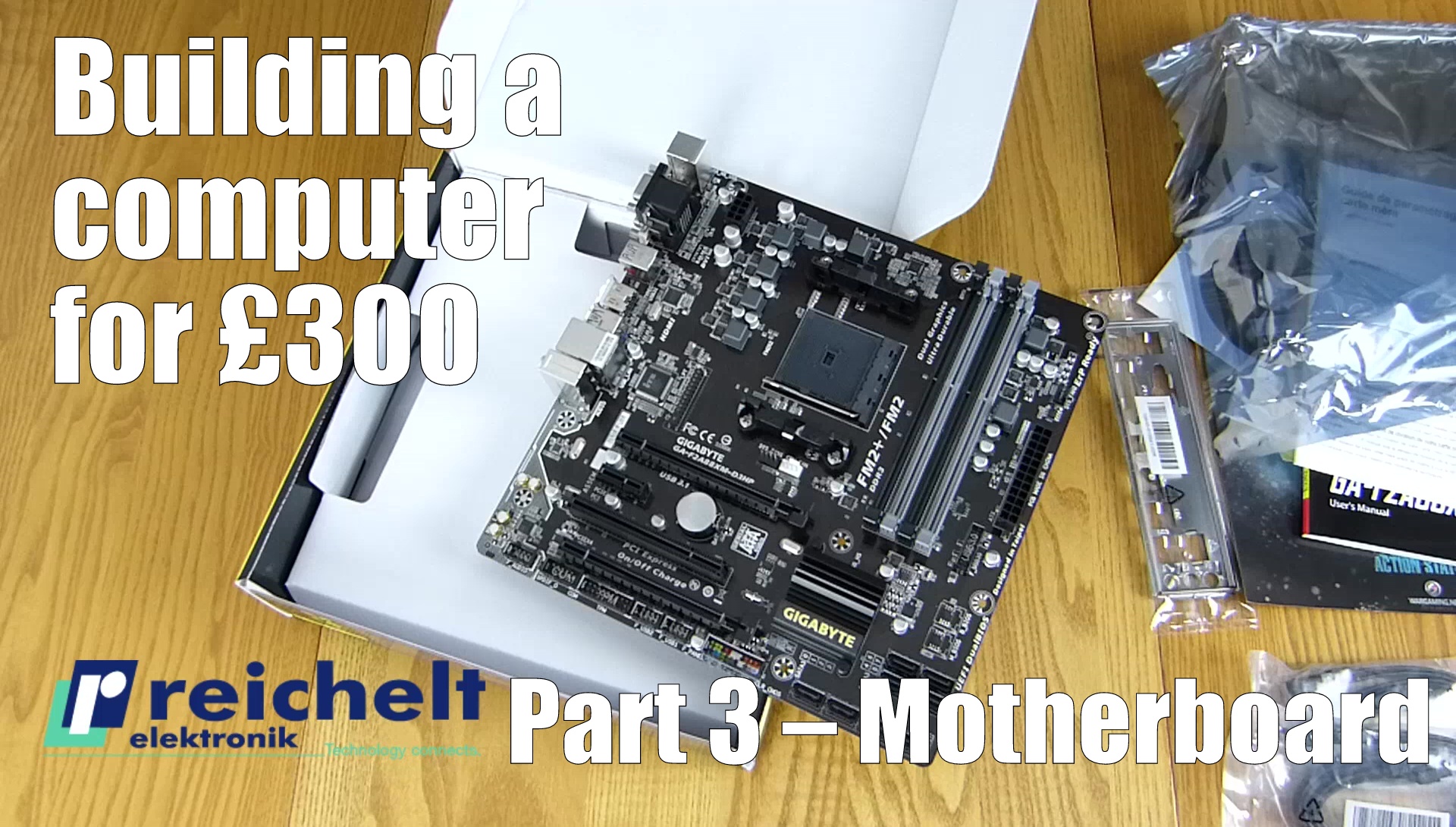
reichelt have sponsored a challenge to build a computer for £300. With a budget of only £300 I have to source the best bits of computer equipment for a main central processor unit (CPU) to build the most competent computer I can. There’s also some sort of rf material for PCB that may be able to help improve the networking capability of the motherboard, so that might be a good addition.
Part three, we look at the Motherboard. A Gigabyte GA-F2A88XM-D3HP costing £54.15 incl. VAT. A fine motherboard with some of the newest tech, specifically a USB 3.1 type-C connector! The AMD features the following:
The GIGABYTE GA-F2A88XM-D3HP is based on the AMD-A88X chipset and supports AMD APUs with integrated graphics. It has four DIMM slots and supports up to 64 GB of DDR3 RAM in dual-channel operation. Depending on the APU, the µATX mainboard GA-F2A88XM-D3HP provides high-performance graphics with DVI, HDMI and VGA connections. Other features of the GA-F2A88XM-D3HP include a Gigabit LAN connection with Realtek chipset, an 8-channel sound chip (Realtek ALC887), eight SATA3 connectors, two USB 3.0 type-A ports plus a USB 3.1 type-C port and a USB-3.1 type-A port.
Details:
-
- Chipset: AMD A88X
- Memory: 4x DDR3 DIMM, dual PC3-19200U/DDR3-2400 (OC), max. 64 GB (UDIMM)
- Expansion slots: 1x PCIe 3.0 x16, 1x PCIe 2.0 x16 (x4), 1x PCIe 2.0 x1, 1x PCI
- External ports: 1x VGA, 1x DVI-D, 1x HDMI, 2x USB 3.1 (type A + type C, ASM1142), 2x USB 3.0, 4x USB 2.0, 1x Gb LAN (Realtek), 3x jacks, 1x PS/2 combo
- Internal ports: 2x USB 3.0, 4x USB 2.0, 8x SATA 6 Gb/s (A88X), 1x CPU 4-pin fan, 2x 4-pin fan, 1x serial, 1x parallel, TPM header
- Audio: 7.1 (Realtek ALC887)
- RAID level: 0/1/5/10 (A88X)
- Multi-GPU: AMD 2-Way CrossFireX (x16/x4)
- Power connections: 1x 24-pin ATX, 1x 8-pin EPS12V
- CPU phases: 6
- Graphics: IGP (via CPU/APU)
- Special features: µATX, all solid capacitors
Hit the subscribe button as tomorrow we will be looking at the main board into which this processor slots.
Check out reichelt.co.uk, an online electronics retailer…many products up to 20% cheaper than elsewhere in the UK!
Connect
Connect with us on the following social media platforms.