
Archive for April 1st, 2015

 Gareth, Jay and Phil fancy a chat about home security alongside some of the latest news in the world of mobile technology.
Featuring Gareth, Jay, Phil
Email us: [email protected] Tel: 0208 123 3757
Show notes
UK SIM free is most expensive in Europe… apparently
Sony Xperia Z4’s specs may have been revealed in benchmark test
Tidal relaunch with Jay Z and crew….
Huawei found to be ok by UK government
Bargain Basement
Hudl 2 – reduced to £99 (was £129.99) @ Tesco
HTC Desire 510 4g Mobile Phone £79.99 @ 02
Honor 6 £200.00 £191.66 @ Clove
Motorola Moto 360 Smart Watch – Android Wear – Grey Leather – Grade A £125.00 @ Ebay
ZTE White 5 Inch Quad Core Android Blade L2 Sim Free Smartphone £53.40
Honor 4X 4G 5.5-Inch 8 GB Dual SIM-Free Smartphone £144.99
Email us: [email protected] Tel: 0208 123 3757
Gareth Myles – @garethmyles
Jay Garrett – @JayGarrett
Dan Carter – @mobilemandan
Matt and Tracy Davis – @tracyandmatt
Phil Lain – @low405

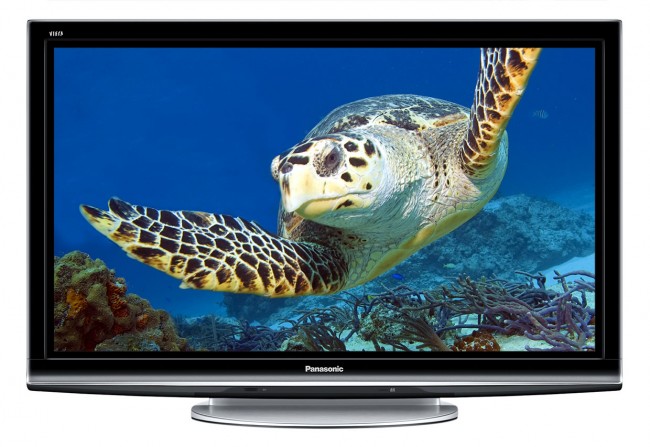 When considering buying a TV, most people only think of two factors: size and cost. To get a TV that is worth your money, you must look at other important aspects. The level of complexity compounded by the ever-changing technology makes it hard to differentiate a great TV from a poor one; to the eye, they all look the same. For more info here on how to make the best choice, you can explore detailed guides and expert reviews.
Source: www.gadgetreview.com
Here are some of the important aspects you should consider before buying a TV.
Finance:
When it comes to buying the TV you may have to consider a tv on finance option. Many online stores now allow you to buy now and pay later or spread the cost over several months. Some even allow you up to 12 months interest free credit.
Display type:
The different display types available include LCD, LED, OLED, and plasma. Plasma display is ideal for relatively big TVs as they tend to have higher contrast ratio and excellent color quality. The problem with plasma TVs is low brightness which makes them prone to ambient light. LCD TVs are cheap and are more energy efficient than plasmas however, they have limited viewing angles. LED TVs are just LCD TVs that uses LEDs as a backlight and are more energy efficient compared to LCD TVs. OLED TVs feature one of the latest technologies to offer a more superior picture quality though they still get affected with glare.
Colour Depth:
This is the ability of the TV to reproduce more realistic images that are satisfying to the human eye. For a real bargain-priced TV, the bit depth should be “8 bits per channel’’ or more. TVs with a low colour depth give images that look exaggerated.
Inputs:
Most TVs comes with most essential inputs such as the coaxial F connector. But if you are planning on watching HD content, you should always choose one with a HDMI input. The higher the number of inputs, the better as you get many options to choose from. You can even enjoy old school movies from your old video recorder. HDCP input technology allows you to watch content from Blu-ray players.
Manufacturer:
A TV can range in price massively depending solely on the brand name. Checking out customer reviews of the model you’re looking to buy is a great way of determining if you’re money is best spent elsewhere. There are a lot of new brands on the market offering TV’s for very cheap prices, however, the TV itself may only last a few months!

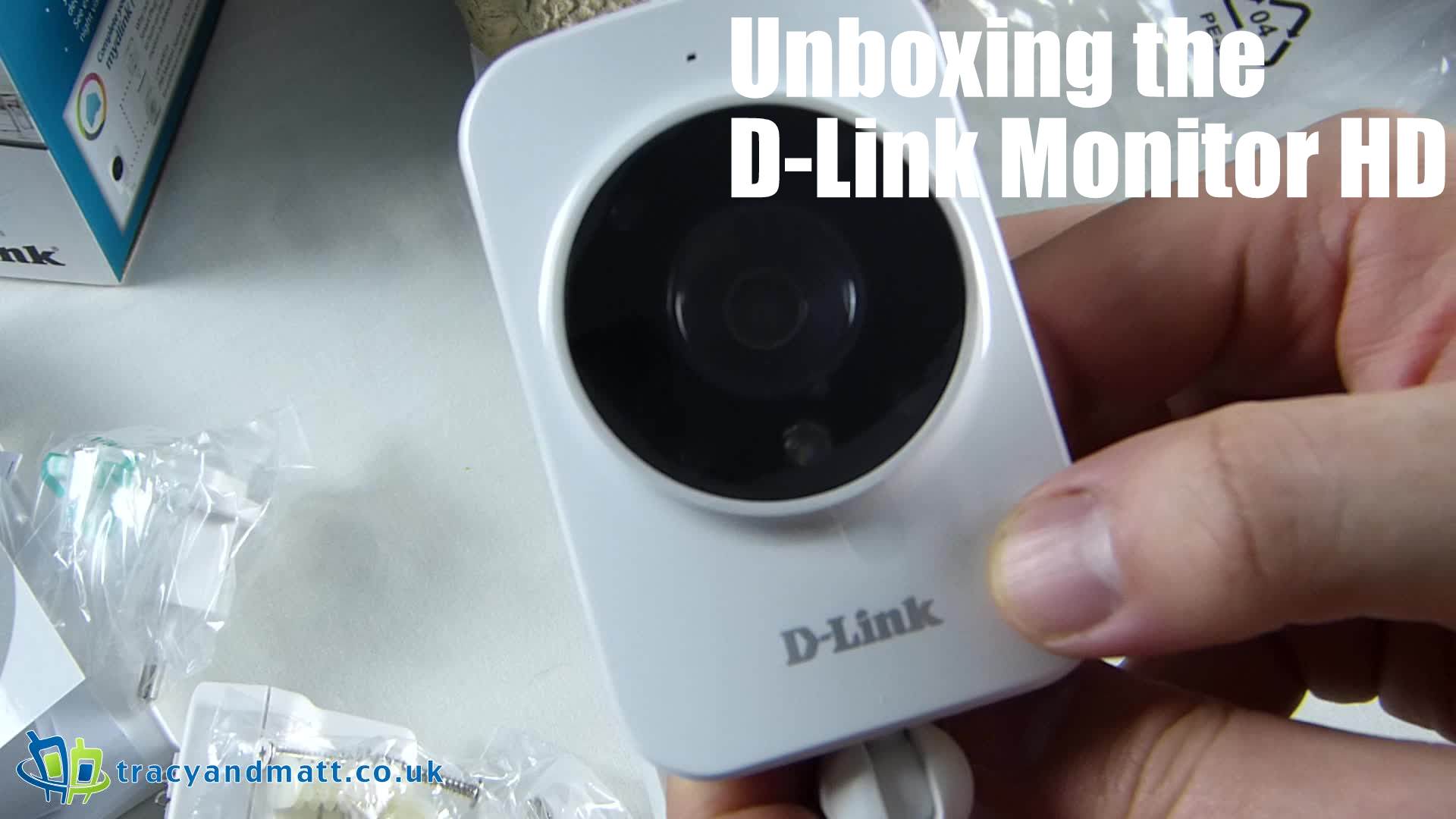 This third and penultimate video in the mydlink Home series features a simple 720p camera for inclusion in the security suite. An attractive, if unremarkable, unit that serves as both a motion and sound detector and allows the user to live stream video to their mobile device.
You can see the first part here, the D-Link Smartplug Unboxing and the second part here, the D-Link Wi-Fi Motion Sensor.

 Finding new ways to put aside a bit of extra cash is not easy, so first direct has created a unique way to help its customers get in to the savings habit. The new #@&? Jar app allows people to put money aside for a rainy day, without changing their day to day behaviour.
The new app has been designed to ‘hear’ all the user’s swear words, automatically transferring money from their linked current account into their designated saving account.
Innovative voice recognition software identifies the user’s voice, so they only put money aside for their swearing slip-ups. The app then simply listens out for the user to say one of the words from a list of over 200 profanities such as ******, ******** and **********, helping them reach their savings goal in no time.
If users find their choice language is costing them too dearly, they can adjust the settings to add or remove certain words and set time limits for when the app will ‘listen’ to their language.
Zoe Shore, Head of Customer Communications at first direct commented;
“We’re always looking for new ways to engage our more mobile-savvy customers.
“Given the increased propensity for swearing these days, it seemed a perfect way to achieve something positive from what many consider to be negative. I for one think it’s a great way to get in to a savings habit.”
Look out for further announcements of when trials will begin. Put your money where your mouth is the new #@&? Jar app is set to revolutionise saving!
Connect
Connect with us on the following social media platforms.